EasyManua.ls Logo

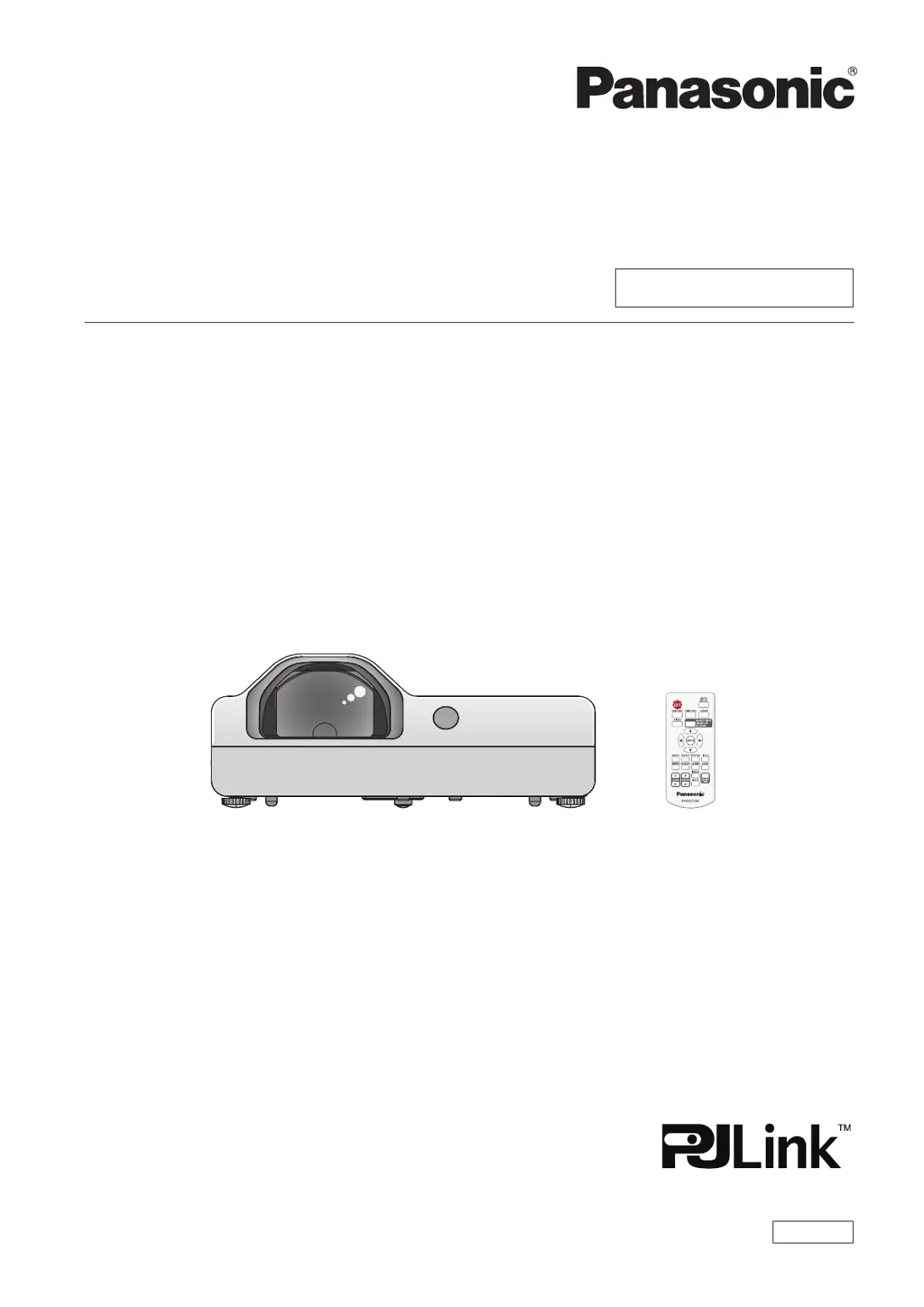
Panasonic PT-TX320 - User Manual

Panasonic PT-TX320
111 pages
Print Icon
To Next Page IconTo Next Page
Loading...
Operating Instructions
Functional Manual
LCD Projector
Commercial Use
Thank you for purchasing this Panasonic Product.
This manual is intended for products manufactured from Aug. 2018 and beyond.
Before operating this product, please read the instructions carefully, and save this manual for
future use.
Before using your projector, be sure to read “Read this rst!” (x pages 4 to 11).
Model No.

PT-TW350
PT-TX410
PT-TX320
ENGLISH
DPQP1128ZC/X1

Table of Contents

Other manuals for Panasonic PT-TX320

Questions and Answers

  • B
    Brett AndersonSep 22, 2025
    How to get sound from a HDMI device on Panasonic PT-TX320?
    • O
      ochoawendySep 22, 2025
      To get sound output from a HDMI device on your Panasonic Projector, set the sound channel of the attached device to Linear PCM. Alternatively, connect the computer to the terminal through the HDMI-DVI conversion cable, set [Sound] of [HDMI Setup] to [Computer], and then input the analog audio signal to the terminal.
  • J
    Joseph ValdezAug 23, 2025
    Why Panasonic Projector power does not turn on?
    • T
      Theresa ShafferAug 23, 2025
      If your Panasonic Projector isn't powering on, several factors could be at play. First, ensure the power cord is securely connected to both the projector and the wall outlet. Verify that the wall outlet has electric supply and that the circuit breakers haven't tripped; reset them if necessary. Check if the power indicator or the warning indicator is lit or blinking, as this indicates the projector's status. Lastly, make sure the lamp cover is securely installed, as the projector might not power on if it's loose.
  • T
    Tony BerryAug 25, 2025
    Why no picture appears on Panasonic PT-TX320 Projector?
    • S
      Steven JohnsonAug 26, 2025
      If your Panasonic Projector displays no picture, several things could be wrong. First, check that the video signal input source is properly connected to the correct terminal. Ensure the input selection setting is correct. Adjust the [Brightness] setting, as it may be at its minimum. Verify that the input source connected to the projector is working correctly. Also, the AV mute function may be enabled, so disable it to see if the picture returns.
  • D
    David FigueroaAug 27, 2025
    What to do if there is no picture on my Panasonic PT-TX320 Projector?
    • W
      William GeorgeAug 27, 2025
      If your Panasonic Projector is not displaying a picture, try the following: * Ensure the video signal input source is properly connected to the correct terminal. * Verify that the input selection setting is correct. * Adjust the [Brightness] setting to ensure it's not at the minimum. * Check the connected input source for any issues. * Disable the AV mute function if it's enabled.
  • L
    Lauren BaileyAug 27, 2025
    Why is my Panasonic PT-TX320 Projector remote control not working?
    • D
      Derrick FrederickAug 27, 2025
      If the remote control for your Panasonic Projector isn't working, consider these potential solutions: * Replace the batteries. * Ensure the batteries are inserted correctly. * Clear any obstructions blocking the signal receptor on the projector. * Make sure the remote control is within the operational range. * Avoid strong light shining onto the signal receptor. * Check and enable the remote control in the [Key lock] setting if it is disabled. * Ensure the codes on the projector and remote control match.
  • A
    Andrea WebbSep 18, 2025
    Why is the color pale or grayish on Panasonic Projector?
    • J
      Judith JonesSep 18, 2025
      If the color on your Panasonic Projector appears pale or grayish, the issue might stem from a few sources. Start by adjusting the [Color] or [Tint] settings. If that doesn't resolve the problem, check the adjustments of the input source connected to the projector. Finally, if you're using an RGB cable, it may be damaged and need replacement.
  • C
    Christine MartinezSep 15, 2025
    How to fix no sound output from a HDMI device on a Panasonic PT-TX320?
    • S
      Sarah PollardSep 15, 2025
      If there is no sound output from a HDMI device connected to your Panasonic Projector: * Change the sound channel to Linear PCM. * Connect using an HDMI-DVI conversion cable and adjust the sound settings appropriately.
  • G
    gutierrezthomasSep 16, 2025
    Why is there no sound from the internal speaker of Panasonic PT-TX320?
    • B
      Brent SanchezSep 16, 2025
      If there's no sound coming from the internal speaker of your Panasonic Projector, here's what to check: First, ensure the input terminals are correctly connected. Increase the volume, as it may be set to the minimum. Turn off the AV mute function, as it may be enabled. If something is plugged into the VARIABLE AUDIO OUT, unplug it, as this disables the built-in speaker. Finally, deactivate the Mute function, as it may be turned on.
  • M
    Monica TaylorSep 6, 2025
    What to do if Panasonic PT-TX320 Projector control buttons do not operate?
    • A
      andresdennisSep 7, 2025
      If the control buttons on your Panasonic Projector aren't working, check the [Key lock] setting in the [Setting] menu. Ensure that the operation of the control panel is enabled.
  • D
    Dennis HarrisSep 3, 2025
    What to do if picture from a HDMI device does not appear or is not stable on Panasonic PT-TX320 Projector?
    • R
      Rachel WilsonSep 3, 2025
      If you're experiencing issues with the picture from an HDMI device on your Panasonic Projector, start by checking that the HDMI cable is securely connected. If the problem persists, try turning off the power to both the projector and the connected devices, then turn them back on. Finally, ensure that you are using a supported signal cable.

Panasonic PT-TX320 Specifications

General IconGeneral
Brightness3200 ANSI Lumens
ResolutionXGA (1024 x 768)
Display Technology3LCD
Noise Level29 dB (Eco mode)
Power Consumption (Eco)220 W
Lamp Life (Normal)4000 hours
Keystone CorrectionVertical: ±30°
Input TerminalsHDMI, VGA, Composite Video, S-Video
Output TerminalsVGA, Audio

Related product manuals