EasyManua.ls Logo

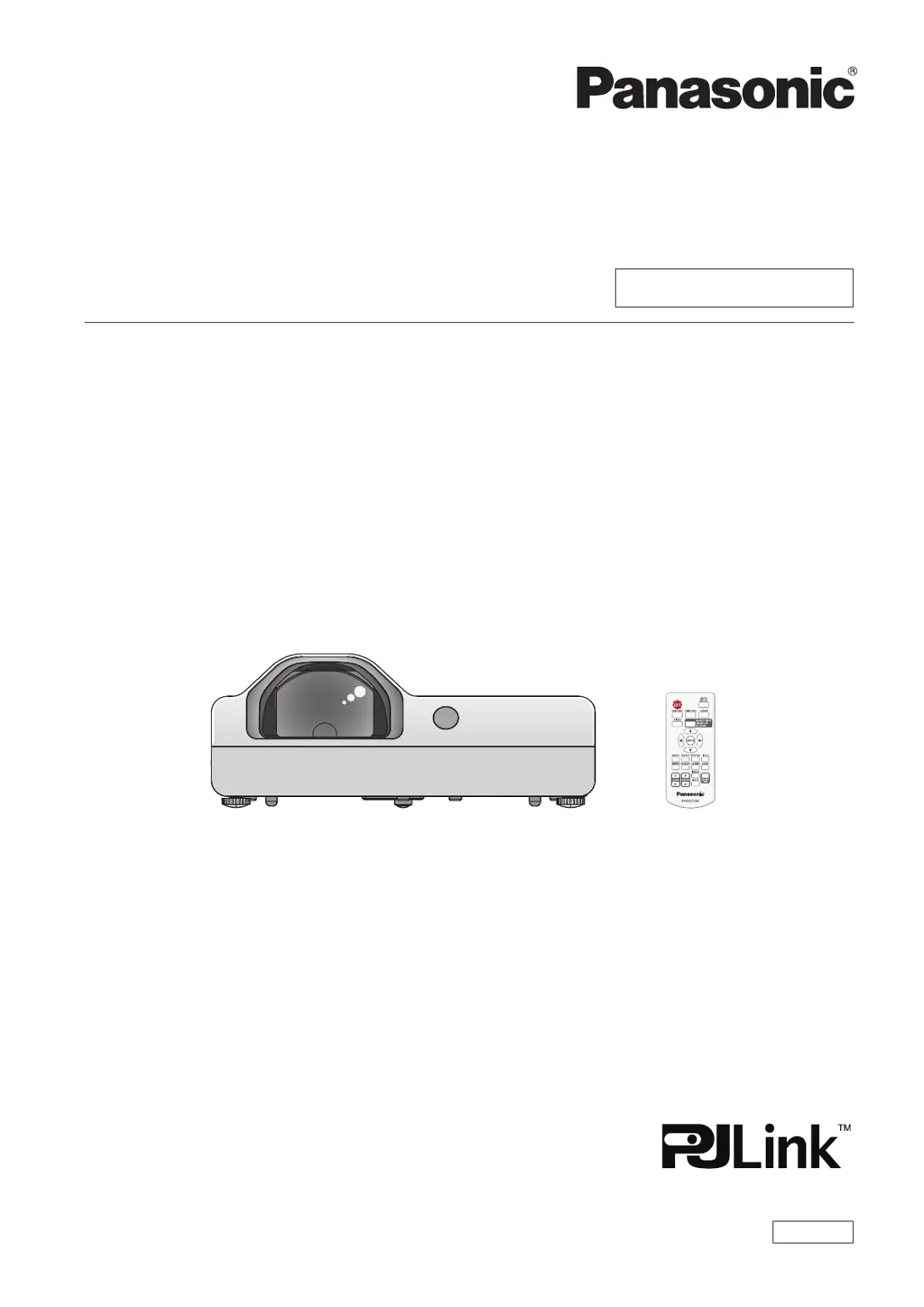
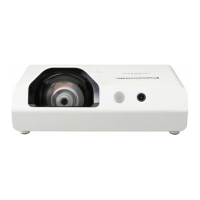
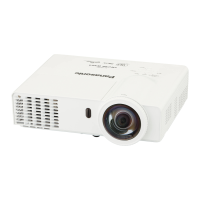
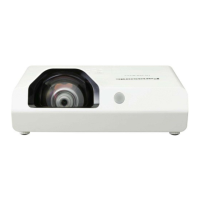
Panasonic PT-TX320 - User Manual

Panasonic PT-TX320
111 pages
Print Icon
To Next Page IconTo Next Page
Loading...
Operating Instructions
Functional Manual
LCD Projector
Commercial Use
Thank you for purchasing this Panasonic Product.
This manual is intended for products manufactured from Aug. 2018 and beyond.
Before operating this product, please read the instructions carefully, and save this manual for
future use.
Before using your projector, be sure to read “Read this rst!” (x pages 4 to 11).
Model No.

PT-TW350
PT-TX410
PT-TX320
ENGLISH
DPQP1128ZC/X1

Table of Contents

Other manuals for Panasonic PT-TX320

Questions and Answers

  • M
    Monica TaylorSep 6, 2025
    What to do if Panasonic PT-TX320 Projector control buttons do not operate?
    • A
      andresdennisSep 7, 2025
      If the control buttons on your Panasonic Projector aren't working, check the [Key lock] setting in the [Setting] menu. Ensure that the operation of the control panel is enabled.
  • N
    Nathan TravisAug 22, 2025
    How to fix a Panasonic PT-TX320 Projector that won't turn on?
    • S
      Shelby ChapmanAug 22, 2025
      If your Panasonic Projector isn't turning on, there are several things you can check: * Make sure the power cord is securely connected. * Verify that the wall outlet has power. * Reset any tripped circuit breakers. * Check the power indicator light. * Ensure the lamp cover is securely installed.
  • D
    Dennis HarrisSep 3, 2025
    What to do if picture from a HDMI device does not appear or is not stable on Panasonic PT-TX320 Projector?
    • R
      Rachel WilsonSep 3, 2025
      If you're experiencing issues with the picture from an HDMI device on your Panasonic Projector, start by checking that the HDMI cable is securely connected. If the problem persists, try turning off the power to both the projector and the connected devices, then turn them back on. Finally, ensure that you are using a supported signal cable.
  • M
    Mr. Michael NealSep 2, 2025
    What to do if Panasonic PT-TX320 remote control does not operate?
    • V
      vjonesSep 2, 2025
      If the remote control for your Panasonic Projector isn't working, try these steps: * First, replace the batteries, ensuring they are inserted correctly. * Then, make sure there are no obstructions blocking the signal receptor on the projector. * Verify that you're within the remote control's operational range and that strong light isn't interfering with the signal receptor. * Check the [Key lock] setting in the [Setting] menu to ensure the remote control operation is enabled. * Lastly, confirm that the codes set on the projector and the remote control match.
  • G
    Gary AndersonAug 31, 2025
    What to do if the picture from a HDMI device does not appear on Panasonic Projector?
    • M
      Michael RodriguezAug 31, 2025
      If the picture from a HDMI device does not appear, or is unstable on your Panasonic Projector, try the following: * Ensure the HDMI cable is securely connected. * Power cycle the projector and connected devices by turning them off and then back on. * Ensure only supported signal cables are connected.
  • J
    James SheltonAug 30, 2025
    What to do if the picture does not display correctly on Panasonic Projector?
    • N
      Nicole ManningAug 30, 2025
      If the picture on your Panasonic Projector is not displaying correctly, consider these potential solutions: * Check the VCR or other signal sources. * Use a compatible signal. * Check the computer output settings.
  • A
    Andrea MartinezAug 29, 2025
    What to do if the Panasonic Projector control buttons do not operate?
    • L
      Lindsay JacksonAug 29, 2025
      If the control buttons on your Panasonic Projector are not working, check if the operation of the control panel is set to disabled in the [Key lock] of the [Setting] menu and enable it.
  • L
    Lauren BaileyAug 27, 2025
    Why is my Panasonic PT-TX320 Projector remote control not working?
    • D
      Derrick FrederickAug 27, 2025
      If the remote control for your Panasonic Projector isn't working, consider these potential solutions: * Replace the batteries. * Ensure the batteries are inserted correctly. * Clear any obstructions blocking the signal receptor on the projector. * Make sure the remote control is within the operational range. * Avoid strong light shining onto the signal receptor. * Check and enable the remote control in the [Key lock] setting if it is disabled. * Ensure the codes on the projector and remote control match.
  • D
    David FigueroaAug 27, 2025
    What to do if there is no picture on my Panasonic PT-TX320 Projector?
    • W
      William GeorgeAug 27, 2025
      If your Panasonic Projector is not displaying a picture, try the following: * Ensure the video signal input source is properly connected to the correct terminal. * Verify that the input selection setting is correct. * Adjust the [Brightness] setting to ensure it's not at the minimum. * Check the connected input source for any issues. * Disable the AV mute function if it's enabled.
  • T
    Tony BerryAug 25, 2025
    Why no picture appears on Panasonic PT-TX320 Projector?
    • S
      Steven JohnsonAug 26, 2025
      If your Panasonic Projector displays no picture, several things could be wrong. First, check that the video signal input source is properly connected to the correct terminal. Ensure the input selection setting is correct. Adjust the [Brightness] setting, as it may be at its minimum. Verify that the input source connected to the projector is working correctly. Also, the AV mute function may be enabled, so disable it to see if the picture returns.

Panasonic PT-TX320 Specifications

General IconGeneral
Brightness3200 ANSI Lumens
ResolutionXGA (1024 x 768)
Display Technology3LCD
Noise Level29 dB (Eco mode)
Power Consumption (Eco)220 W
Lamp Life (Normal)4000 hours
Keystone CorrectionVertical: ±30°
Input TerminalsHDMI, VGA, Composite Video, S-Video
Output TerminalsVGA, Audio

Related product manuals