ENGLISH - 71
[Memory Viewer] menu
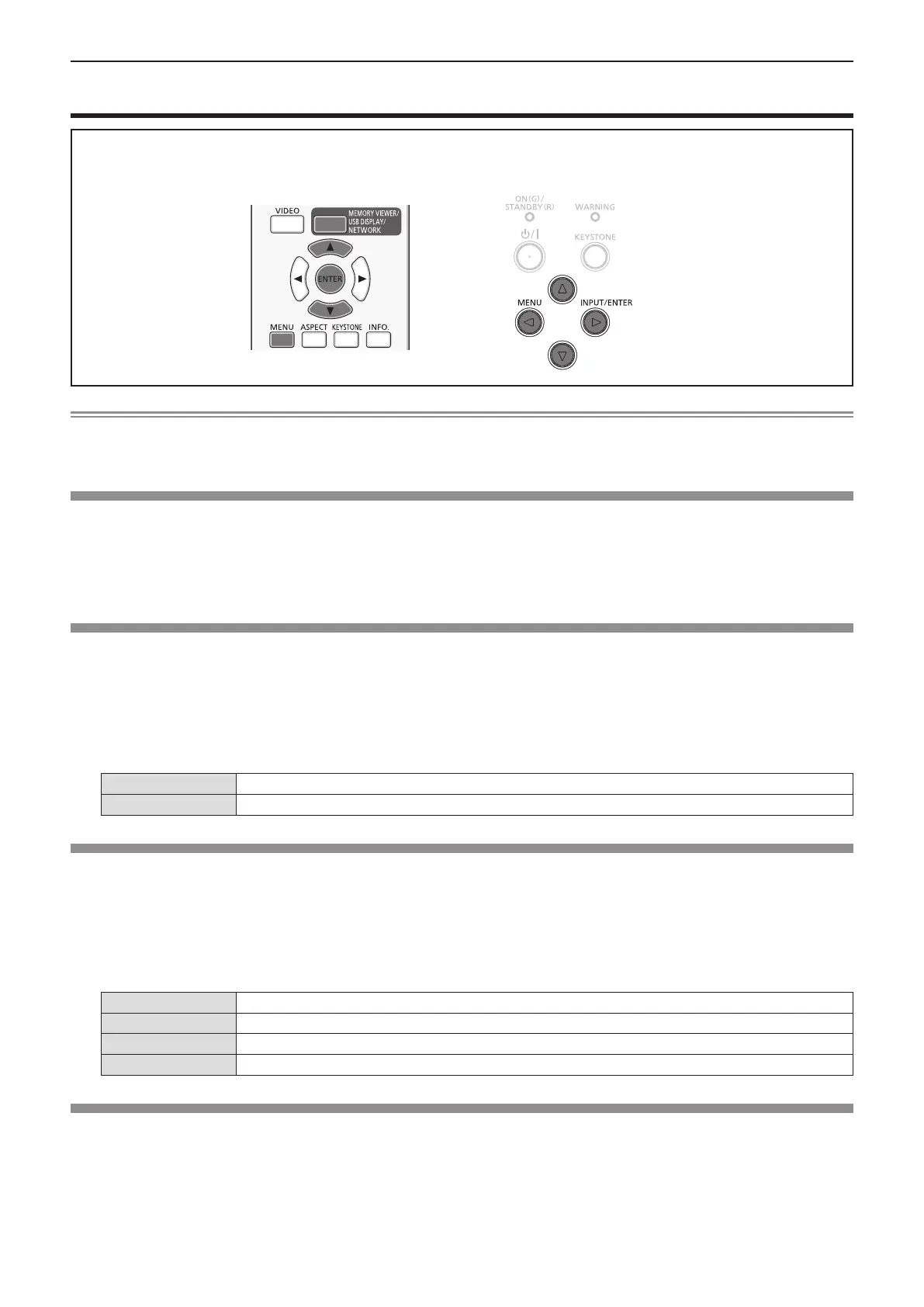
On the menu screen, select [Memory Viewer] from the main menu, and select an item from the sub-menu.
Refer to “Navigating through the menu” (x page 44) for the operation of the menu screen.
fAfter selecting the item, press as to set.
Note
f The [Memory Viewer] menu is available when input the [Memory Viewer] signal.
f The menu except for [Set Slide] which settings have been changed is not yet effective before the [Apply] is not executed.
[Set Slide]
Start the slide show.
1) Press as to select [Set Slide].
2) Press the <ENTER> button.
f Slide show will start.
[Slide Transition Effect]
Set the slide transition effect when the slide show image is switching.
1) Press as to select [Slide Transition Effect].
2) Press the <ENTER> button.
3) Press as to switch the item.
f The items will switch each time you press the button.
[Slide down]
Switches the image from the top to the bottom.
[Slide right]
Switches the image from the left to the right.
[Sort Order]
Set the sort order of the slide show.
1) Press as to select [Sort Order].
2) Press the <ENTER> button.
3) Press as to switch the item.
f The items will switch each time you press the button.
[Extend order]
Sort les or folders in extended order.
[Size order]
Sort les or folders in amount of data order.
[Time order]
Sort les or folders in stored time order.
[Name order]
Sort les or folders in name order.
[Rotate]
Set the rotate direction of image.
1) Press as to select [Rotate].
2) Press the <ENTER> button.
3) Press as to switch the item.
f The items will switch each time you press the button.
Chapter 4 - Settings - [Memory Viewer] menu











 To Next Page