EasyManua.ls Logo

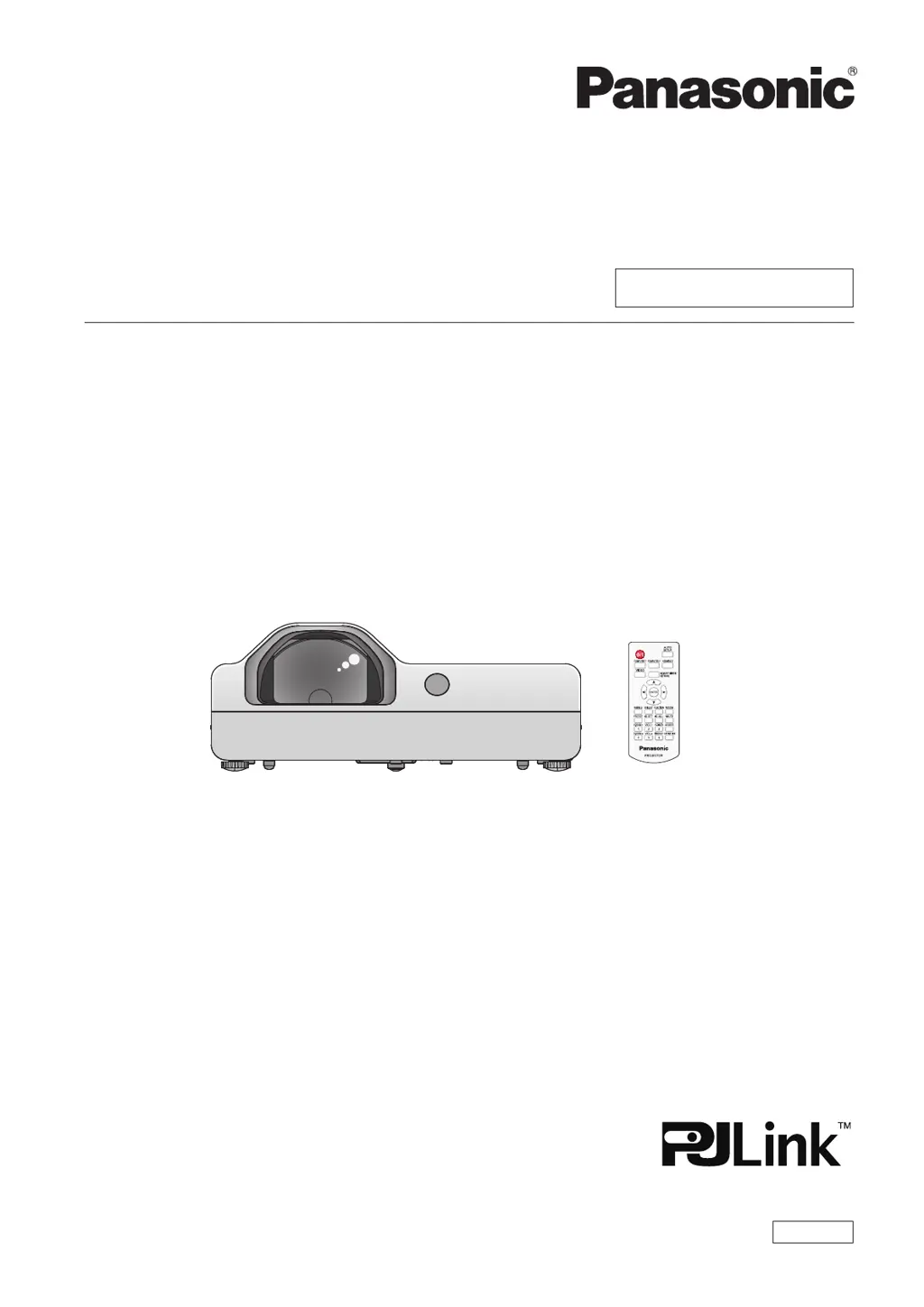
Panasonic PT-TX440 - User Manual

Panasonic PT-TX440
136 pages
Print Icon
To Next Page IconTo Next Page
Loading...
Operating Instructions
Functional Manual
LCD Projector
Commercial Use
Thank you for purchasing this Panasonic product.
This manual is common to all the models regardless of sufxes of the Model No.
f D: for India
f T: for Taiwan
Before operating this product, please read the instructions carefully, and save this manual
for future use.
Before using your projector, be sure to read “Read this rst!” (x pages 4 to 11).
Model No.
PT-TW380
PT-TX440
PT-TX350
ENGLISH
DPQP1324ZA/X1

Table of Contents

Questions and Answers

  • B
    bruce43Aug 16, 2025
    How to fix a Panasonic Projector that does not turn on?
    • J
      Jenna CooleyAug 16, 2025
      If your Panasonic Projector isn't powering on, several things could be the cause. First, make sure the power cord is properly connected to both the projector and a working wall outlet. Check that the wall outlet has electric supply. Also, verify that the circuit breakers haven't tripped and reset them if necessary. Ensure that the lamp cover is securely installed. Finally, check the warning indicator light to see if it's lit or blinking, as this could indicate a specific issue.
  • T
    Tyler GrahamAug 19, 2025
    What to do if no picture appears on Panasonic PT-TX440 Projector?
    • M
      michael84Aug 19, 2025
      If no picture is showing on your Panasonic Projector, start by checking that the video signal input source is correctly connected to the appropriate terminal. Ensure that the input selection setting on the projector is correct. Adjust the [BRIGHTNESS] setting, as it may be at its minimum. Verify that the input source connected to the projector is working correctly. Finally, confirm that the AV mute function is turned off.
  • V
    Veronica EvansAug 22, 2025
    Why is the Panasonic PT-TX440 Projector remote control not operating?
    • C
      Christopher CochranAug 22, 2025
      If the remote control for your Panasonic Projector isn't working, first replace the batteries, ensuring they are inserted correctly. Remove any obstructions between the remote and the projector's signal receptor. Make sure you're within the remote's operational range. Avoid strong light shining onto the signal receptor. Check that the [REMOTE CONTROLLER] setting is set to [ENABLE] in [CONTROL DEVICE SETUP]. Lastly, ensure the same code is set on both the projector and remote control.
  • P
    paige77Aug 25, 2025
    What to do if Panasonic PT-TX440 Projector picture does not display correctly?
    • C
      Christopher JacksonAug 26, 2025
      If the picture on your Panasonic Projector isn't displaying correctly, ensure that the [TV-SYSTEM] and [RGB/YC C ]/[RGB/YP P ] selections are set correctly. Check the VCR or other signal source for problems. Make sure you're inputting a signal that's compatible with the projector. Also, verify that the computer output settings are correct.
  • J
    Jack BakerAug 27, 2025
    Why picture from computer does not appear on Panasonic Projector?
    • A
      amymcclainAug 27, 2025
      If you're not getting a picture from your computer on the Panasonic Projector, and you're using a D-Sub cable, make sure the cable is 10 m (32'10") or shorter. If it's too long, use a shorter cable. Also, ensure that the external video output on your laptop computer is set correctly.
  • J
    Jessica LewisAug 30, 2025
    How to fix a fuzzy picture on a Panasonic Projector?
    • T
      Tammy ParkerAug 30, 2025
      If the picture on your Panasonic Projector is fuzzy, try adjusting the lens focus. If that doesn't help, clean the lens. Also, adjust the projector's position relative to the screen to ensure it's set properly.
  • R
    richardscatherineSep 2, 2025
    Why is there no sound from the internal speaker of my Panasonic PT-TX440 Projector?
    • J
      James MurphySep 2, 2025
      If you're not getting any sound from the internal speaker of your Panasonic Projector, first ensure the external device is correctly connected to the audio input terminal. Increase the volume, as it may be set to the minimum. Make sure the AV mute and the Mute functions are turned off. If something is plugged into the VARIABLE AUDIO OUT, unplug it to enable the built-in speaker. Finally, verify that the audio input selection in [AUDIO SETTING] is set correctly.
  • A
    Alex MuellerSep 4, 2025
    What to do if HDMI picture is unstable on Panasonic PT-TX440 Projector?
    • J
      Jennifer WoodardSep 5, 2025
      If the picture from your HDMI device isn't appearing or is unstable on your Panasonic Projector, check that the HDMI cable is securely connected. Try turning off the power of both the projector and the connected devices, then turn them back on. Also, ensure you are only using supported signal cables.
  • J
    joseph86Sep 7, 2025
    Why does the Panasonic Projector display color pale or grayish?
    • G
      Glenn ClarkSep 7, 2025
      If the color on your Panasonic Projector appears pale or grayish, check and adjust the [COLOR] or [TINT] settings. Ensure the connected input source is properly adjusted. If you're using an RGB signal cable, replace it if it's damaged.
  • D
    Dustin NguyenSep 10, 2025
    Why is there no sound from HDMI device on Panasonic PT-TX440 Projector?
    • M
      Mr. Phillip MurphySep 10, 2025
      If there's no sound output from your HDMI device on the Panasonic Projector, change the sound channel of the attached device to Linear PCM. Also, check the audio input selection in [AUDIO SETTING].

Panasonic PT-TX440 Specifications

General IconGeneral
BrandPanasonic
ModelPT-TX440
CategoryProjector
LanguageEnglish

Related product manuals