EasyManua.ls Logo

Panasonic PT-TW230U - User Manual

Panasonic PT-TW230U
105 pages
Print Icon
To Next Page IconTo Next Page
Loading...
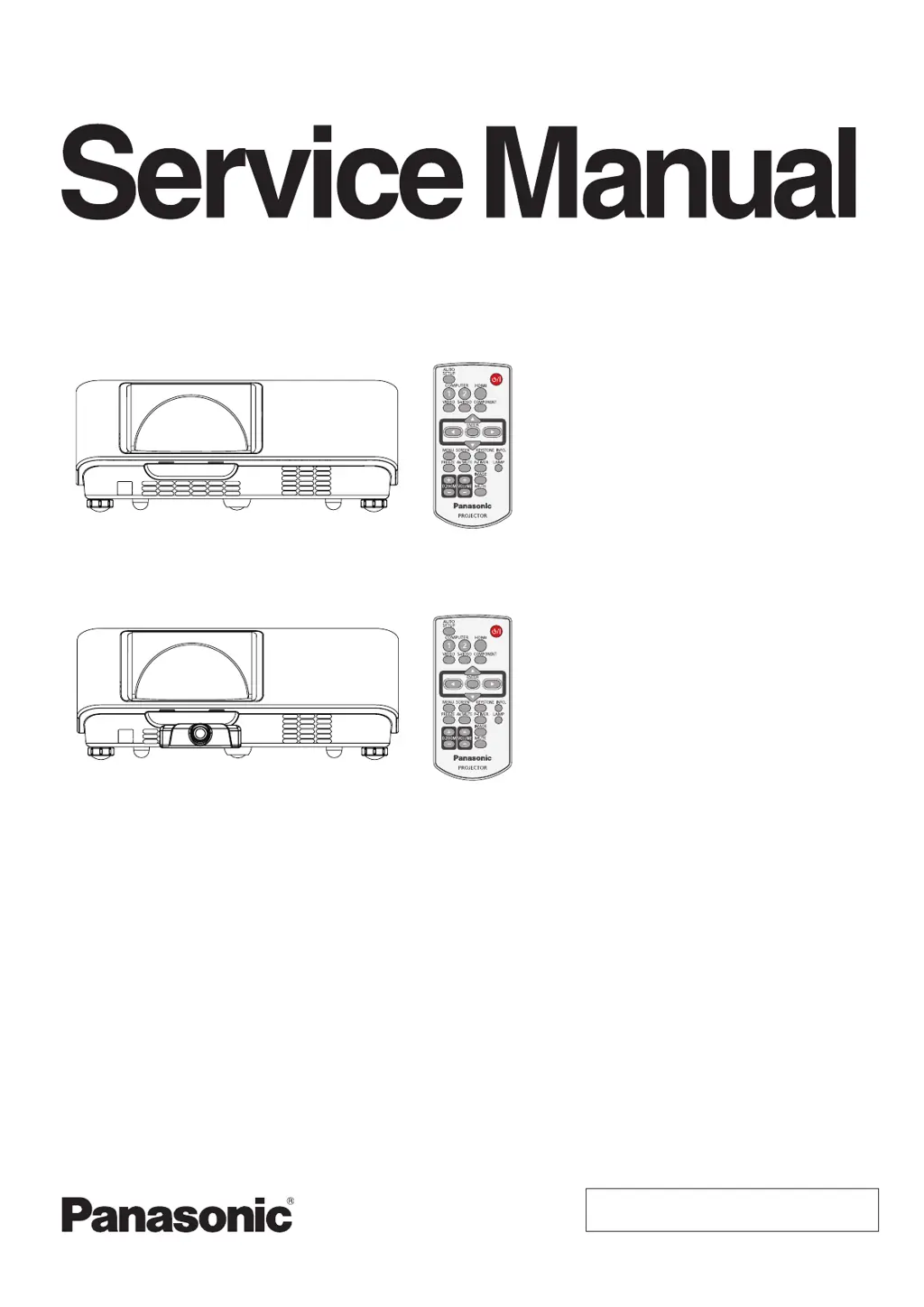
Model No. PT-TW230U
PT-TW230E
PT-TW230EA
PT-TW231RU
PT-TW231RE
PT-TW231REA
© Panasonic Corporation 2012. Unauthorized
copying and distribution is a violation of law.
LCD Projector
D10
ORDER NO. VED1203417CE
PT-TW230
PT-TW231R
* Model PT-TW231R has an interactive module on the cabinet front.
The illustrations in this manual are used for the model PT-TW230.

Table of Contents

Questions and Answers

  • R
    Rachel KimAug 18, 2025
    Why Panasonic Projector power does not turn on?
    • C
      Craig CaldwellAug 18, 2025
      The Panasonic Projector may not be turning on due to several reasons. First, ensure the power cord is properly connected to both the projector and the wall outlet. Check that the wall outlet has electric supply and that the circuit breakers have not tripped; if they have, reset them. Also, check the indicators on the projector for any alerts. Lastly, make sure the lamp cover is securely installed.
  • S
    stevensontinaAug 20, 2025
    What to do if the WARNING indicator light is red on my Panasonic Projector?
    • A
      Amy ArmstrongAug 20, 2025
      If the WARNING indicator light is red on your Panasonic Projector, it indicates an abnormal condition preventing the projector from turning on. To resolve this, unplug the AC power cord and then plug it back in to attempt to restart the projector.
  • M
    marilyn64Aug 23, 2025
    What to do if WARNING indicator persists to light or blink on Panasonic PT-TW230U?
    • R
      Roberta FitzpatrickAug 23, 2025
      Do not leave the projector on if the WARNING indicator continues to light or blink. This could cause an electric shock or a fire hazard.
  • J
    Jamie HensonAug 26, 2025
    What to do if Panasonic PT-TW230U Projector has no picture?
    • R
      Ralph McculloughAug 26, 2025
      If your Panasonic Projector displays no picture, several factors could be the cause. First, verify that the video signal input source is correctly connected to the appropriate terminal. Next, check the input selection setting on the projector to ensure it matches the input source. Also, adjust the [Brightness] setting to ensure it is not at its minimum. Check the connected input source for any issues. Finally, disable the [AV mute] function if it is enabled.
  • T
    Tracey DavisAug 28, 2025
    What to do if the remote control does not operate with Panasonic PT-TW230U?
    • J
      jessica21Aug 28, 2025
      If the remote control isn't working with your Panasonic Projector, consider these steps: * Replace the batteries, as they may be weak. * Ensure the batteries are inserted correctly. * Remove any obstructions from the signal receptor on the projector. * Move closer to the projector, as the remote may be out of range. * Reduce strong light exposure to the signal receptor. * Ensure the same code is set on both the projector and the remote control.
  • A
    Amanda PrattAug 31, 2025
    How do I fix distorted image on Panasonic PT-TW230U?
    • K
      Katie VargasAug 31, 2025
      To correct a distorted or off-screen image on your Panasonic Projector, check and adjust the [PC adj.] or [Screen] settings.
  • C
    Chad BowenSep 2, 2025
    Why is the LAMP indicator light yellow on my Panasonic Projector?
    • M
      Michael ThompsonSep 2, 2025
      A yellow LAMP indicator light on your Panasonic Projector means the projection lamp is nearing the end of its life. Replace the lamp unit to resolve this.
  • K
    katelyn01Sep 4, 2025
    How to fix a fuzzy picture on a Panasonic Projector?
    • M
      Michael SawyerSep 4, 2025
      If the picture on your Panasonic Projector is fuzzy, try the following: 1. Adjust the lens focus. The lens focus may not have been set correctly. 2. Adjust the distance of the projector from the screen. The projector may not be at the correct distance from the screen. 3. Clean the lens. The lens may be dirty. 4. Adjust the projector to a level position. The projector may be tilted too much.
  • E
    Elizabeth DyerSep 7, 2025
    Why is the color pale or grayish on my Panasonic Projector?
    • R
      Richard EllisSep 7, 2025
      If the color on your Panasonic Projector appears pale or grayish, it could be due to incorrect [Color] or [Tint] settings; check and adjust these settings. Also, the connected input source may not be adjusted correctly, so check that as well. Finally, a damaged RGB cable could be the cause; in this case, replace or repair the cable.
  • W
    Wendy FreemanSep 9, 2025
    How to resolve HDMI device picture issues on Panasonic Projector?
    • M
      Michelle NewmanSep 10, 2025
      If you're experiencing issues with the picture from an HDMI device on your Panasonic Projector, ensure the HDMI cable is securely connected. Try power cycling both the projector and the connected devices by turning them off and then back on. Also, check for any unsupported signal cable connections.

Panasonic PT-TW230U Specifications

General IconGeneral
BrandPanasonic
ModelPT-TW230U
CategoryProjector
LanguageEnglish

Related product manuals