EasyManua.ls Logo

Panasonic PT-TW340 - User Manual

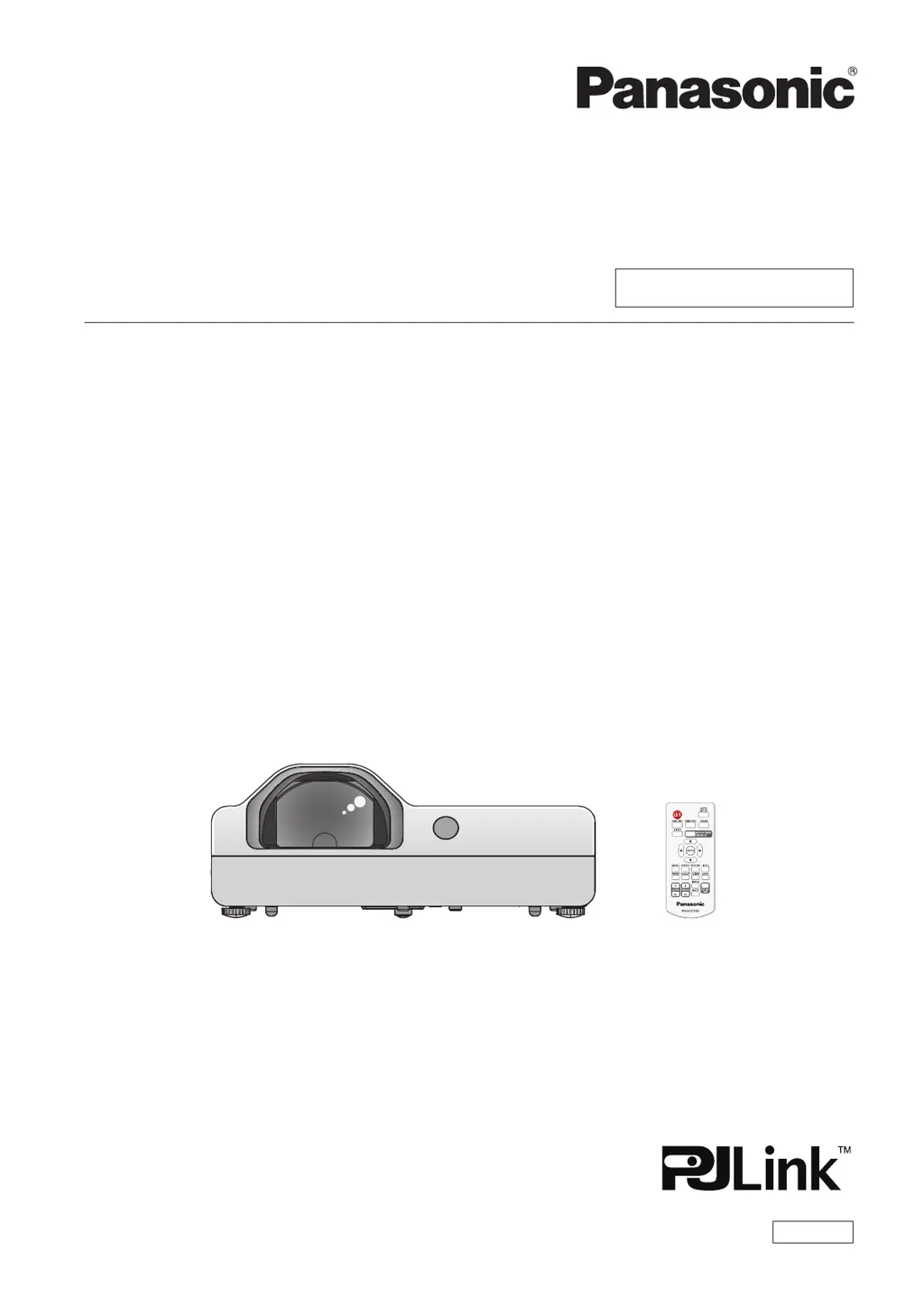
Panasonic PT-TW340
104 pages
Print Icon
To Next Page IconTo Next Page
Loading...
Operating Instructions
Functional Manual
LCD Projector
Commercial Use
Thank you for purchasing this Panasonic Product.
Before operating this product, please read the instructions carefully, and save this manual
for future use.
Before using your projector, be sure to read “Read this rst!” (x pages 2 to 9).
Model No.
PT-TW340
PT-TW250
PT-TX400
PT-TX310
PT-TX210
ENGLISH
TQBJ0699

Table of Contents

Other manuals for Panasonic PT-TW340

Questions and Answers

  • B
    bvelazquezAug 17, 2025
    How to fix a Panasonic Lcd projector when the power does not turn on?
    • W
      William ReedAug 17, 2025
      If your Panasonic Lcd projector power doesn't turn on, start by checking the power cord to ensure it's properly connected. Then, verify that the wall outlet has electric supply. Also, check the circuit breakers and reset them if they have tripped. Make sure the lamp cover is securely installed. Finally, check the power indicator status.
  • R
    Rebecca SandovalAug 20, 2025
    What to do if no picture appears on Panasonic Lcd projector?
    • L
      laura64Aug 20, 2025
      If you're not getting any picture on your Panasonic Lcd projector, first ensure that the video signal input source is properly connected to the correct terminal. Next, check and adjust the input selection setting. Increase the [Brightness] adjustment setting. Also, check the connected input source for issues. Finally, disable the AV mute function if it's enabled.
  • A
    Allen JohnsonAug 22, 2025
    Why picture from a HDMI device does not appear or picture is not stable on Panasonic Lcd projector?
    • S
      Sara EllisonAug 23, 2025
      If the picture from your HDMI device isn't showing up or is unstable on your Panasonic Lcd projector, begin by checking the HDMI cable connection to ensure it's secure. If the connection is good, try restarting both the projector and the connected devices. Also, make sure you are using supported signal cables.
  • E
    Erik MartinAug 26, 2025
    How to fix a fuzzy picture on Panasonic Lcd projector?
    • C
      Christopher DavisAug 26, 2025
      If your Panasonic Lcd projector picture is fuzzy, try these steps: Adjust the lens focus. Adjust the distance of the projector from the screen. Clean the lens. Adjust the tilt of the projector.
  • D
    Dean TorresAug 28, 2025
    Why the color is pale or grayish on Panasonic Lcd projector?
    • R
      robertsonbrianAug 28, 2025
      If the color on your Panasonic Lcd projector appears pale or grayish, check and adjust the [Color] or [Tint] settings. If that doesn't work, adjust the input source settings. As a last resort, replace the RGB cable if it is damaged.
  • N
    Natalie SmithAug 31, 2025
    What to do if there is no sound from the internal speaker on Panasonic Lcd projector?
    • H
      Helen BriggsAug 31, 2025
      If there's no sound from the internal speaker of your Panasonic Lcd projector, first ensure the input terminals are correctly connected. Then, increase the volume level. Disable the AV mute function, and unplug the VARIABLE AUDIO OUT to access the built-in speaker. Also, turn off the Mute function.
  • H
    Heather GrahamSep 2, 2025
    Why does the remote control not operate with my Panasonic Lcd projector?
    • C
      Courtney YoungSep 3, 2025
      If your Panasonic Lcd projector's remote control isn't working, try these steps: Replace the weak batteries or reinsert the batteries correctly. Remove any obstructions from the signal receptor. Ensure the remote control is within the operation range. Eliminate strong light interference. Check and enable remote control in [Key lock] settings. Synchronize the codes on the projector and remote control.
  • A
    Andrea WalkerSep 5, 2025
    What to do if the picture does not display correctly on Panasonic Lcd projector?
    • M
      Melvin CohenSep 6, 2025
      If your Panasonic Lcd projector is not displaying the picture correctly, check the VCR or other signal sources for issues. Also, ensure the input signal is compatible with the projector.
  • S
    Stephanie RossSep 8, 2025
    Why no sound is output from a HDMI device on Panasonic Lcd projector?
    • R
      ruizdeniseSep 8, 2025
      If you're not getting any sound from a HDMI device connected to your Panasonic Lcd projector, adjust the sound channel to Linear PCM. Alternatively, follow the instructions for connecting and setting audio options.
  • D
    Dawn JohnstonSep 12, 2025
    Why picture from a computer does not appear on Panasonic Lcd projector?
    • S
      Sheila ScottSep 12, 2025
      If the picture from a computer does not appear on your Panasonic Lcd projector, use a shorter cable if necessary. Also, check the external video output settings on the laptop.

Panasonic PT-TW340 Specifications

General IconGeneral
Contrast Ratio16, 000:1
Technology3LCD
Screen Size30 - 300 inches
Brightness3, 300 lumens
Resolution1280 x 800 (WXGA)
Lamp Life5, 000 hours (Normal mode), 10, 000 hours (Eco mode)
Weight3.3 kg
ConnectivityHDMI, VGA, USB
Output TerminalsAudio out
Noise Level29 dB (Eco mode)
Power Consumption300W (Normal Mode), 225W (Eco Mode)

Related product manuals