EasyManua.ls Logo

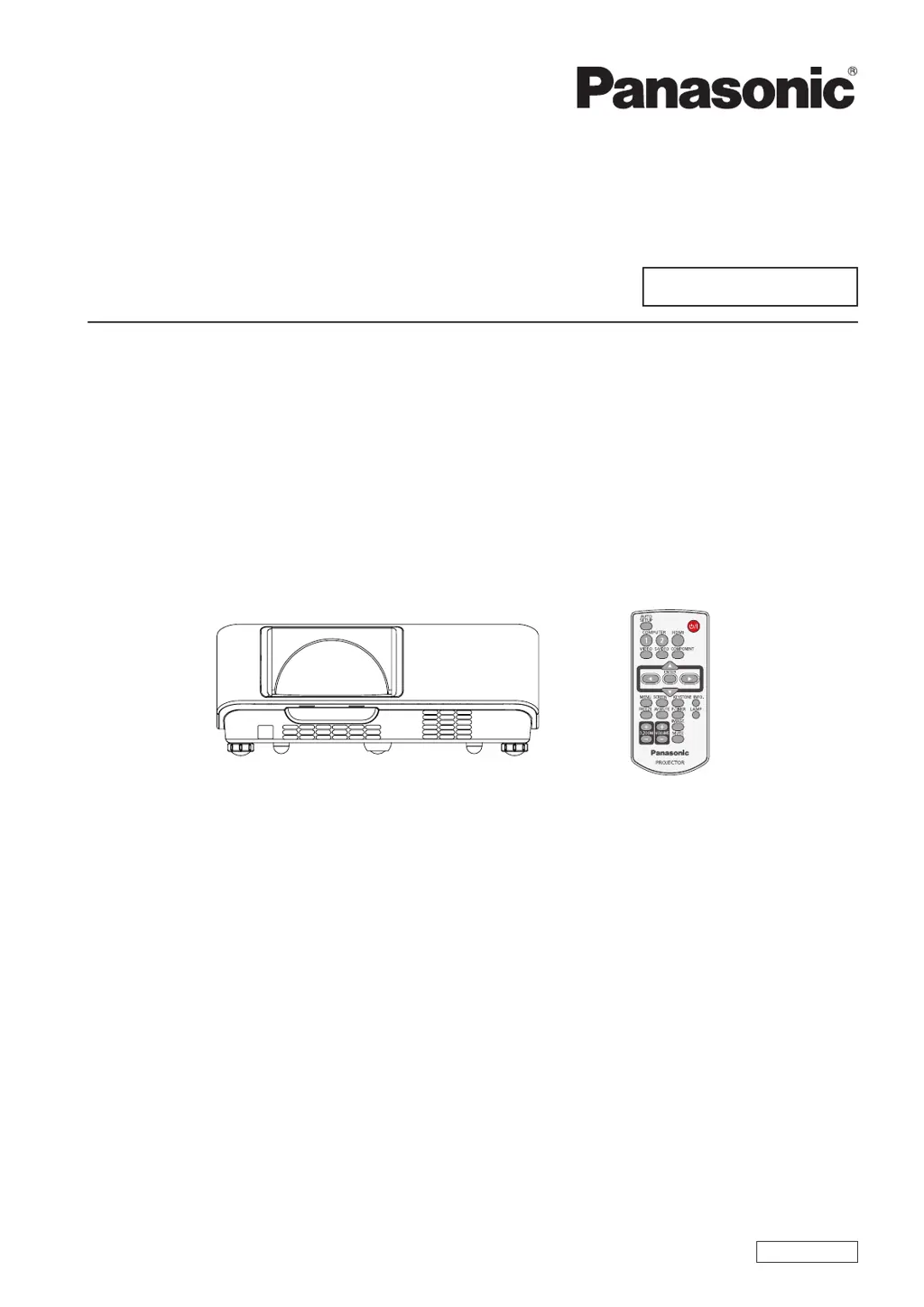
Panasonic PT-TW230E - User Manual

Panasonic PT-TW230E
77 pages
Print Icon
To Next Page IconTo Next Page
Loading...
Operating Instructions
Projector Operations
LCD Projector
Commercial Use
Thank you for purchasing this Panasonic Product.
Before operating this product, please read the instructions carefully and save this manual
J
for future use.
For information on using the product via a network, refer to “Operating Instructions – Network
Operations”.
Model No.
PT-TW230E
ENGLISH
LW4AC

Table of Contents

Other manuals for Panasonic PT-TW230E

Questions and Answers

  • D
    Devin ClarkAug 19, 2025
    How to fix a Panasonic Projector that does not turn on?
    • C
      Carla MartinezSep 12, 2025
      If your Panasonic Projector isn't turning on, there are several possible reasons. First, ensure the power cord is securely connected to both the projector and the wall outlet. Verify that the wall outlet has electric supply and that the circuit breakers haven't tripped. Also, check if any of the indicator lights (LAMP, ON/STANDBY, or WARNING) are lit or blinking. Finally, make sure the lamp cover is securely installed.
  • R
    Robert JonesAug 21, 2025
    What to do if the WARNING indicator light is red on my Panasonic PT-TW230E Projector?
    • J
      Jeremy TateAug 21, 2025
      If the WARNING indicator light is red on your Panasonic Projector, it indicates an abnormal condition preventing the projector from turning on. To resolve this, unplug the AC power cord and then plug it back in to attempt to restart the projector.
  • T
    Timothy StoneAug 23, 2025
    What to do if WARNING indicator persists to light or blink on Panasonic PT-TW230E Projector?
    • J
      Joshua TorresAug 25, 2025
      Do not leave the projector on if the WARNING indicator continues to light or blink. This could cause an electric shock or a fire hazard.
  • I
    ian31Aug 26, 2025
    Why is there no picture on my Panasonic PT-TW230E?
    • T
      taylorstephanieAug 27, 2025
      If no picture appears on your Panasonic Projector, try these steps: * Check the video signal input source connection to the correct terminal. * Verify the input selection setting. * Adjust the [Brightness] setting to ensure it's not at the minimum. * Check for any issues with the input source connected to the projector. * Disable the [AV mute] function if it's enabled.
  • T
    Tammy ThomasAug 28, 2025
    What to do if the Panasonic PT-TW230E Projector remote control does not operate?
    • J
      jnicholsAug 28, 2025
      If the remote control for your Panasonic Projector isn't working, try these solutions: * Replace the batteries, as they may be weak. * Check the battery insertion to ensure they are correctly placed. * Ensure there are no obstructions blocking the remote control signal receptor on the projector. * Move within the operation range of the remote control. * Avoid strong light, such as fluorescent light, shining onto the signal receptor. * Ensure the same codes are set on both the projector and the remote control.
  • M
    Mary PayneAug 30, 2025
    How to fix a fuzzy picture on Panasonic PT-TW230E?
    • S
      Sarah MontgomeryAug 30, 2025
      If the picture on your Panasonic Projector appears fuzzy, try these steps: Adjust the lens focus. Position the projector at the correct distance from the screen. Clean the lens. Adjust the projector's tilt.
  • P
    Paul PerezSep 1, 2025
    Why don't the control buttons of my Panasonic PT-TW230E Projector operate?
    • C
      Colton SmithSep 1, 2025
      If the control buttons on your Panasonic Projector are not working, the control panel may be locked. Unlock the control panel in the [Key lock] settings under [Security] in the [Setting] section.
  • S
    Sandra FieldsSep 4, 2025
    How do I fix a distorted image on my Panasonic PT-TW230E?
    • C
      Crystal YoungSep 4, 2025
      To address a distorted image on your Panasonic Projector, check and adjust the [PC adj.] or [Screen] settings.
  • H
    Hunter JohnsonSep 6, 2025
    Why is the LAMP indicator light yellow on my Panasonic PT-TW230E Projector?
    • V
      vbranchSep 6, 2025
      A yellow LAMP indicator light on your Panasonic Projector means the projection lamp is nearing the end of its life. Replace the lamp unit to resolve this.
  • L
    Lisa MathewsSep 8, 2025
    How to troubleshoot no sound from Panasonic Projector internal speaker?
    • J
      Justin GraySep 8, 2025
      If you're not getting any sound from the internal speaker of your Panasonic Projector, consider the following: 1. Check the connection of the input terminals. 2. Increase the volume level, as it may be set to the minimum. 3. Turn off the [AV mute] function, if it's on. 4. Disconnect the AUDIO OUT if you want to use the internal speaker, as plugging in AUDIO OUT disables the projector's built-in speaker. 5. Disable the [Mute] function, in case it has been activated.

Panasonic PT-TW230E Specifications

General IconGeneral
BrandPanasonic
ModelPT-TW230E
CategoryProjector
LanguageEnglish

Related product manuals