EasyManua.ls Logo

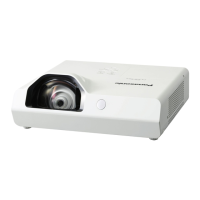
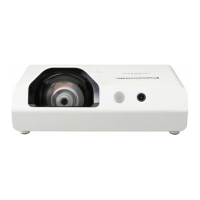
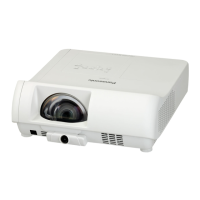
Panasonic PT-TW230E - User Manual

Panasonic PT-TW230E
77 pages
Print Icon
To Next Page IconTo Next Page
Loading...
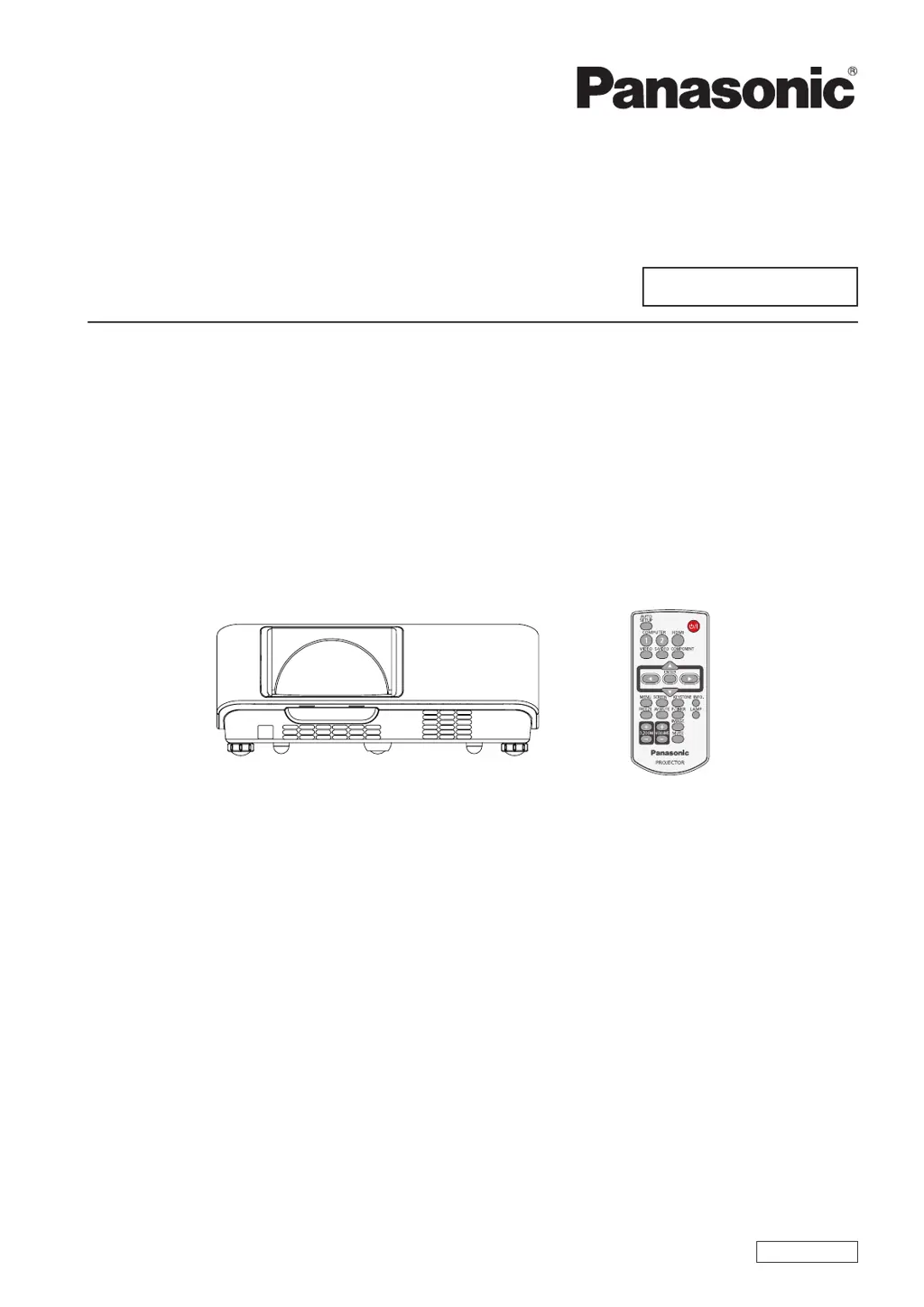
Operating Instructions
Projector Operations
LCD Projector
Commercial Use
Thank you for purchasing this Panasonic Product.
Before operating this product, please read the instructions carefully and save this manual
J
for future use.
For information on using the product via a network, refer to “Operating Instructions – Network
Operations”.
Model No.
PT-TW230E
ENGLISH
LW4AC

Table of Contents

Other manuals for Panasonic PT-TW230E

Questions and Answers

  • M
    Michelle EvansSep 12, 2025
    Why does the Panasonic Projector color look pale or grayish?
    • P
      padillaamandaSep 12, 2025
      If the color on your Panasonic Projector looks pale or grayish, here's what you can do: Adjust the [Color] or [Tint] settings. Verify the adjustment of the connected input source. If you are using an RGB cable, replace it if it is damaged.
  • E
    ecordovaSep 13, 2025
    What to do if Panasonic PT-TW230E Projector HDMI picture is not stable?
    • R
      Richard ReevesSep 13, 2025
      If the picture from your HDMI device doesn't appear or is unstable on your Panasonic Projector: * Check the HDMI cable connection to ensure it is securely connected. * Restart both the projector and the connected devices by turning them off and then on again. * Remove any unsupported signal cables that may be connected.
  • N
    Nicholas GonzalezSep 15, 2025
    How to fix no sound from HDMI device on Panasonic PT-TW230E?
    • A
      Alexa GonzalezSep 15, 2025
      If no sound is output from a HDMI device connected to your Panasonic Projector: * Set the sound channel of the attached device to Linear PCM. * If there's still no audio, connect an audio cable to the COMPUTER/COMPONENT AUDIO IN terminal and set the input to "Computer" in the "Sound" settings menu.

Panasonic PT-TW230E Specifications

General IconGeneral
BrandPanasonic
ModelPT-TW230E
CategoryProjector
LanguageEnglish

Related product manuals