EasyManua.ls Logo

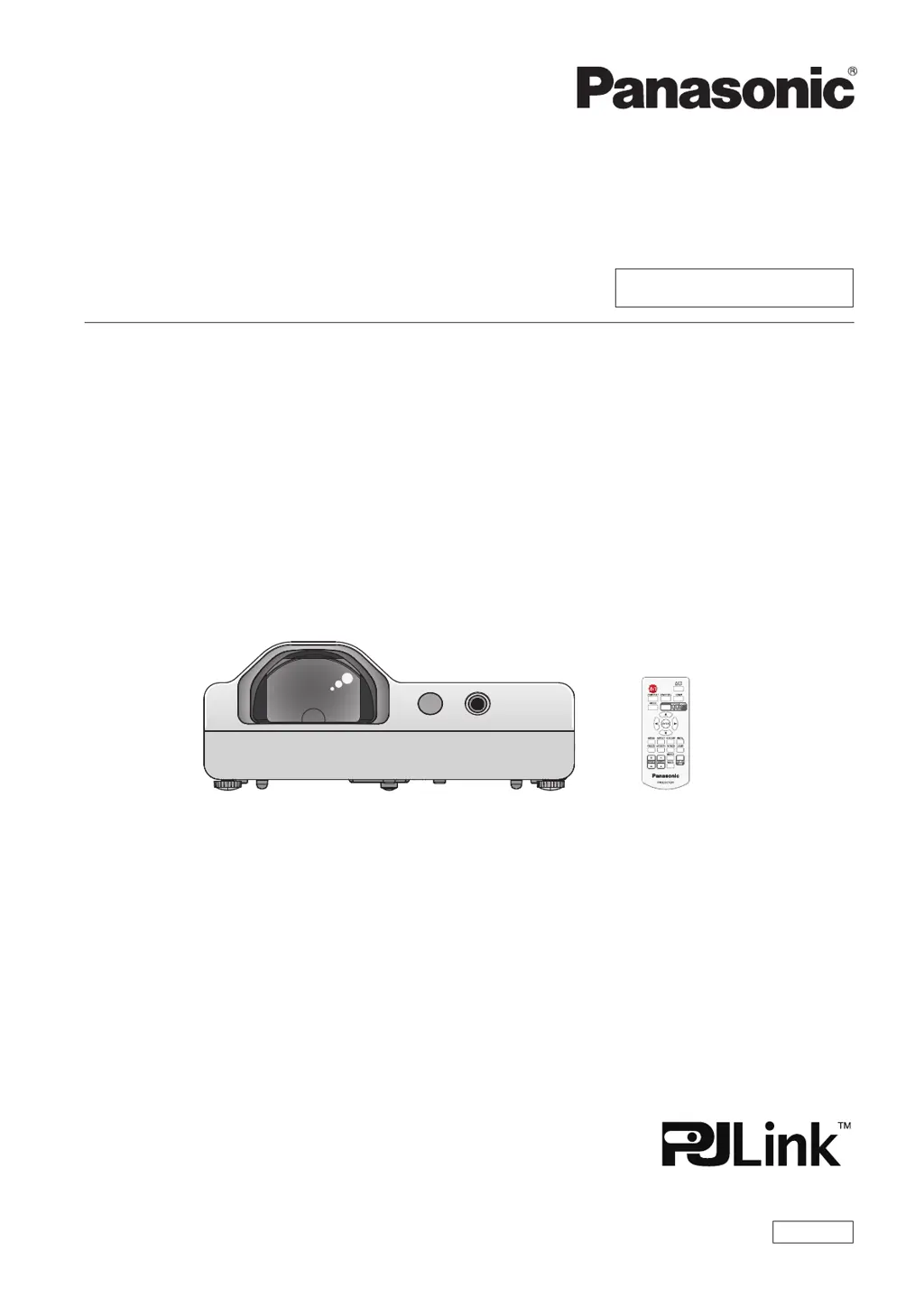
Panasonic PT-TW351R - User Manual

Panasonic PT-TW351R
111 pages
Print Icon
To Next Page IconTo Next Page
Loading...
Operating Instructions
Functional Manual
LCD Projector
Commercial Use
Thank you for purchasing this Panasonic Product.
Before operating this product, please read the instructions carefully, and save this manual
for future use.
Before using your projector, be sure to read “Read this rst!” (x pages 4 to 11).
Model No.
PT-TW351R
ENGLISH
DPQP1132ZA

Table of Contents

Questions and Answers

  • J
    jason73Aug 17, 2025
    How to fix a Panasonic PT-TW351R Projector when the power does not turn on?
    • H
      Holly BakerAug 17, 2025
      If your Panasonic Projector isn't turning on, make sure the power cord is properly connected. Also, check the wall outlet to ensure it's providing electricity. Reset any tripped circuit breakers. Verify the power indicator's status and address accordingly. Finally, ensure the lamp cover is securely installed.
  • R
    Ruth ZimmermanAug 19, 2025
    Why does my Panasonic Projector have no picture?
    • W
      Willie SandovalAug 19, 2025
      If you're not getting any picture on your Panasonic Projector, first, ensure the video signal input source is correctly connected. Next, check and adjust the input selection setting. Increase the brightness setting if it's at the minimum. Verify the input source for any issues and disable the AV mute function if it's enabled.
  • L
    Lisa DennisAug 22, 2025
    How to resolve a fuzzy picture on a Panasonic PT-TW351R?
    • S
      shannonwilliamsAug 22, 2025
      If you are experiencing a fuzzy picture with your Panasonic Projector, try these steps: Adjust the lens focus to sharpen the image. Ensure the projector is positioned at the correct distance from the screen. Clean the lens to remove any dirt or smudges. Finally, make sure the projector is level and not tilted too much.
  • K
    Kristi MahoneyAug 26, 2025
    Why is my Panasonic PT-TW351R Projector remote not working?
    • J
      Jennifer ThompsonAug 26, 2025
      If the remote control for your Panasonic Projector isn't working, start by replacing the batteries. Make sure you've inserted them correctly. Check for any obstructions blocking the signal receptor on the projector. Ensure you're within the remote's operational range and that strong light isn't shining on the signal receptor. Verify that the remote control operation is enabled in the [Key lock] setting of the [Setting] menu. If different codes are set on the projector and remote, ensure they match.
  • A
    Amanda ShawAug 28, 2025
    What to do if Panasonic PT-TW351R picture does not display correctly?
    • W
      william14Aug 28, 2025
      If the picture on your Panasonic Projector doesn't display correctly, first inspect the VCR or signal source for issues. Ensure that the input signal is compatible with the projector. Also, verify and correct the computer output settings if applicable.
  • R
    ryanwaltonAug 30, 2025
    How to fix if picture from computer does not appear on Panasonic PT-TW351R?
    • A
      Anthony SampsonAug 31, 2025
      If the picture from a computer is not appearing on your Panasonic Projector, try using a shorter cable. Also, check and correct the external video output settings on your laptop computer.
  • A
    agomezSep 2, 2025
    Why does the HDMI picture not appear on my Panasonic PT-TW351R Projector?
    • P
      Pamela ContrerasSep 2, 2025
      If you're experiencing issues with the picture from an HDMI device on your Panasonic Projector, first, ensure the HDMI cable is securely connected. If the issue persists, power cycle both the projector and the connected devices. Finally, ensure you are using a supported signal cable.
  • C
    Crystal CharlesSep 5, 2025
    Why is the color pale on my Panasonic PT-TW351R?
    • M
      Michael WatsonSep 5, 2025
      If the color on your Panasonic Projector appears pale or grayish, try adjusting the [Color] or [Tint] settings. Check the settings of the input source connected to the projector. If you are using an RGB cable, consider replacing it if it is damaged.
  • J
    Jacob MurraySep 8, 2025
    What to do if there is no sound from the Panasonic PT-TW351R speaker?
    • C
      Chad StephensonSep 8, 2025
      If there is no sound coming from the internal speaker of your Panasonic Projector, first ensure that the input terminals are correctly connected. Next, increase the volume level. Also, check if the AV mute or Mute function is enabled and disable it. If you have something plugged into the VARIABLE AUDIO OUT, unplug it to use the built-in speaker.
  • M
    Martin PerezSep 12, 2025
    Why don't the control buttons on my Panasonic Projector work?
    • J
      Jeremy CabreraSep 12, 2025
      If the control buttons on your Panasonic Projector aren't working, check the [Key lock] setting in the [Setting] menu to ensure the control panel operation is enabled.

Panasonic PT-TW351R Specifications

General IconGeneral
BrandPanasonic
ModelPT-TW351R
CategoryProjector
LanguageEnglish

Related product manuals