EasyManua.ls Logo

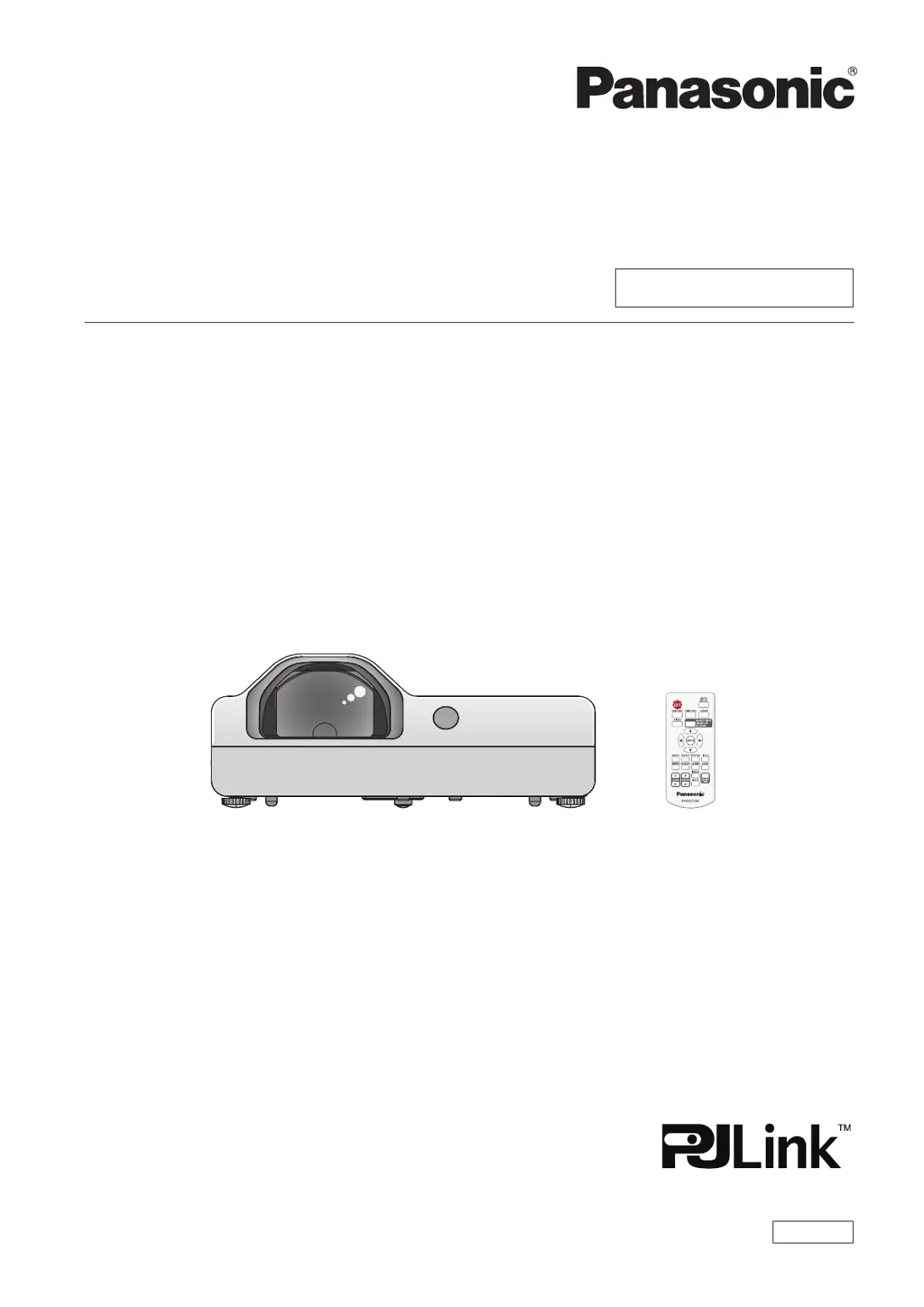
Panasonic PT-TX320 - User Manual

Panasonic PT-TX320
111 pages
Print Icon
To Next Page IconTo Next Page
Loading...
Operating Instructions
Functional Manual
LCD Projector
Commercial Use
Thank you for purchasing this Panasonic Product.
This manual is intended for products manufactured from Aug. 2018 and beyond.
Before operating this product, please read the instructions carefully, and save this manual for
future use.
Before using your projector, be sure to read “Read this rst!” (x pages 4 to 11).
Model No.

PT-TW350
PT-TX410
PT-TX320
ENGLISH
DPQP1128ZC/X1

Table of Contents

Other manuals for Panasonic PT-TX320

Questions and Answers

  • J
    Joseph ValdezAug 23, 2025
    Why Panasonic Projector power does not turn on?
    • T
      Theresa ShafferAug 23, 2025
      If your Panasonic Projector isn't powering on, several factors could be at play. First, ensure the power cord is securely connected to both the projector and the wall outlet. Verify that the wall outlet has electric supply and that the circuit breakers haven't tripped; reset them if necessary. Check if the power indicator or the warning indicator is lit or blinking, as this indicates the projector's status. Lastly, make sure the lamp cover is securely installed, as the projector might not power on if it's loose.

Panasonic PT-TX320 Specifications

General IconGeneral
Brightness3200 ANSI Lumens
ResolutionXGA (1024 x 768)
Display Technology3LCD
Noise Level29 dB (Eco mode)
Power Consumption (Eco)220 W
Lamp Life (Normal)4000 hours
Keystone CorrectionVertical: ±30°
Input TerminalsHDMI, VGA, Composite Video, S-Video
Output TerminalsVGA, Audio

Related product manuals