31
Steps Remarks
[Differential and copy adjustment]
Execute adjustment for color temp. [NORMAL], and set data for color temp. [COOL], [WARM] by data shift WB
of HD (or PAL) copies the adjustment data from an adjusted format side.
Note:
The adjustment does only color temp. [NORMAL].
A adjustment value difference from [NORMAL] is written to EEPROM as for [COOL] and [WARM] by operat-
ing a [OK] key.
As for WB of HD (or RF), the adjustment data from an adjusted format side is copied simultaneously.
Text color of the adjusted value changes into red → black at the same time too.
1. Enter the service mode.
Please receive the Aanalog-RF.
Or, please select CVBS/YUV/HDMI. (No inputting is possible.).
(Forbid Analog-RF with no signal.)
2. A number key [1] and [2] are operated and [WB-ADJ] is displayed.
Check that the color temp is [NORMAL].
3. A number key [0] is operated and select [METHOD 03].
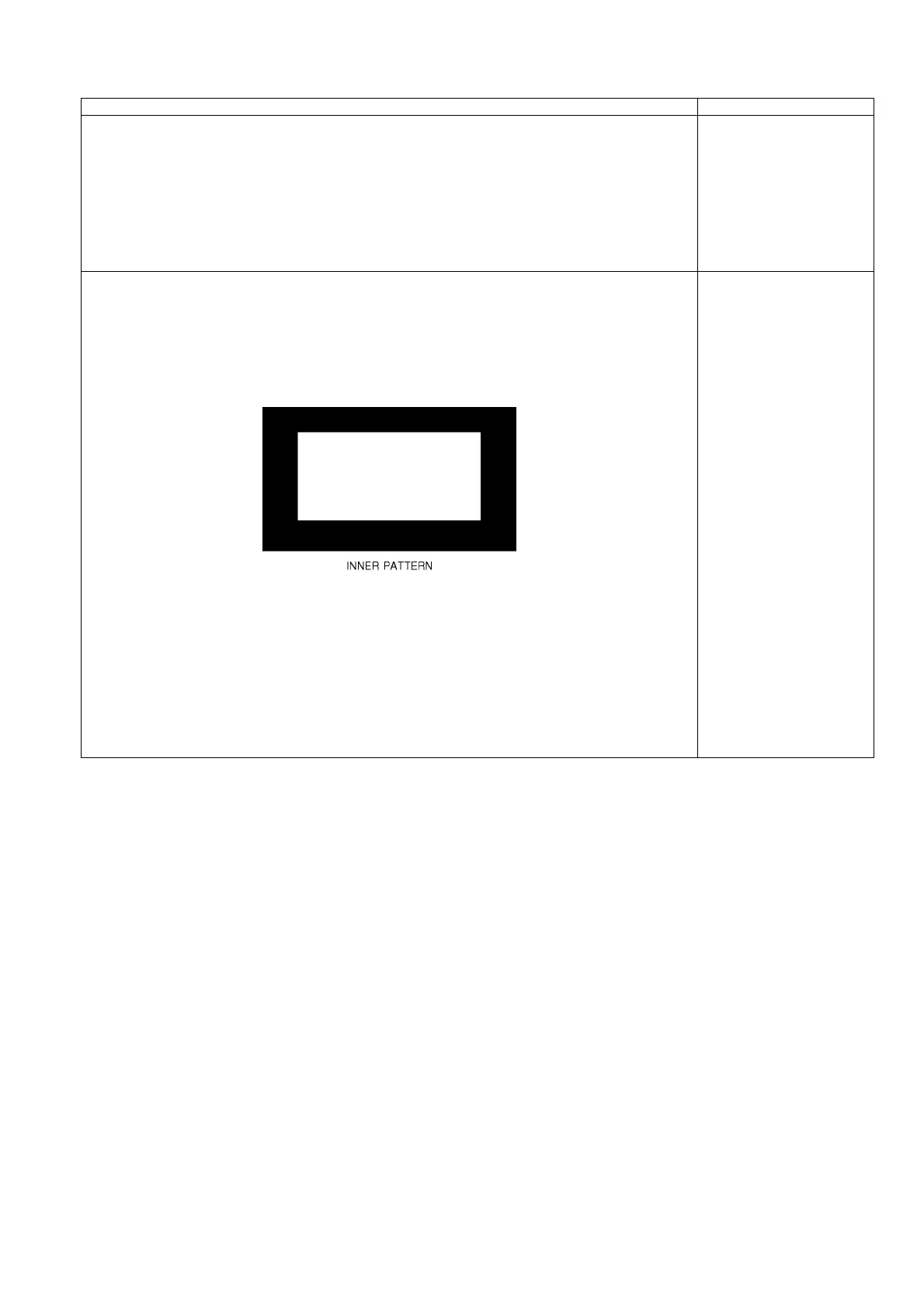
4. A number key [5] is operated and [INNER PATTERN] is displayed.
5. Select [G-CUTOFF] item, using the number-key [3] or [4], and set to [80], using the volume-key [+] or [-].
Also, [B-CUTOFF] and [R-CUTOFF] set to [80].
6. Set [G-DRIVE] at [D0].
7. Touch the signal receiver of color analyzer to the INNER PATTERN center, and adjust B drive and R drive
so x, y become the [COLOR TEMP NORMAL] in the table 1.
8. All RGB drive increase so that the maximum drive value of RGB may become [FF].
([ALL-DRIVE] set to [FF].)
9. A number key [0] is operated and select [METHOD=01].
Please refer table2-3 to address.
METHOD=03
Differential and
copy adjustment













 To Next Page