USing Caller ID
Dlsplay lnformatic
Table 2. Large-display plroue features
#
Feature
1 Large display
MENU Key
PREV Key
Use to scroll lo the previous menu.
NEXT Key
Use to scmll to the next
menu.
Descriptiotl
Displays menus, information about
phone’s current status. Also provided
access to personal speed dial, system
speed dial, extension number, function,
aud help menus. In newer systems, the
function menus can be customized
according to how your company uses its
large-display phones. See your system
administrator or DBS deafer
for
more
information.
Use to reluni lo the main mam screen.
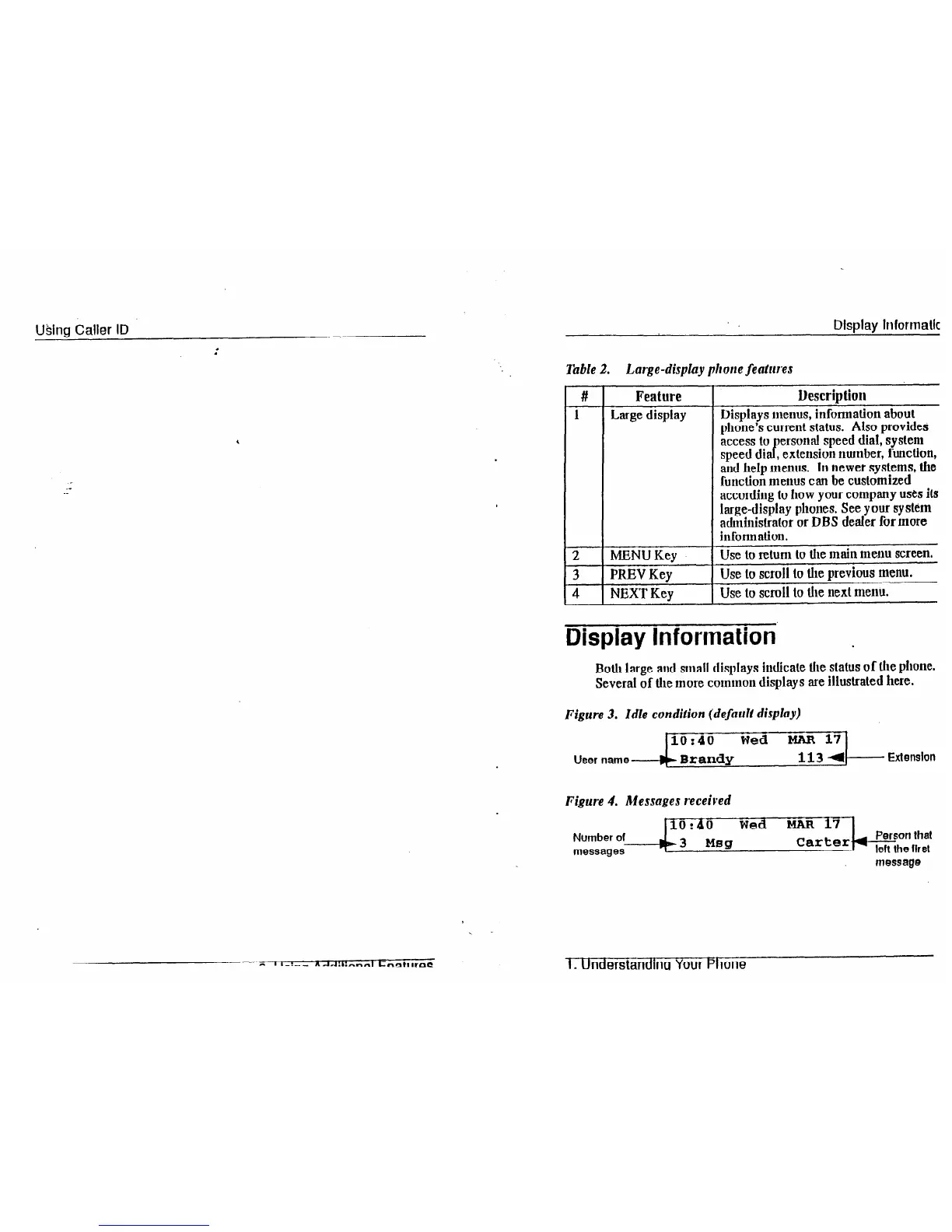
Display Information
Both large aud small displays indicate the
status of the
phone.
Several of the more common displays are illustrated here.
Figure 3. Idle condition (default display)
10:40
Wed MAR 17
User name-b
Brandy
113 4
Extension
Figure 4. Messages received
Number of
messages
IO:40
Wed MAR 17
hb3
Msg
Person that
Carter--
left the first
message
I_ Understandlna Your Phone













 To Next Page