4. Press CONE
-
5. Press AUTO twice.
6. Enter the voice mail extension number and any special
numbers that are required by the voice mail.
For example, if the voice pail number is 500 and the voice
mail requires an asterisk (*) at the end of the number, enter
the following digits:
ON/OFF PROG FF key CONF AUTO AUTO 500 *
Note: The length of the voice mail number and the special
codes cannot exceed six digits. If more than six digits are
required, assign the numbers to a personal or system speed
dial number, then store the speed dial number rather than
your password under the voice mail key.
(See “Using Speed
Dialing” on page 16.)
7. Press HOLD.
Using a Voice Mail Transfer Key
1. When a call arrives, answer it then press the VM/TRF key.
The system automatically puts the incoming call on hold.
2, When the caller asked to be transferred to a voice mailbox,
press the desired DSS/BLF key or dial the extension number.
3. Press RELEASE, ON/OFF, or PROG to complete the
transfer to the voice mailbox.
F; Cnmm~tnicatina Within Your Offlce
Using Speed Dialin!
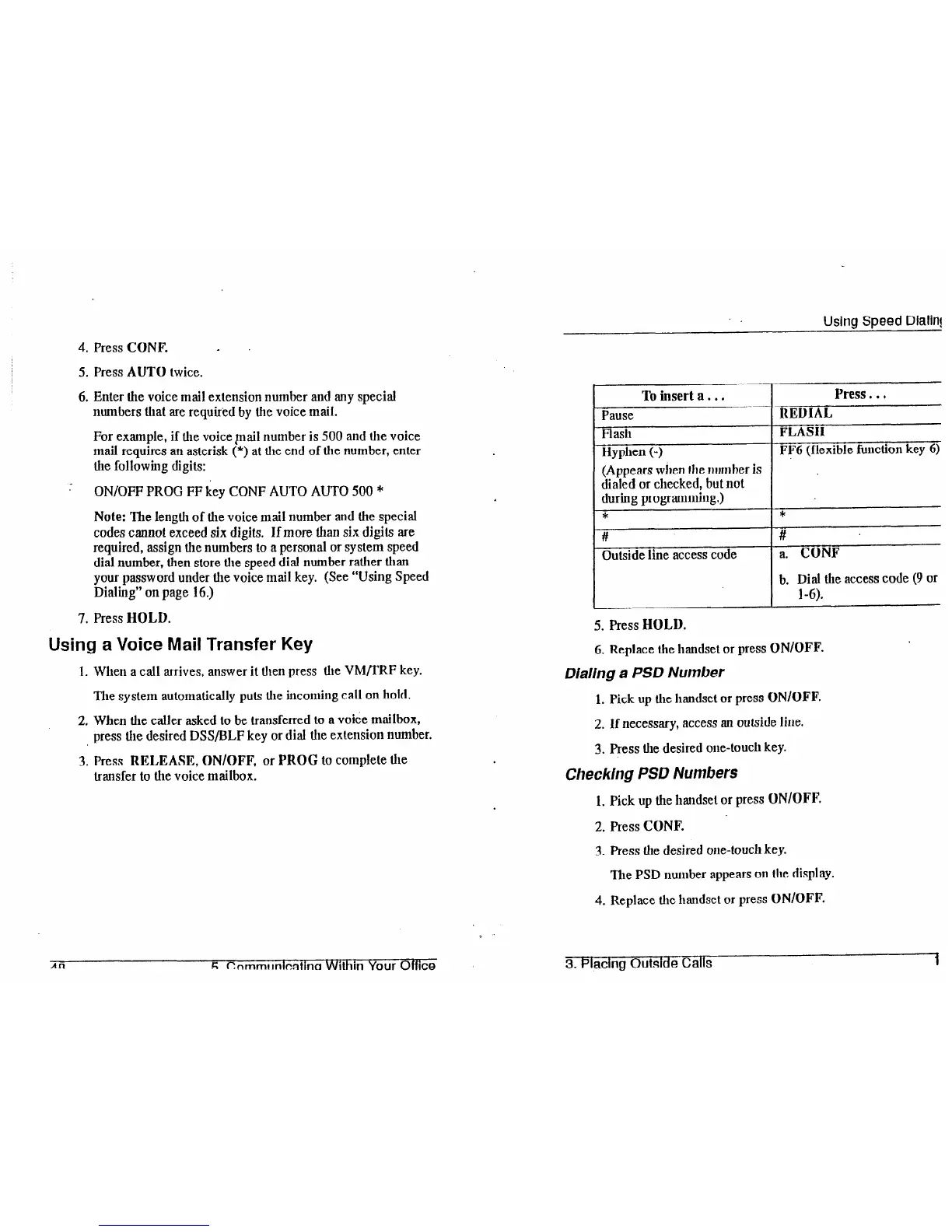
To insert a.. .
Press . . .
Pause
REDIAL
Flash
FLASH
Hyphen (-)
FF6 (flexible function key 6)
(Appears when the number is
dialed or checked, but not
during programming.)
*
*
5. Press HOLD.
6. Replace the handset or press ON/OFF.
Dialing a PSD Number
1. Pick up the handset or press ON/OFF.
2. If necessary, access an outside line.
3. Fess
the
desired one-touch key.
Checking PSD Numbers
1. Pick up the handset or press ON/OFF.
2. Press CONF.
3. Press the desired one-touch key.
The PSD number appears
on
the
display.
4. Replace
the
handset or press ON/OFF.
3. Placing Outside Calls













 To Next Page