EasyManua.ls Logo

Panasonic VL-MW251CX - User Manual

Panasonic VL-MW251CX
56 pages
Print Icon
To Next Page IconTo Next Page
Loading...
Thank you for purchasing a Panasonic product.
Please read these Operating Instructions before using the unit and save for future reference.
This manual is for use with the above 7 models. See page 3 for model composition information.
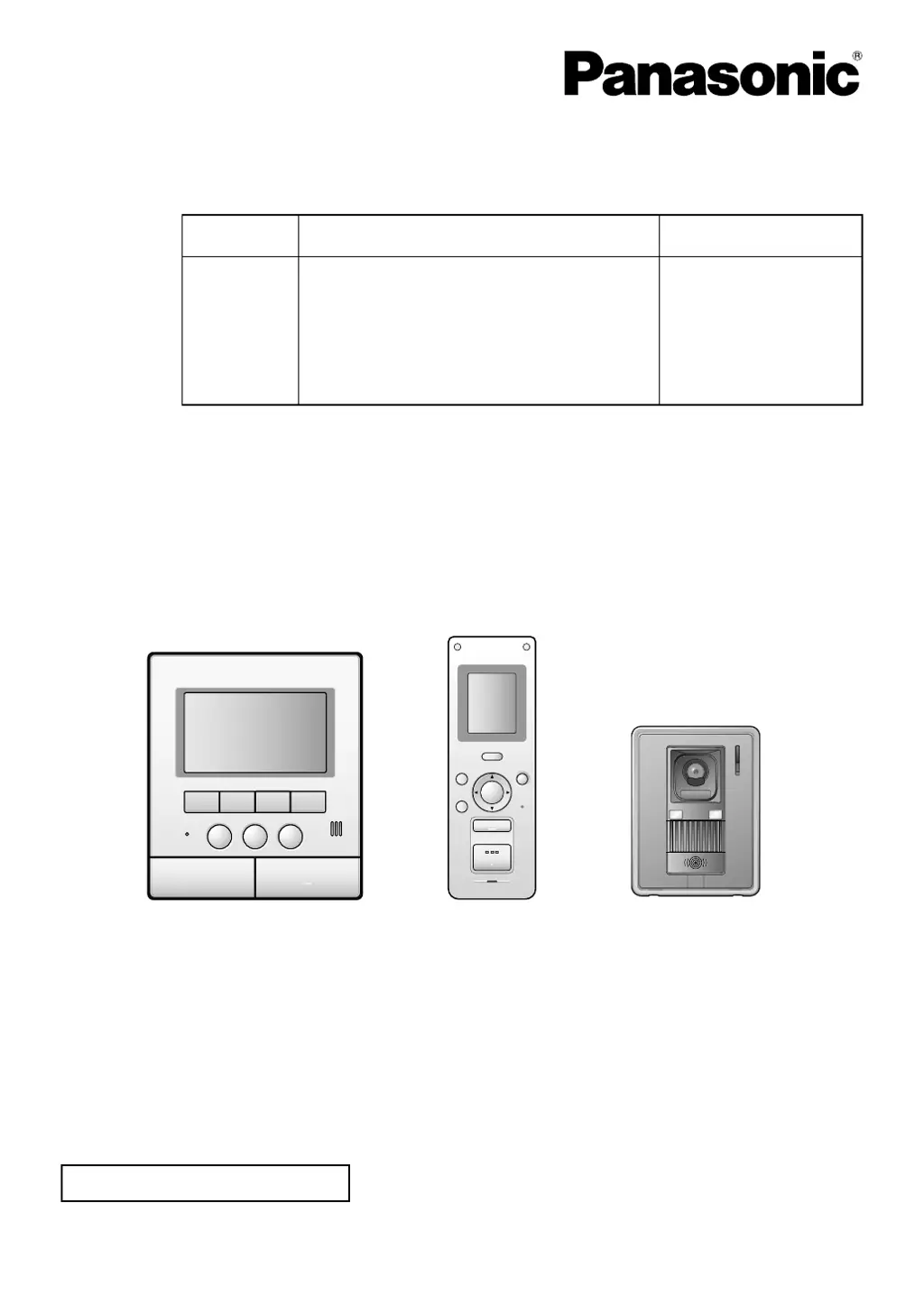
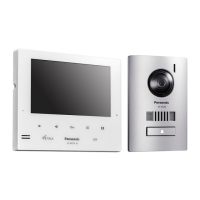
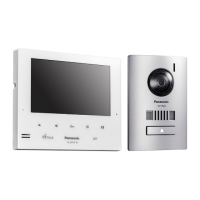
Model shown is VL-SW251BX (including: VL-MW251BX/VL-W605BX/VL-V522L)
Operating Instructions
Model Name
Wireless Video Intercom System Main Monitor
Model No.
VL-SW251BX
VL-SW251CX
VL-SW251SX
VL-SW251AZ
VL-MW251BX
VL-MW251CX
VL-MW251SX
VL-MW251BX VL-W605BX VL-V522L
Attached Installation Guide
SW251BX_OI.indb 1 9/17/2014 11:05:12 AM

Table of Contents

Questions and Answers

  • J
    Johnathan HillAug 10, 2025
    Why does my Panasonic VL-MW251CX Intercom System say 'CAN NOT CONNECT'?
    • D
      Dustin NguyenAug 10, 2025
      If your Panasonic Intercom System shows 'CAN NOT CONNECT', it could be due to several reasons. The sub monitor station might be too far from the main monitor station; try moving closer, or consider installing a repeater. Obstructions like concrete walls can also interfere with the signal, so move to a location without obstacles, or install a repeater. Interference from microwaves or wireless LAN appliances can also cause this issue. In this case, move closer to the main monitor station, use a sub monitor station away from those appliances, and try again.
  • T
    Thomas ShawAug 17, 2025
    What to do if I get a 'REGISTRATION ERROR' on my Panasonic Intercom System?
    • T
      Tracy RobertsonAug 17, 2025
      If you encounter a 'REGISTRATION ERROR' on your Panasonic Intercom System, the registration to the main monitor station likely isn't complete. To resolve this, move closer to the main monitor station and attempt the registration process again.
  • T
    Tina McintyreAug 25, 2025
    What does 'IN USE' mean on my Panasonic VL-MW251CX?
    • J
      jwagnerAug 26, 2025
      The 'IN USE' message on your Panasonic Intercom System indicates that either the main or sub monitor station is currently in operation. Please wait and try again later.
  • L
    Linda DaviesSep 1, 2025
    What does 'PROTECT PIC FULL CAN NOT PROTECT' mean on my Panasonic VL-MW251CX?
    • R
      riveradanielSep 1, 2025
      The message 'PROTECT PIC FULL CAN NOT PROTECT' on your Panasonic Intercom System means you've exceeded the maximum number of protectable images. You can protect up to 20 images. To resolve this, release the protection from some images and try again. Remember that unprotected images will be overwritten by new ones.

Summary

Important Information

For your safety

Provides essential safety precautions for power connection, installation, and operation.

Important safety instructions

Covers general safety precautions like avoiding water and proper battery disposal.

Preparation

Charging the sub monitor station

Provides step-by-step instructions for charging the sub monitor station's battery.

Doorphone

Answering a call

Primary function to respond to visitors at the door station.

Press-to-talk mode

Facilitates clear communication in noisy environments by alternating talk/listen.

Monitoring the outside

Allows viewing and listening to the area around the door station.

Recording

Image recording methods

Covers automatic and manual image capture processes.

Viewing recorded images

Instructions for viewing captured images on the main monitor station.

Intercom

Help

Troubleshooting common issues

Covers problems with display, sound, battery, and unit operation.

Understanding error messages

Explains specific error messages and their corresponding solutions.

Panasonic VL-MW251CX Specifications

General IconGeneral
TypeVideo Intercom System
CameraYes
Door Station CameraYes
Power SupplyAC adapter
Screen Size5 inches
ExpandabilityYes
WeatherproofYes

Related product manuals