9
2-6 Scanning
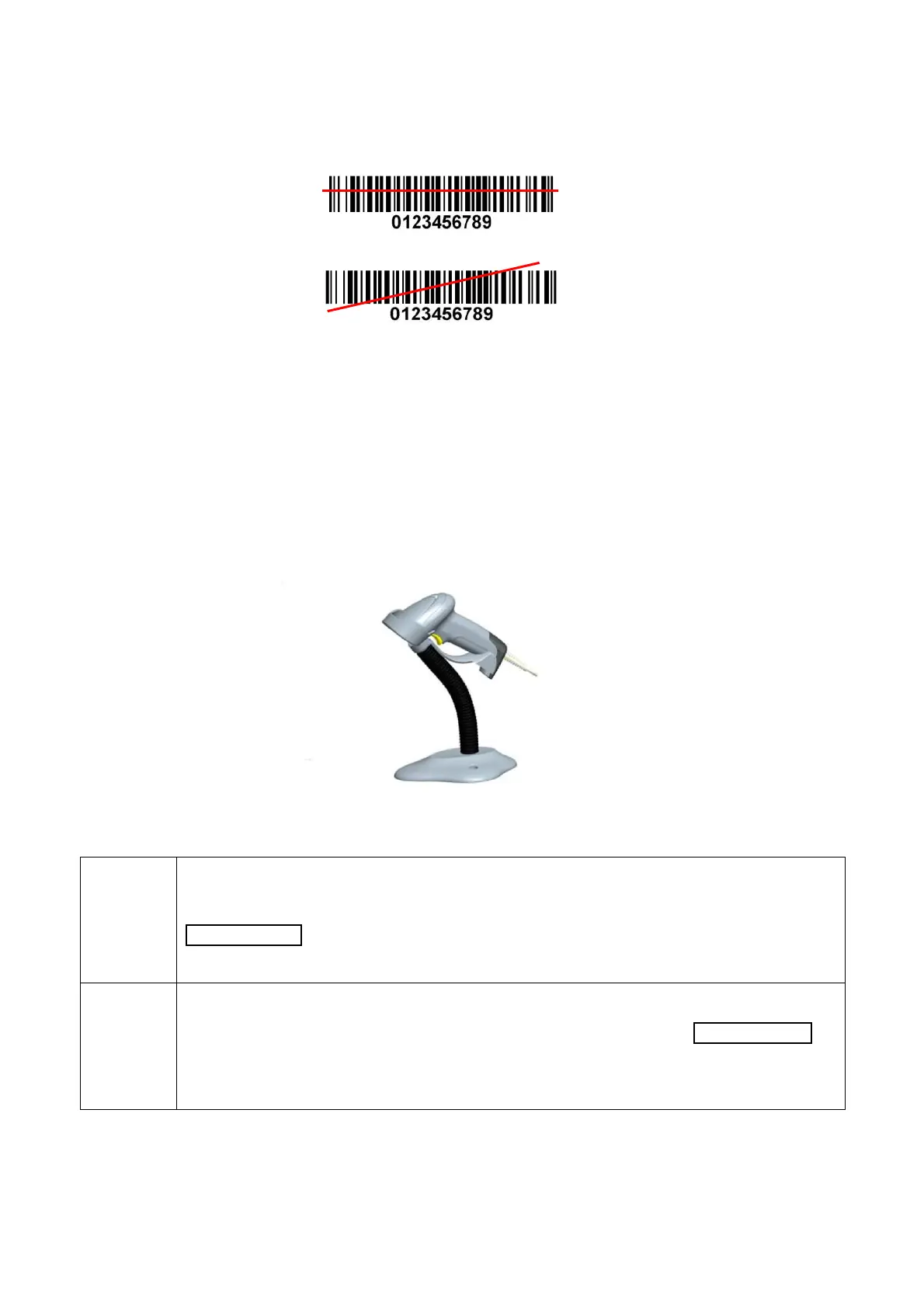
When the scanner is scanning, ensure the laser beam crosses every bar and space of the barcode. See
Figure 2-7.
2-7 Auto-detection
Note: Auto-detection and stand are optional accessories.
1. To scan a barcode, present the bar code and ensure the scan line crosses every bar and space of
the symbol.
2. Upon successful decode, the scanner beeps and the LED lights.
3. When the laser light is off, the present bar code must be removed to active next scanning.
Figure 2-8
The scanner offers 2 methods to enable/ disable Auto-detection quickly.
Scan the barcode “EN-AutoDete” on the stand to enable Auto-detection.
Scan the barcode “DIS-AutoDete” on the stand to disable Auto-detection. Note: The
Scanning mode will switch to momentary.
See Figure 2-9.
Scan the barcode “%%SWAM” to enable Auto-detection.
Scan the barcode “%%SWLM” to disable Auto-detection. Note: The Scanning mode will
switch to momentary.
See 8 Quick setting to enable/ disable Auto-detection.


 To Next Page