21
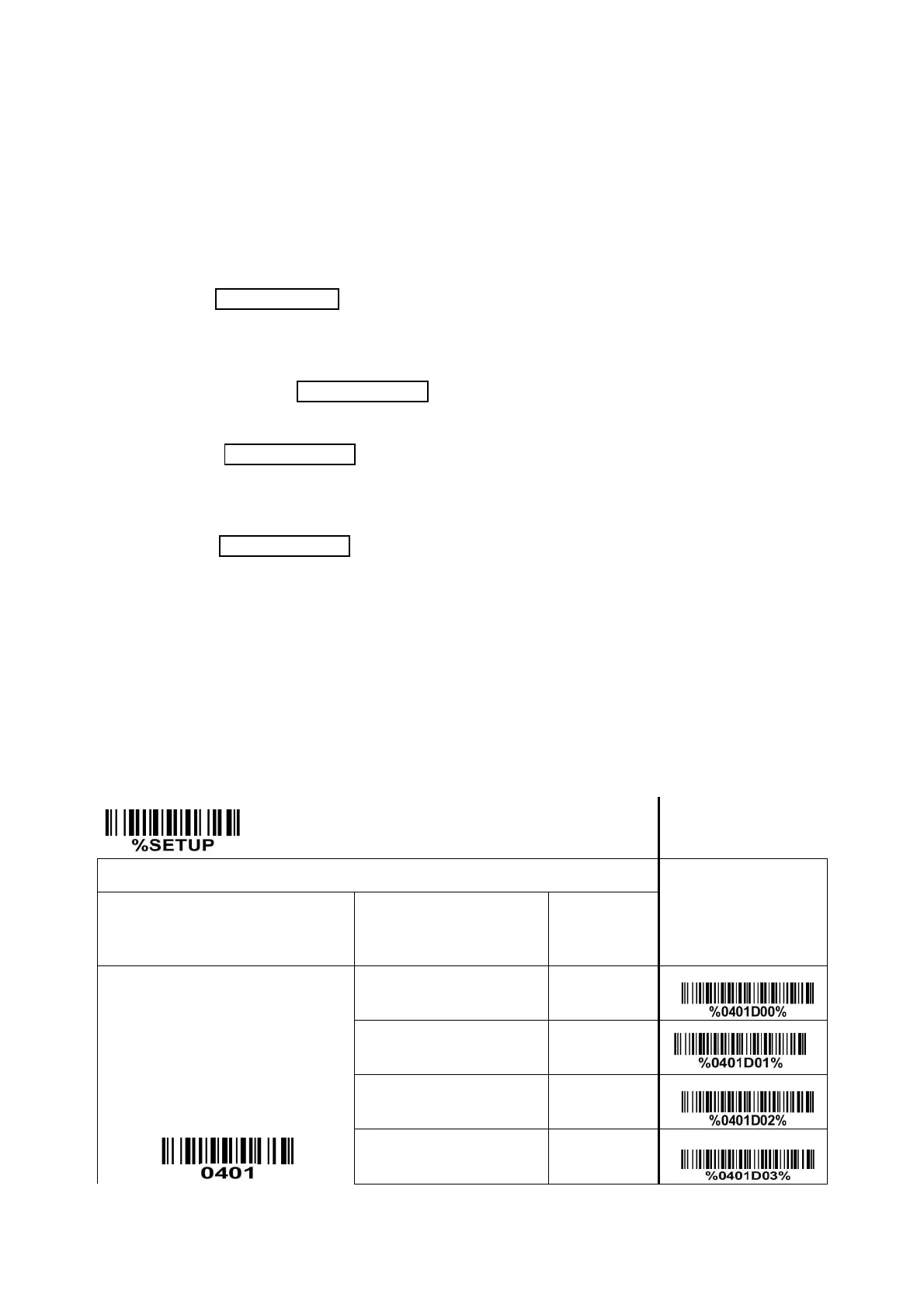
Alphanumeric character only- If this option is selected, the scanner will output the alphanumeric
characters only, i.e. “A”-“Z”, “a”-“z”, “0”-“9”.
Decoder optimization: If it is enabled, the scanner will optimize the decoder with error correction. This
function is not effective for all types of barcodes.
Scan angle: If narrow angle (40°) is selected, the decode rate is 1 time/scan; if wide angle (55°) is selected,
the decode rate is 0.5 time/scan.
Auto-sleep delay: After responding to the host’s requirement, the scanner will automatically enter deep
sleep state within Auto-sleep delay time. The scanner will be awakened while the SCAN button is pressed
or a command WAKEUP (0x00) is received again.
“No read” response: If it is enabled, while the scanner receives the STOP_DECODE command or fails to
decode a barcode within the Stand-by duration time, “NR” will be transmitted as decode data.
Deep sleep:
Disable- When Stand-by duration is elapsed, the scanner will enters normal sleep state. Any external
interrupt can wake up the scanner. It is not necessary to send a command WAKEUP (0x00) before
sending any other commands.
Enable- When Stand-by duration is elapsed, the scanner will enters sleep state deeply, and the supply
current will drop to be 0.9mA. And at this case, it is necessary to send a command WAKEUP (0x00)
and delay for 15ms, before sending any other commands.
Character encoding system: A character encoding system consists of a code that pairs each character
from a given repertoire. Common examples include Morse code, the Baudot code, the ASCII and Unicode.
If the data received does not display with the proper characters, it may be because the barcode being
scanned was created using a character encoding system that is different from the one the host program
is expecting. Try alternate options to find the proper one.


 To Next Page