23
USER MANUAL
EN
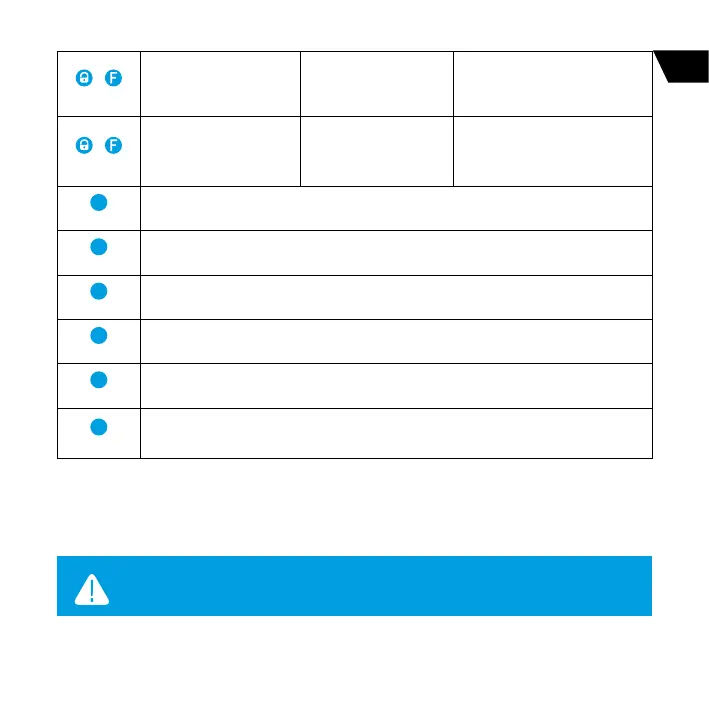
+
(short press)
Arming when the engine
is running with sound
conrmation
Arming in 30 seconds with
sound notication
+
(1 sec)
Arming when the engine
is running without sound
conrmation
Arming in 30 seconds
without sound notication
6
(1 sec)
Request current car status (“CHECK» command)
6
(2 sec)
Events history
6
(3 sec)
Force connection to the on-line service
5
(1 .)
Enter settings menu
5
(2 sec.)
Switching o engine preheater
5
(3 sec.)
Switching on engine preheater
System settings menu
Main system parameters and settings can be changed using LCD remote. All actions in the settings
menu are performed by buttons.
WARNING! SYSTEM SETTINGS CAN BE CHANGED ONLY WHEN A REMOTE
CONTROL IS IN THE RADIO COVERAGE AREA.



 To Next Page