38
SECURITY-SERVICE SYSTEM PANDORA CAMPER PRO
!
for The correcT operaTion of The gsm funcTions, an
owner should moniTor The sTaTus/balance of The sim
card insTalled in The sysTem. if The sim card is blocked
or defecTive, gsm funcTions of The sysTem will be
unavailable.
It is required to create an account, add the
system to your account, pair your mobile phone
with the system. Registration is performed in the
mobile application or on the web-site.
Registration
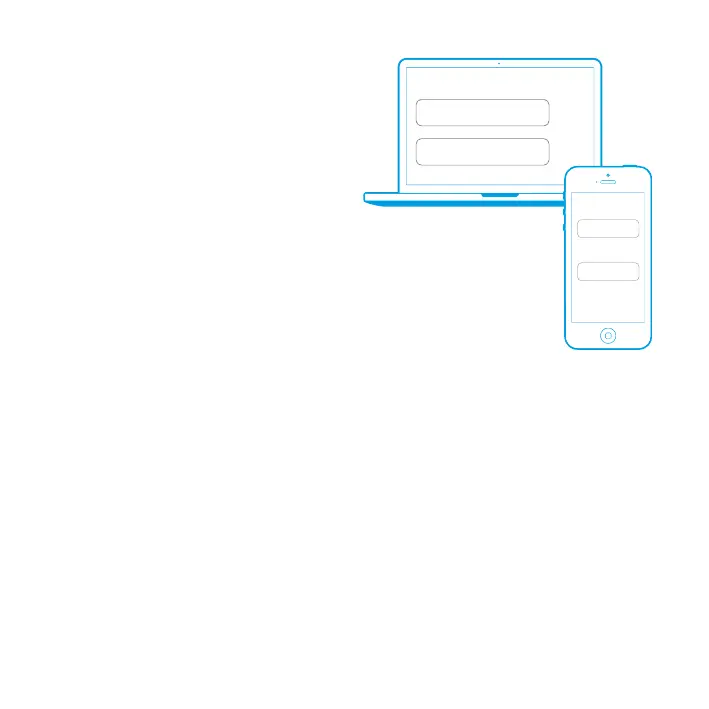
Visit pandora-on.com website and register following the instructions.
System login
After completing of the registration process, you can login- to the online service via
a computer’s web browser or via special mobile app Pandora Camper Pro for the
Android and iOS. Use your previously created login/password to enter the web site
or mobile app.
Adding a system to the online service
The Internet service pandora-on.com can support simultaneously several telemetry systems, installed
on various cars (private car park).
To add a telemetry system (vehicle) to the service, press ‘Add car’ button and go through the process
of adding, following the instructions. To add a car, individual owner’s card with registration information
is needed (shipped with the system).
!
erase The proTecTive layer carefully. do noT use any sharp objecTs To avoid damaging of hidden informaTion under
The proTecTive layer.
Events history
Event history holds more than 100 different types of events that can happen to the system. Every event
is saved with date, time, coordinates and status of all control zones at the time the event has occurred.
The number of events in the history is limited. Storage of event history life is no less than 1 month.
pandora-on.com
LOGIN
PASS
@E-MAIL
********
LOGIN
PASS
@E-MAIL
********
Pandora Camper


 To Next Page