52 TELEMETRY SECURITY-SERVICE SYSTEM PANDORA PROFESSIONAL
SERVICE VALET MODE
It is recommended to put the system into the service mode before handing it to a car
service or valet parking. When this mode is switched on, security system stops interfering
with built-in electronics and disables all functions to ease maintenance or parking.
Moreover, you will not have to leave a remote control or radio tag to the valet or the
mechanic. To switch on this mode, switch on the ignition, a radio tag must be in the
coverage zone, enter the “Immobilizer PIN-code” (if the “Code immobilizer” function is
implemented):
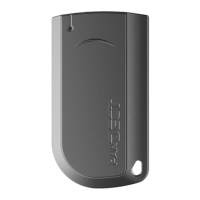
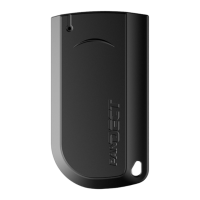
Switch on/off the service mode using a radio tag
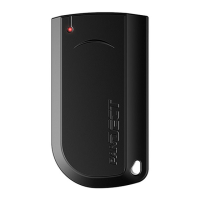
• To switch on the service mode, press and hold the button on a radio tag for 3
seconds. Release the button after 3 flashes of the LED of the radio tag.
• To switch off the service mode, press and hold the button on a radio tag for 3
seconds. Release the button after 3 flashes of the LED of the radio tag.
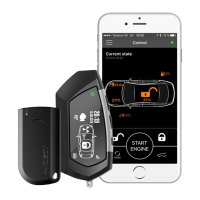
Switch on/off the service mode using a remote control
Enter the main settings menu - press and hold
5
button for 1 second.
Select the “VALET MODE” menu using
4
or
6
buttons and shortly press
5
button.
To switch on the service mode, hover over the parameter status using
4
or
6
buttons and shortly press
5
button.
To switch off the service mode, hover over the parameter status using
4
or
6
buttons and shortly press
5
button.
Switch on/off the service mode using a phone
Call the system number, wait for the answer.
• To switch on the service mode, dial the 551* DTMF command and enter the
“Secret PIN-code” written on the owner’s plastic card
• To switch off the service mode, dial the 552* DTMF command.



 To Next Page
 Loading...