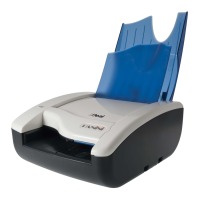
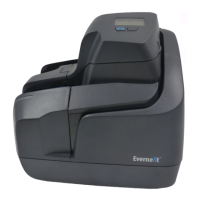
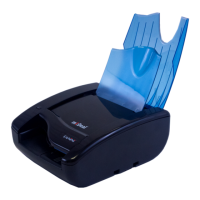
OPERATOR MANUAL Page 12 Learning about the Panini Vision X
2.2 Removing the Panini Vision X from the Packaging
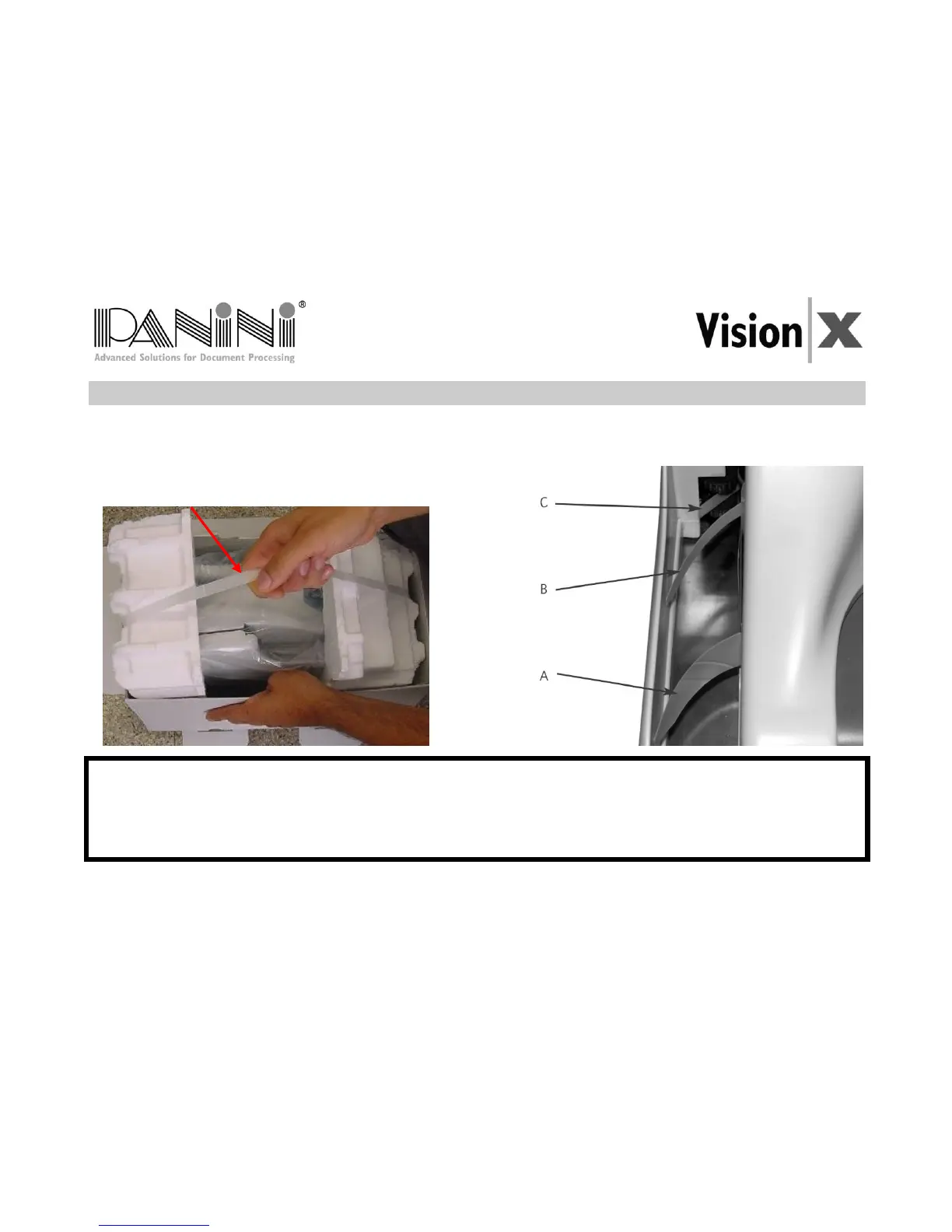
1. Remove the Accessories box and the power cable out of the packaging.
2. Holding the packaging down with one hand, lift the Vision X together with the packing materials making
use of the plastic handle.
only to extract the device from its packaging.
During unpackaging, do not remove or pull the Mylar blades in the exit pocket. (see
A, B and C in the image above)


 To Next Page