OPERATOR MANUAL Page 16 Operating your Panini Vision X
3.2 Extension Plate Installation
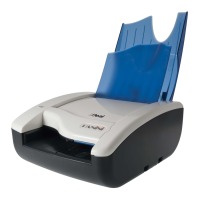
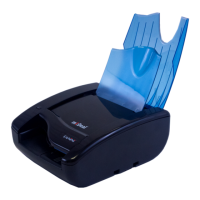
The feeder extension is designed to support all documents anticipated to be processed by the Vision X.
Markets or applications that process a large number of long documents (longer than 8 inches) may find it
necessary to apply the optional extension plate for better document support, reducing the risk of image
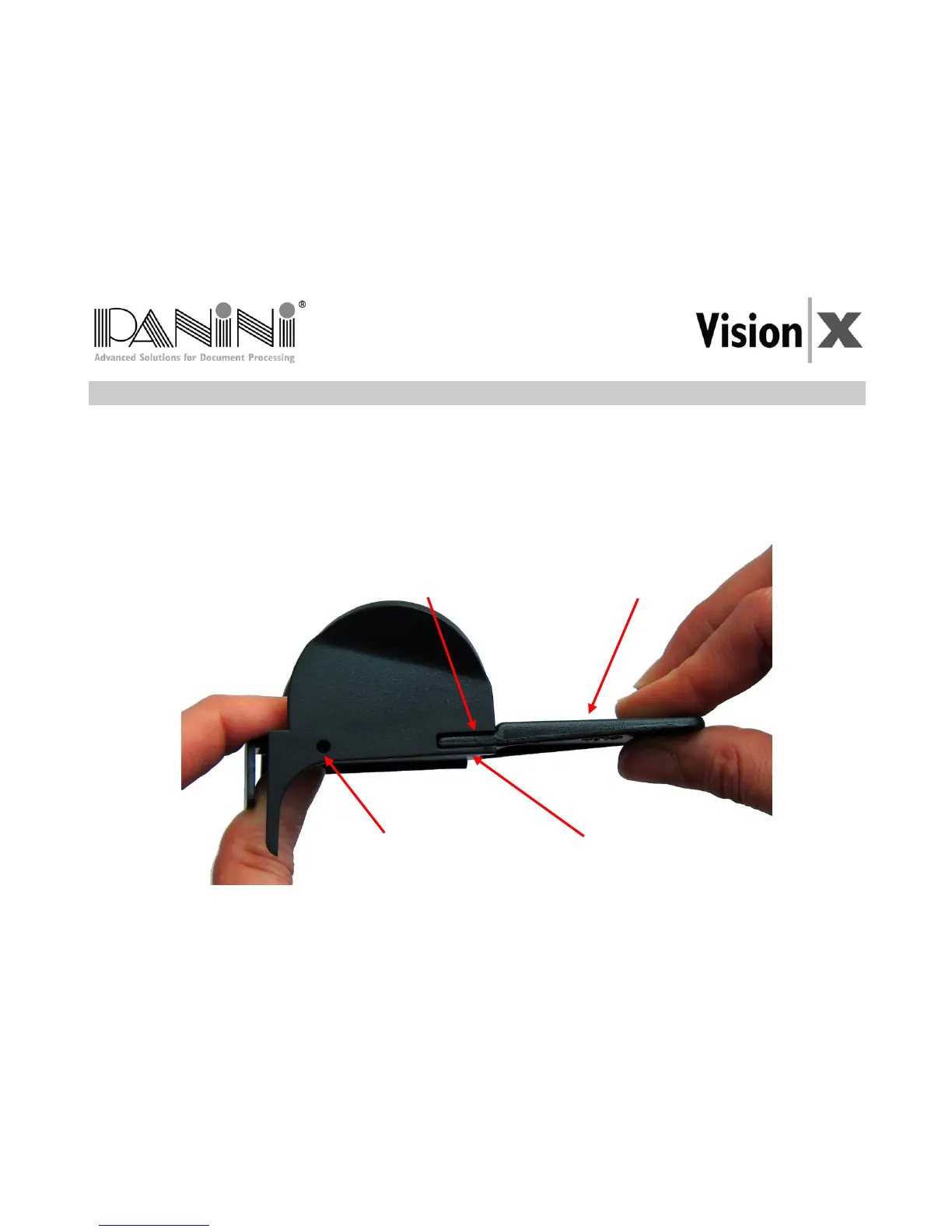
skewing, MICR rejects, etc. Assembly is made by sliding the extension plate, face side up, along the bottom
side of the feeder extension into the support notches until the plate snaps into place. The lock tabs should
securely fit into the round holes and the short and long tabs should be fully inserted into the support notches.
To remove, firmly grip the feeder extension and the extension plate and pull apart.



 To Next Page