OPERATOR MANUAL Page 23 Getting Started
Feeding Documents
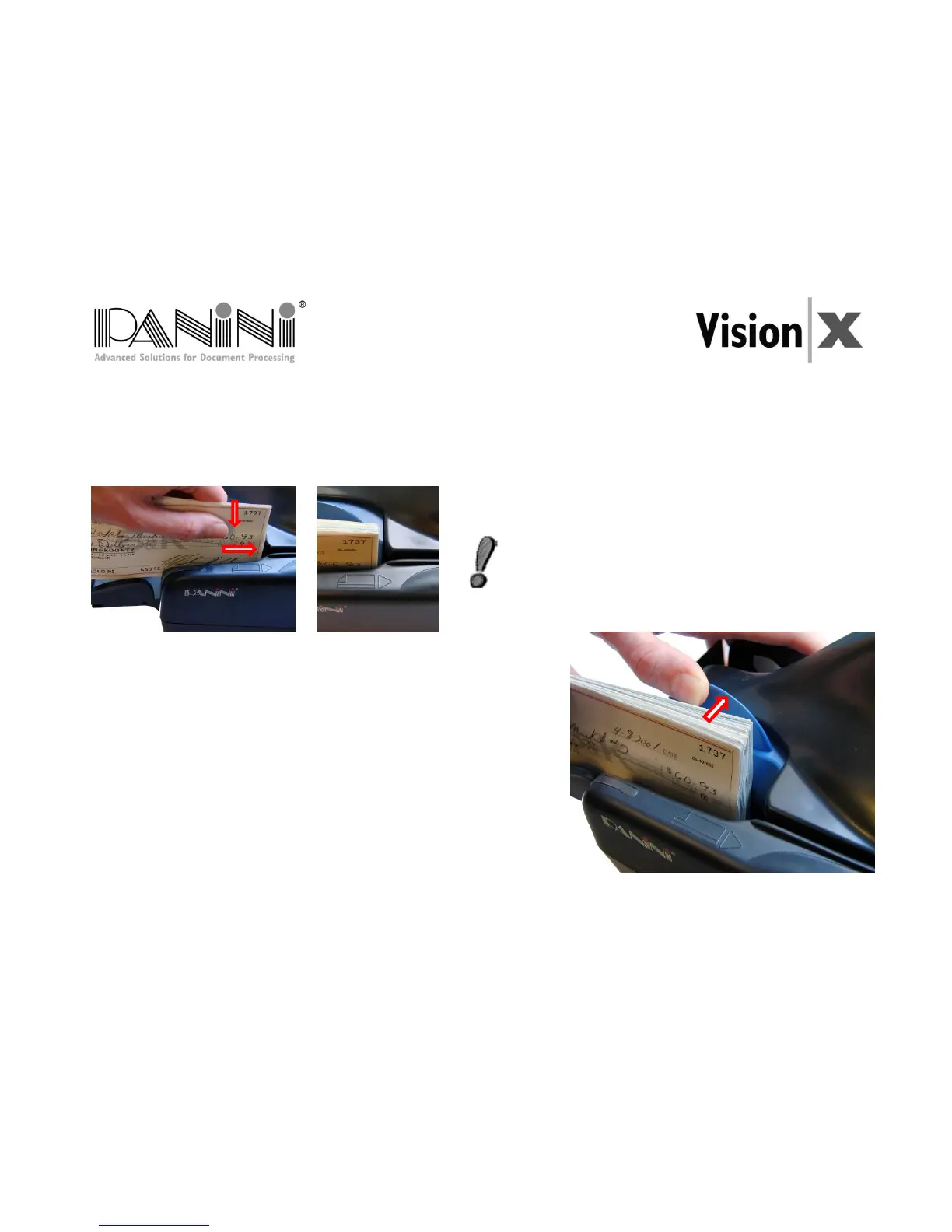
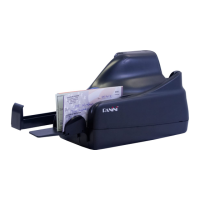
You may feed documents one at a time or in small batches by inserting the documents all the way into the
feeder.
The documents must be inserted into the feeder so that the leading edge fits between the two black lines.
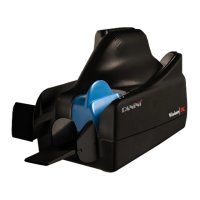
Larger batches up to 100 checks require the pressure plate to be
pushed back before inserting checks into the feeder.
To prevent misfeeding, do not insert more than 100 documents
document and the pressure plate in the maximum backward
position. The leading edges of the documents should be aligned
as described in the previous page.


 To Next Page