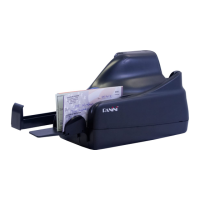
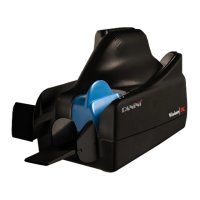
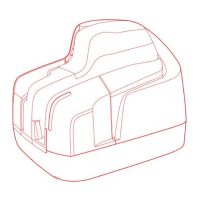
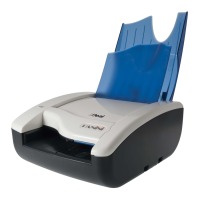
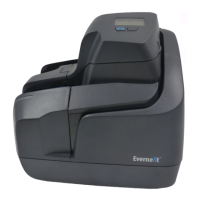
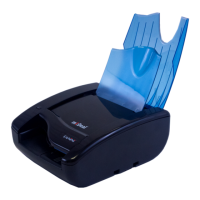
Insert the Document Pocket Extension in the slot uncovered by pushing back
the Document Pressure Plate and the corresponding slots in the first document
pocket. Installation is correct if the Document Pocket Extension is at the same
level of the scanner base plate.
Adjust the pocket length by inserting the longest document that will be
processed in the pocket. Move the pocket extension plate left or right until a
space of 5 mm ( document
and the end of the pocket extension. The pocket extension plate will provide
support for both machines pockets.
In addition to following the basic cleaning instructions provided in section 5.2 of the Operator Manual, Panini
recommends that you occasionally inspect the images for the presence of any streaking due to residual ink
on the Contact Image Sensors (CIS) glass. If so, use the Panini cleaning cloth (Panini P/N: GS-00020-00) to
clean the CIS surface.


 To Next Page