OPERATOR MANUAL Page 37 Maintenance
5.7 Install the External Covers
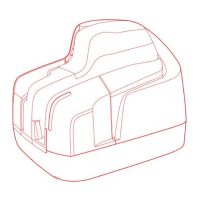
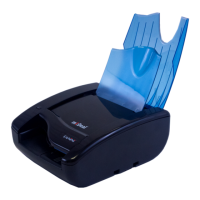
Install the inner cover following the instructions below:
1. Open the pocket extension.
2. Insert the two reference shafts in the corresponding housing found in
the inner cover
3. Push down on the inner cover until it stops, ensuring that the inner
cover stays behind the scanner (black area).
4. Check the exit pocket to ensure that the two plastic springs are
properly aligned



 To Next Page