12
Send a Text/Multimedia Message
1. On the Home screen, press the LEFT SOFT key to enter the “Start” menu.
2. Select “Messaging”.
3. Select “Messages”.
4. Press the RIGHT SOFT
key to enter the menu.
5. Select “New”.
6. Choose “Multimedia Message” or “Text Message”.
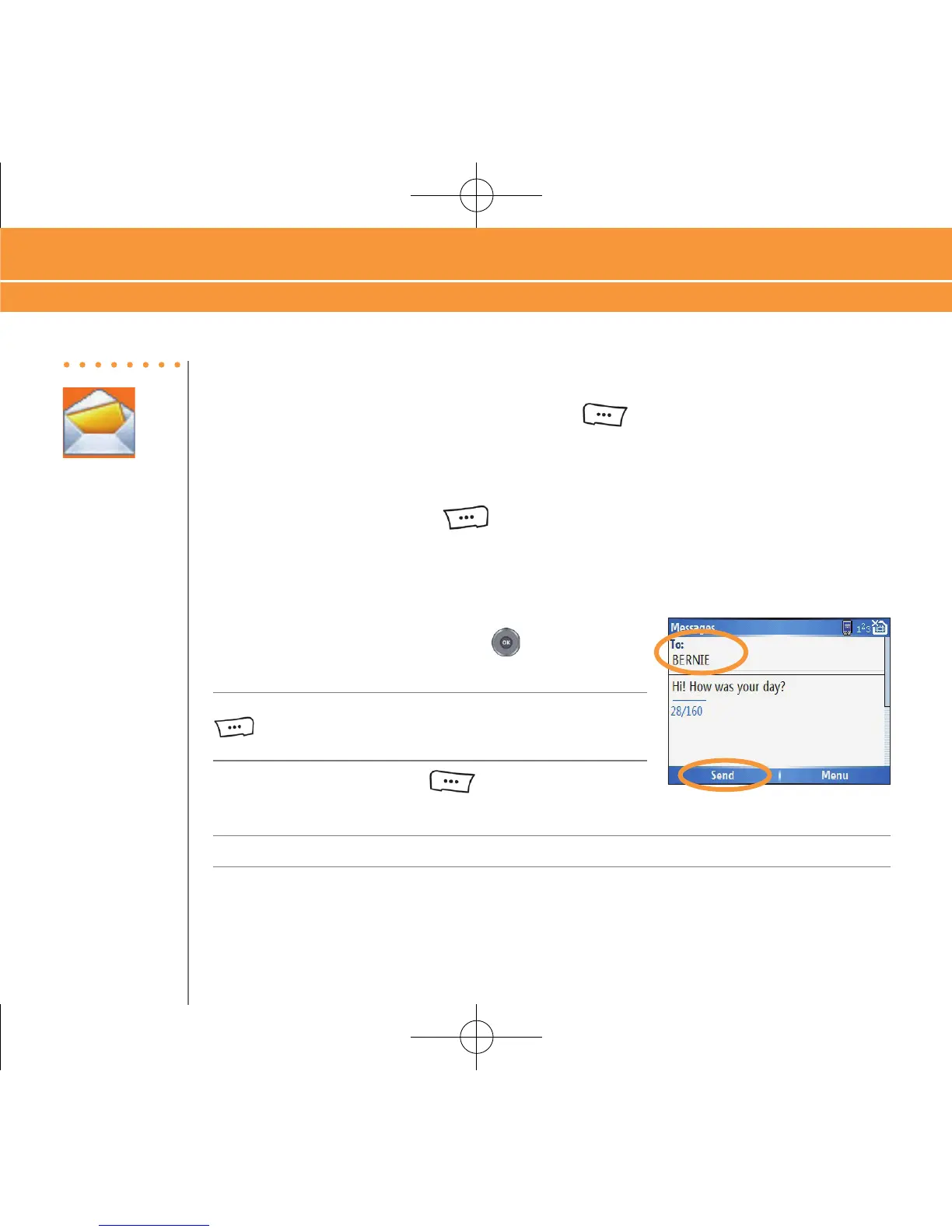
7. In the “To” field, type a phone number, or press the
center of the to NAVIGATION key select a contact.
8. Type a message.
To add or attach an item to the message, press the RIGHT SOFT key
to enter the menu. Select “Add Item” and select the type of
item to attach. Choose the desired item from the list.
9. Press the LEFT SOFT key to select “Send”.
Note: Additional charges may apply.
Steps?
9
Takes?
2 minutes
Use Text/Multimedia Messaging & IM
Send a Text/Multimedia Message



 To Next Page