22
Send and Receive Personal Email
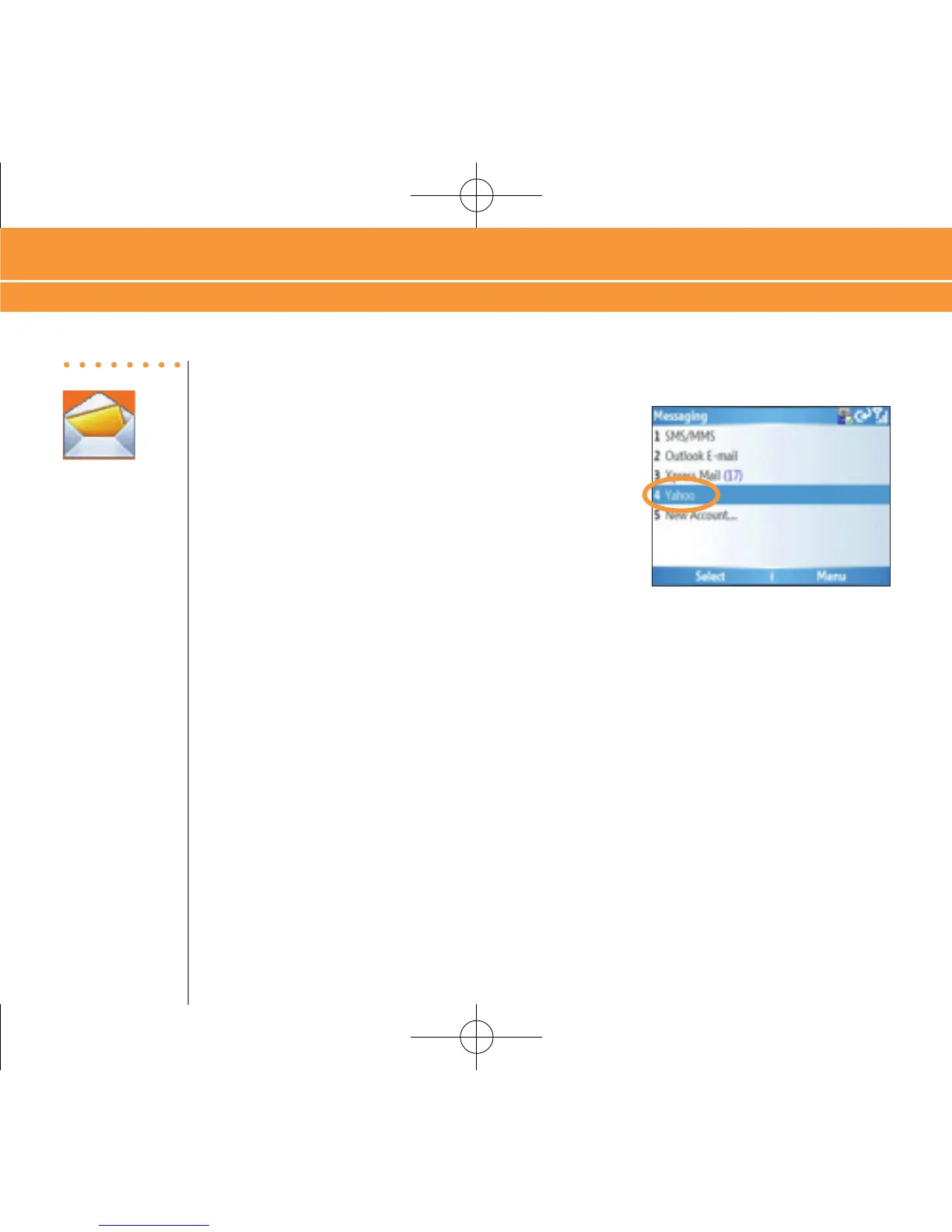
1. On the Home screen press “Start”, then press
“Messaging”, and select “Yahoo” (or your personal
email provider).
2. Press “Menu” and press “Send/Receive” to synchronize your email.
3. Press “New” to compose a new email.
4. When you are finished composing your message select “Send”.
Corporate Email Setup With Xpress Mail
With Xpress Mail, you can access your corporate email account (like Microsoft® Exchange or
Lotus Notes®) from your device without support from IT. First, you will have to register and
install Redirector® on your PC. This computer must remain on and connected to the corporate
network while you are setting up Xpress Mail. This feature may be prohibited or restricted in some
networks or on some PCs. Contact your network professional for more information.
Steps?
4
Takes?
6 minutes
Send and Receive Personal Email, Corporate Email Setup With Xpress Mail



 To Next Page