23
Start on your desktop or laptop computer
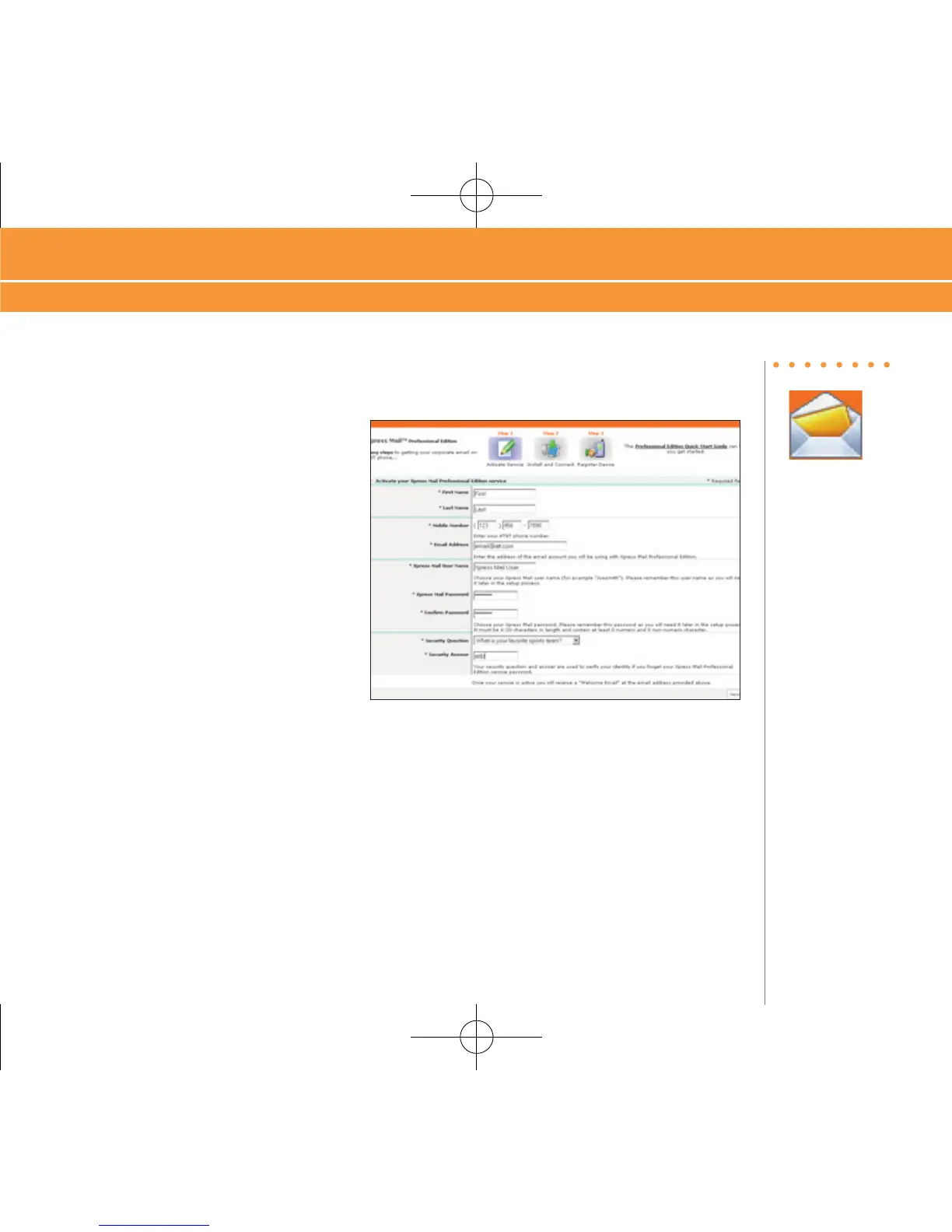
1. Navigate to http://xpressmailpe.wireless.att.com in your browser of choice.
2. Click “Register Now” and fill in the
required form fields.
3. On the download page, click “Download”
4. Click “Open” or “Run” and the desktop software will begin to download.
5. Click “Yes” when asked whether or not you want to install the desktop software.
6. Click “Next to begin setup and follow the on-screen instructions. When prompted for a user
name and password, use those created in Step 2.
7. When Xpress Mail has successfully connected to your corporate email account, you will
receive a message confirming that your software is installed and you are now connected to
Xpress Mail.
Steps?
7
Takes?
8 minutes



 To Next Page