Get to Know Your Pantech Duo
6
Get to Know Your Pantech Duo
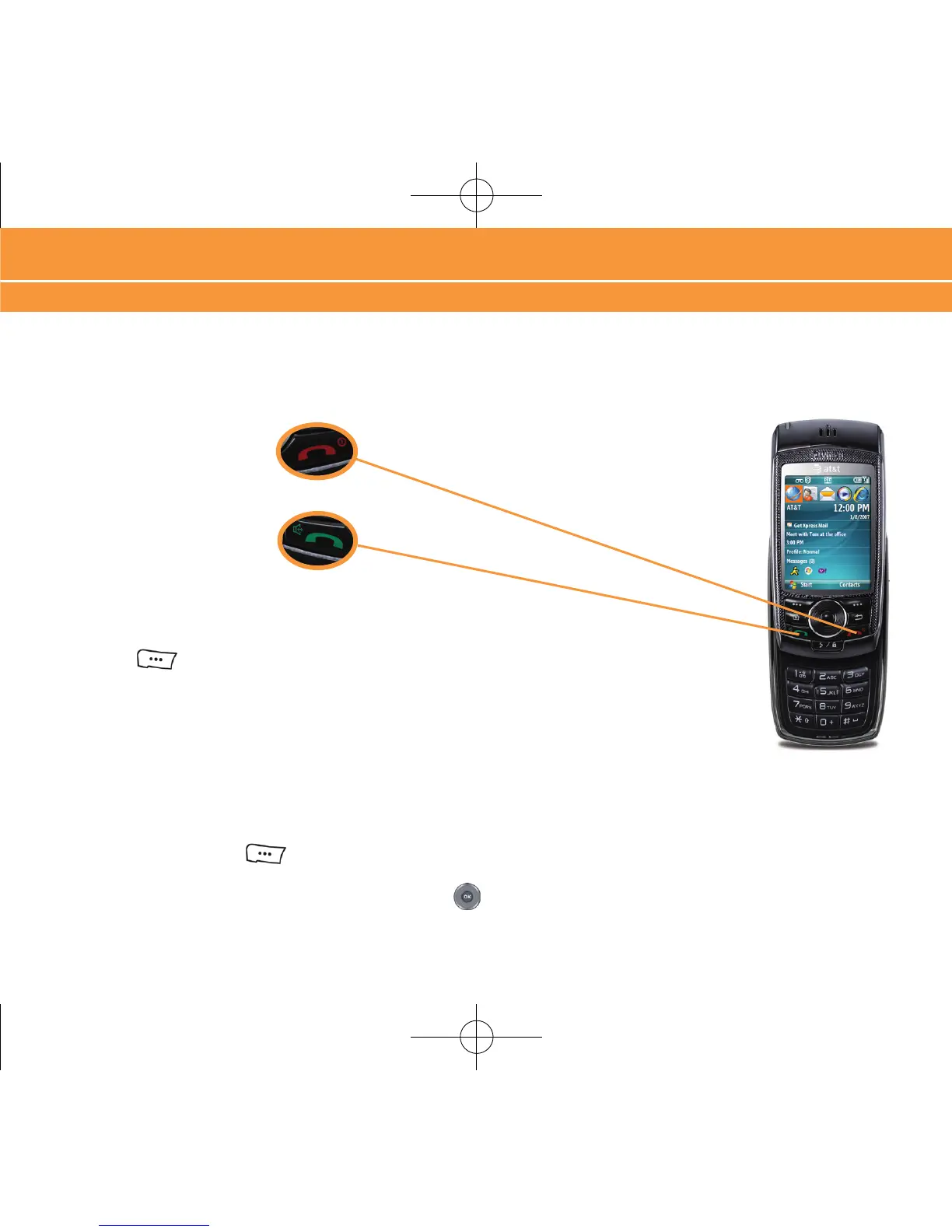
Turn On/Off Your Device
Press and hold the END key.
Answer a Phone Call
Press and hold the SEND key.
Lock/Unlock Your Device Keypad
To Lock the device, press and hold the LOCK key. To unlock the device, press the LEFT
SOFT
key , followed by the * key.
Backlight
After 10 seconds your screen will dim to save battery power. To turn your screen on, press any
key, or open one of the keypads.
Change Backlight Settings
Press the LEFT SOFT key to enter the “Start” menu. Select “Settings”, then Click
“Power Management”. Scoll down to “Display time out”, or “Backlight time out on battery”,
Press the LEFT or RIGHT side of the NAVIGATION key to change the Display Time Out
settings.
Get to Know Your Pantech Duo



 To Next Page