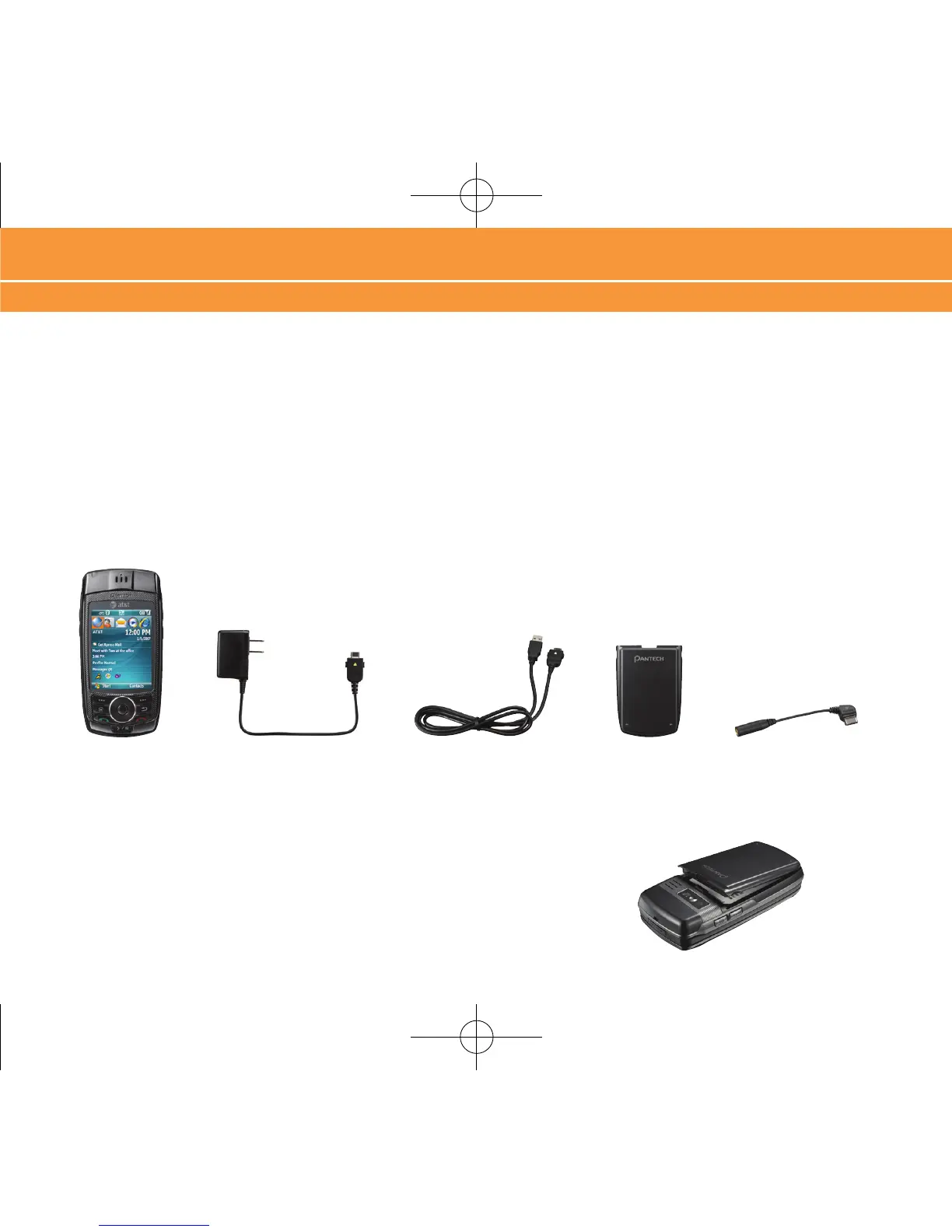
BatteryAC Travel ChargerPantech Duo USB Cable 3.5mm Headset Adapter
What’s in the Box? Insert Battery
4
What’s in the Box?
To get started, we recommend the following:
Carefully follow the step-by-step instructions in this guide to set up your device.
Review the User Manual (by clicking the proper link) on the Getting Started CD to learn about the full power
of the Pantech Duo.
Take note of the following components included in the box:
Insert Battery
1. Align the contacts on the battery with the contacts in the back of the device.
2. Push the battery down until it locks into place.
•
•
Set up Your Pantech Duo



 To Next Page