13
Instant Messaging
If you subscribe to an instant messaging (IM) service such as Yahoo!®, AOL®, or Windows Live™,
you can have the convenience and fun of IM on your Pantech Duo.
Set Up
1. On the Home screen, press the LEFT SOFT key to select “Start”.
2. Select “IM & Email”.
3. Select “IM”.
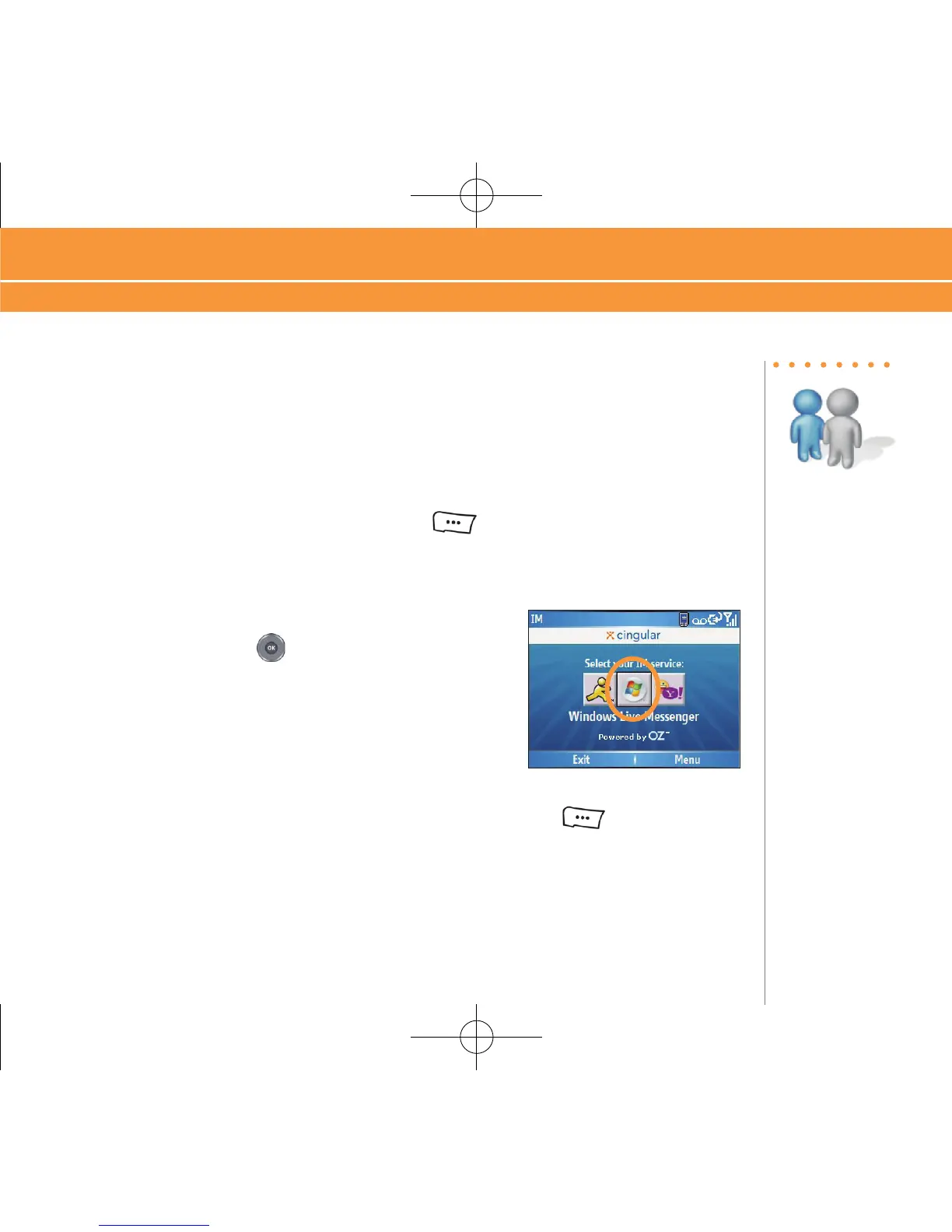
4. Highlight your desired IM service and press the center of
the NAVIGATION key .
5. Enter your user name and password and press the LEFT SOFT
key to select “Sign
In”.
Instant Messaging
Steps?
5
Takes?
1 minute



 To Next Page