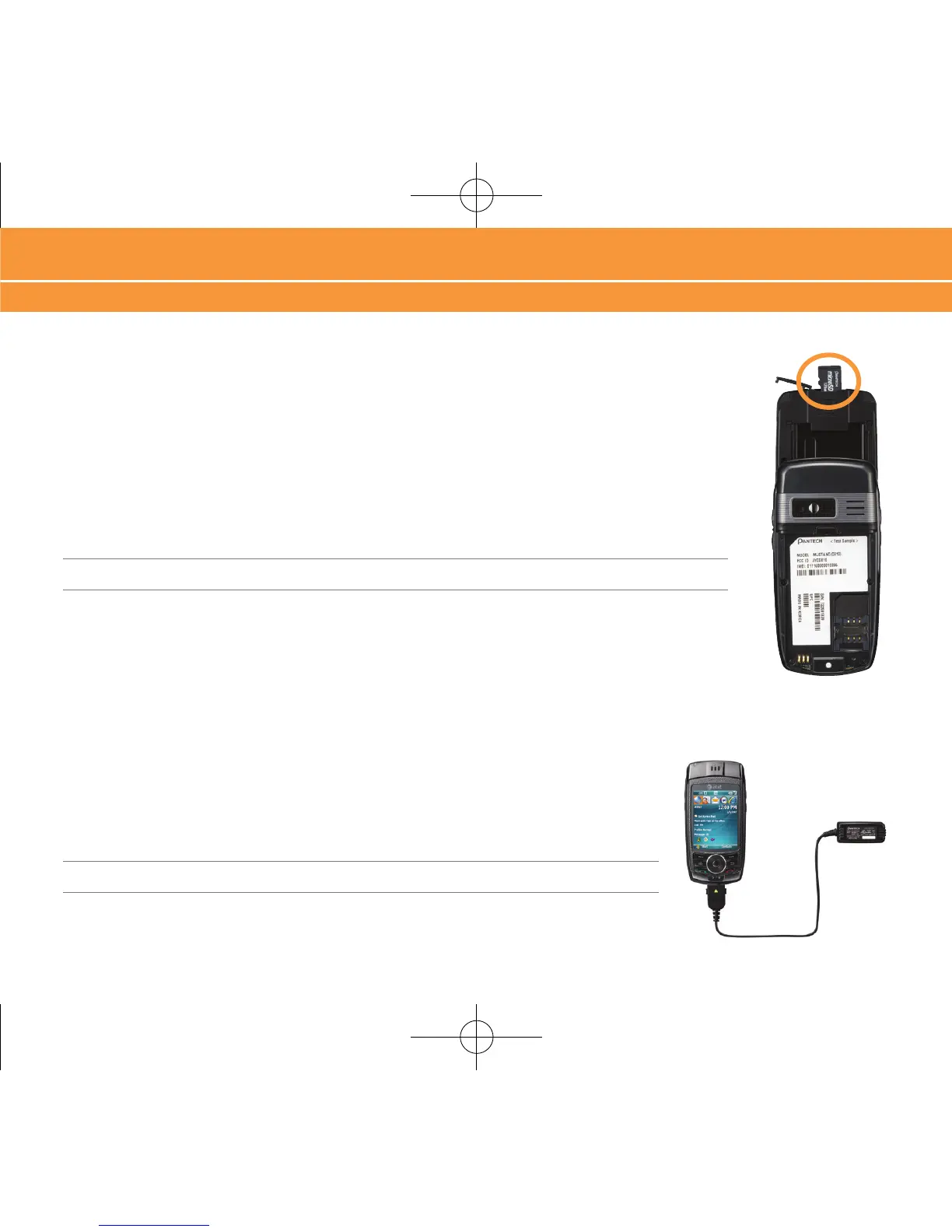
Insert microSD™ Card
A microSD™ Card is a removable memory card that may increase data storage capacity of the
device.
1. Slide open your device to reveal the Number Pad.
2. Remove the cover on the top of the device, that reads “microSD™”.
3. Insert the narrow end of the microSD™ Card into the slot, then replace the cover.
Note: microSD™ Card sold separately
Charge Battery
1. Plug the AC Travel Charger into a standard AC wall outlet.
2. Plug the travel charger into the jack on the bottom of the phone. The indicator
light at the top of the device is red while charging, and green when fully charged.
Note: When charging is complete, unplug the charger from the power outlet.
5
Insert microSD™ Card, Charge Battery



 To Next Page