24
Complete the Setup Process on Your Device
1. Highlight “Get Xpress Mail” on the Home Screen and press the center of the NAVIGATION
key .
2. Highlight “Install Now” and press the RIGHT SOFT key .
3. Highlight “Download Now” and press the center of the NAVIGATION
key on the
download page.
4. Press the LEFT SOFT
key to select “Yes” to continue the download.
5. Press the RIGHT SOFT
key to select “OK” and accept the license agreement.
6. Enter your 10 digit (mobile) number and press the RIGHT SOFT
key to select “Next”.
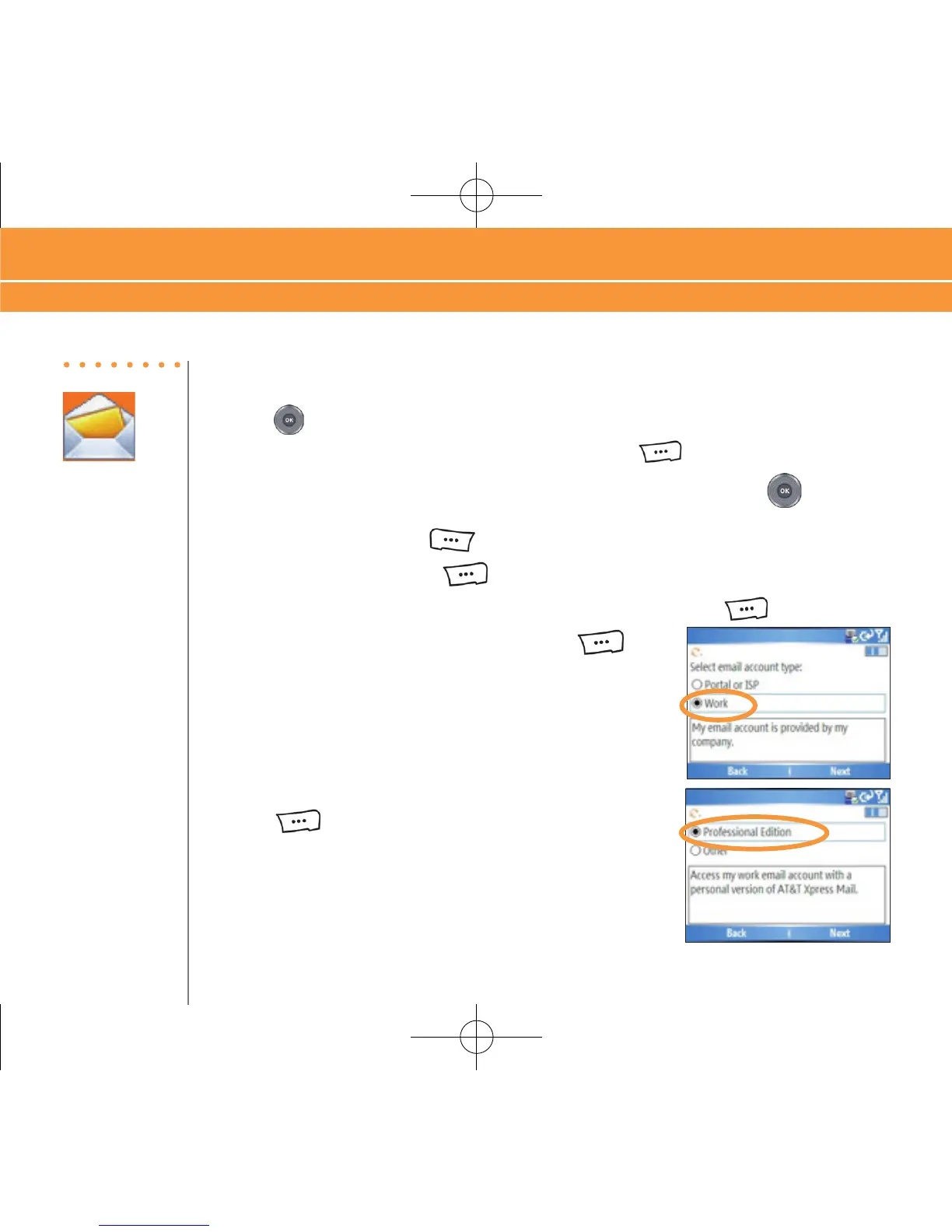
7. Select “Work” and press the RIGHT SOFT
key to
select “Next”.
8. Select “Professional Edition” and press the RIGHT SOFT
key to select “Next”.
Steps?
12
Takes?
10 minutes
Corporate Email Setup With Xpress Mail



 To Next Page