GETTING STARTED
21
Tracing the Design
It is very important that you trace before embroidering. If you do not trace and hit a hoop you could
cause damage to your GS1501 that is not covered under warranty.
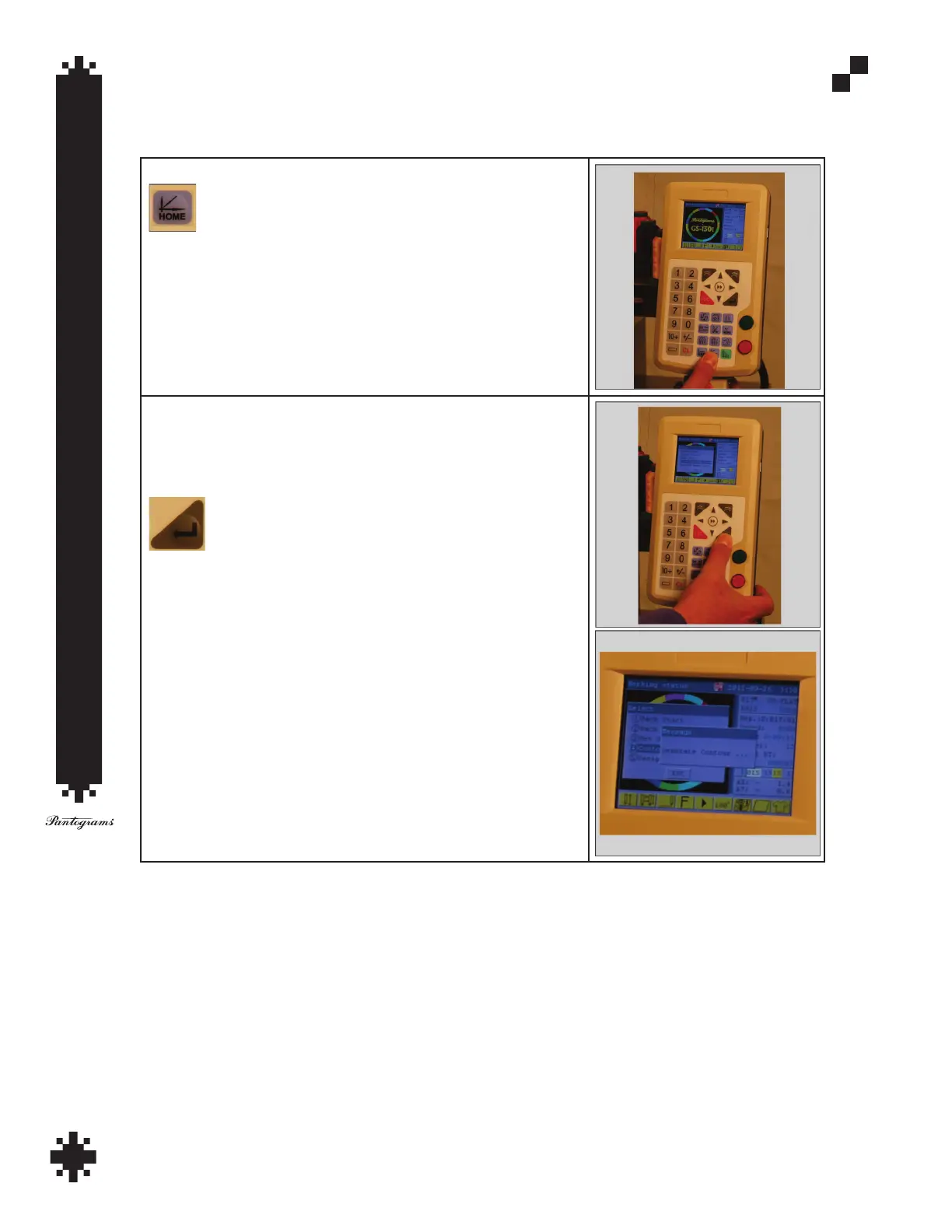
To trace press the Home button.
Press number 4 for Contour Range Check and then press the Enter.
key (see below). You will see the message “Generate Contour” and
the hoop will move in relation to the needle showing the outer edge
of the design. If it appears that needle #1 is outside of the hoop, refer
back to the centering the hoop step above.


 To Next Page