GETTING STARTED
1
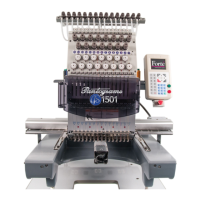
Getting Started with Your Pantograms
GS1501 Embroidery Machine
Thank you for choosing Pantograms as your embroidery system provider. We strongly recommend you to read the
following instructions for setting up the embroidery machine and sewing your rst test designs.
Service and Support
The talented and knowledgeable people in our service and support department are ready to assist you
should questions or problems arise. We strive to give the best support in the embroidery industry by offering
Website, email and telephone support.
For Website Support visit www.pantograms.com and click on support (or email support@pantograms.com).
You will nd a variety of topics related to your machine and software.
For telephone support call 1-800-872-1555.
Monday – Friday, 8:30 a.m. – 5:00 p.m. (EST).
If you don’t immediately speak with someone, please leave a message with your name, phone number and
message and one of our technicians will return your call. All calls received by 4:00 p.m. EST will be returned
the same business day.
Pantograms Website
Visit our Website at www.pantograms.com for more information about our products, machine support and
embroidery support.
EmbSupplies Website
To order embroidery supplies, visit our embroidery supply Website at www.embsupplies.com.
Digital HeatFX Website
To order heat transfer supplies, visit our heat transfer supply Website at www.DigitalHeatFX.com.


 To Next Page