GETTING STARTED
23
Installing the Cap Driver and Embroidering the
Test Cap Design
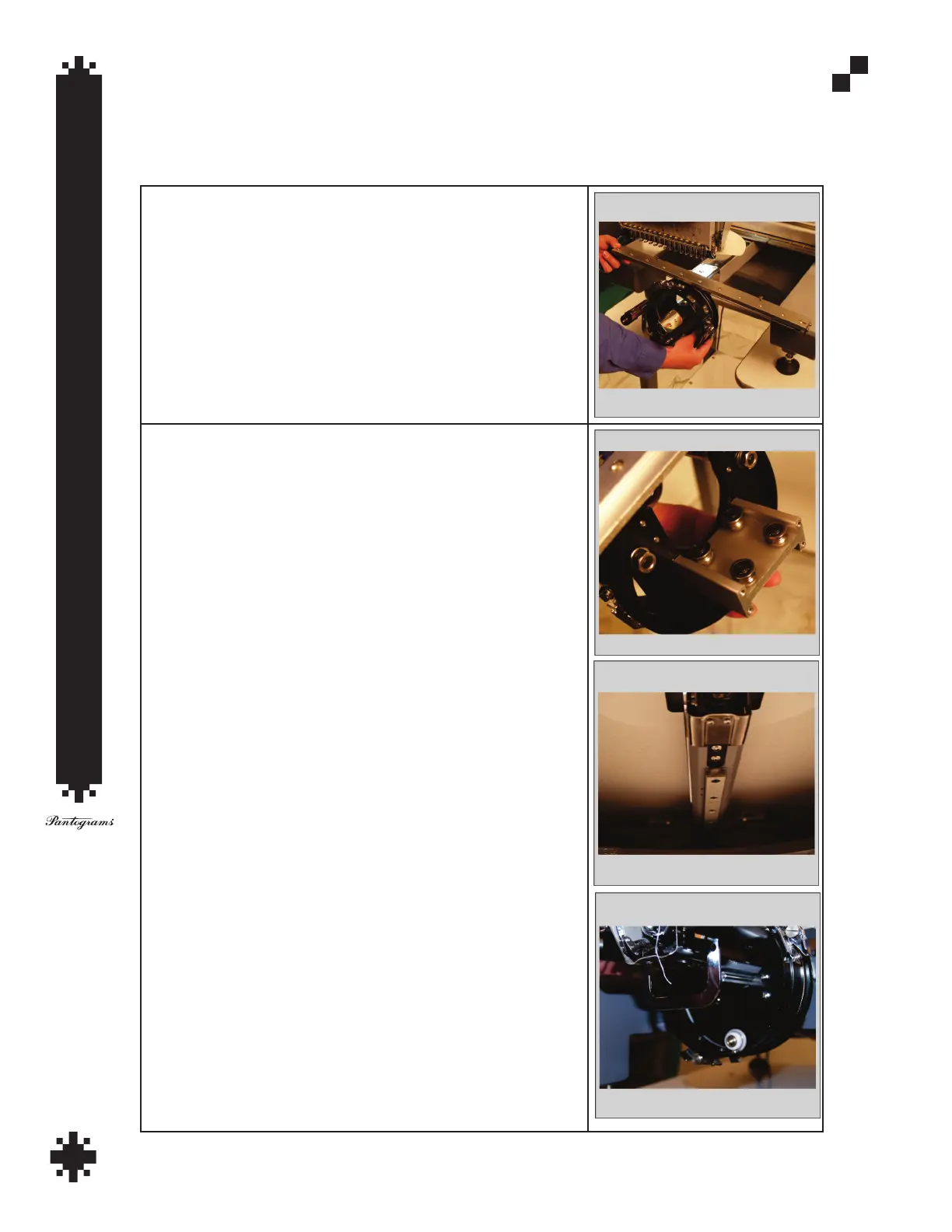
Remove the tubular arms by loosening but not completely removing the Allen screws.
Set these aside for future use.
Slide the cap drive into place as shown.
On the underside of the cap driver there are four rollers; these roller
should align with the guide rail on the underside of the arm.


 To Next Page