GETTING STARTED
24
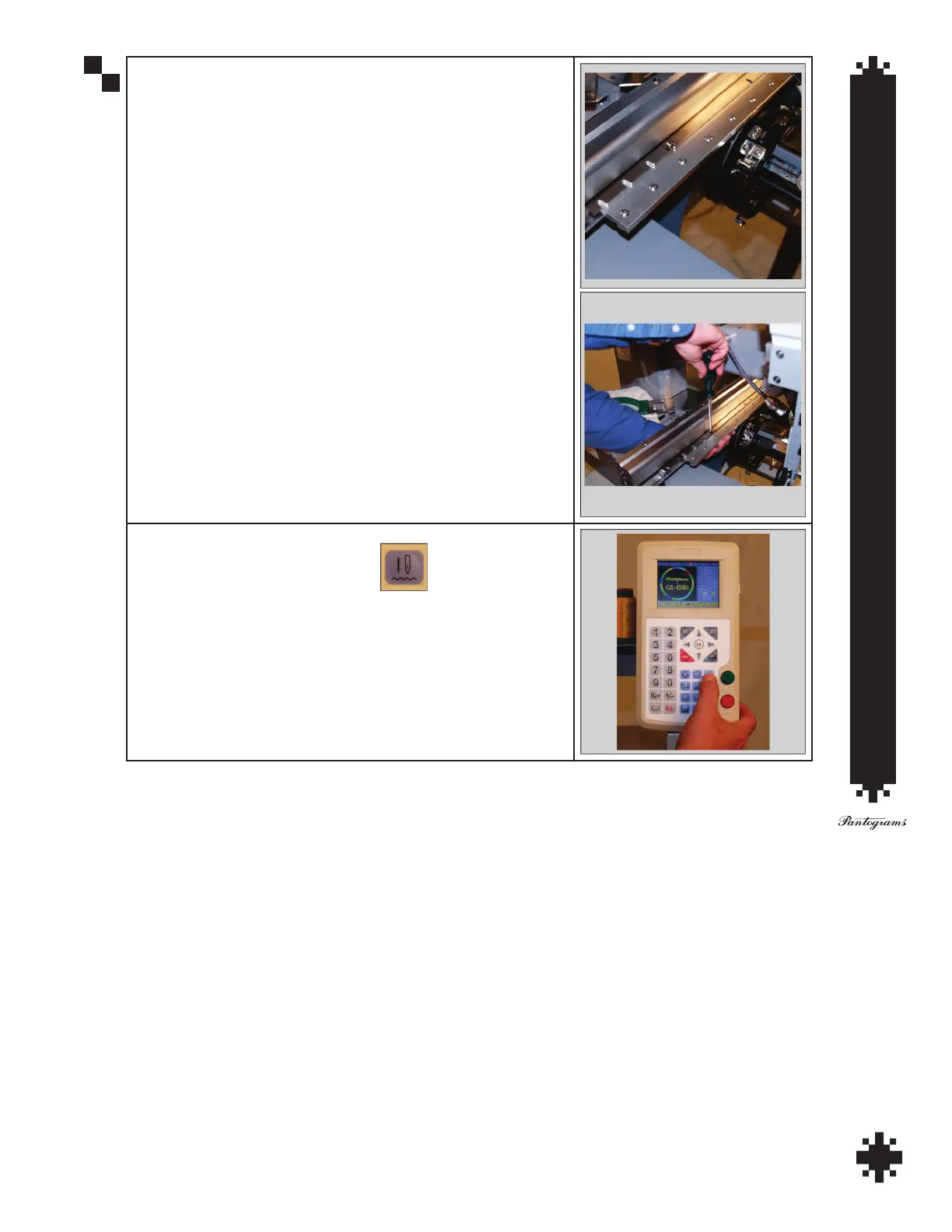
When these are aligned correctly the cap driver will slide smoothly
back towards the pantograph. The mounting screws will line up as
shown. Use a Phillips screw driver to tighten the mounting screws on
both the left and right sides.
To load the cap test design, you must rst exit embroidery mode by
pressing the Embroidery Status Button .


 To Next Page