GETTING STARTED
6
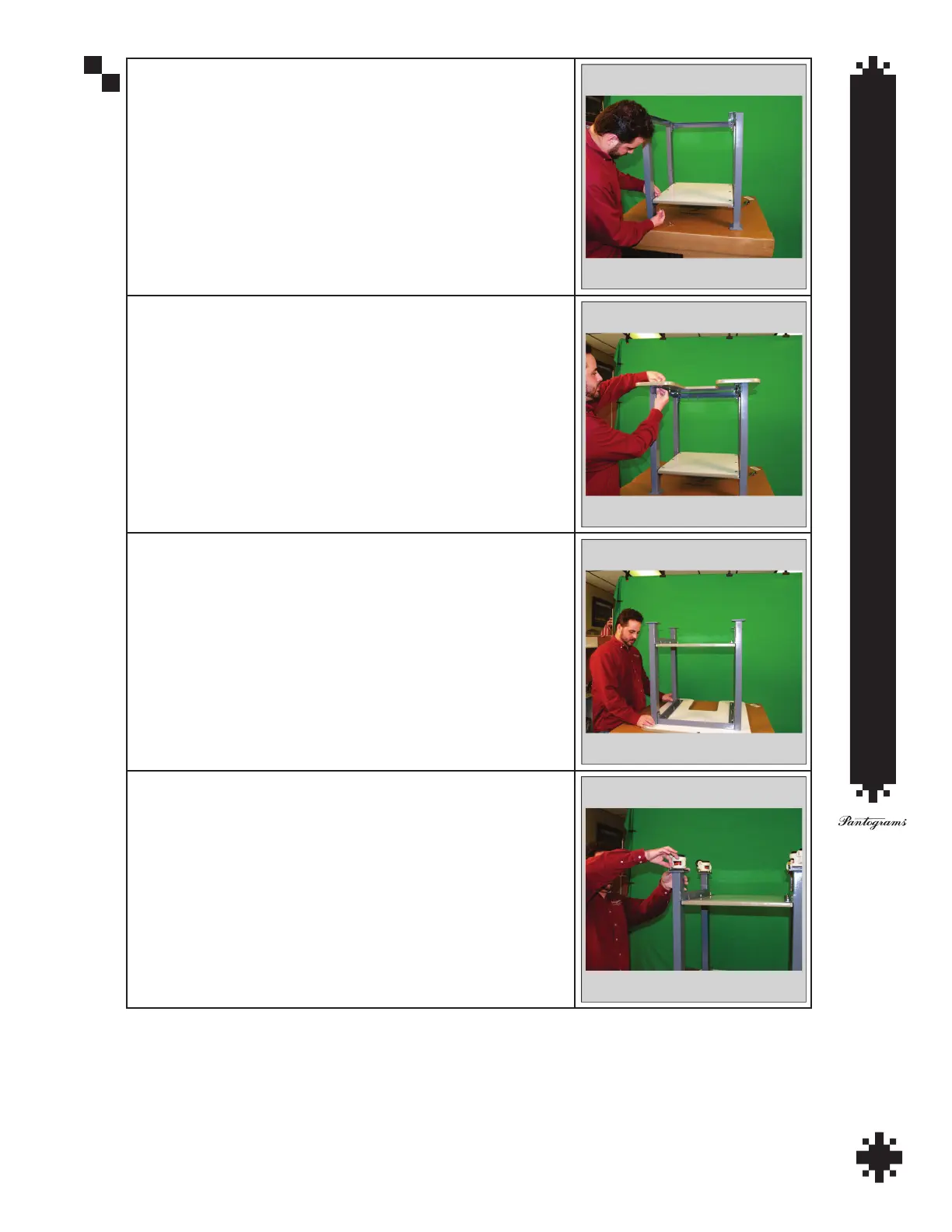
Step 5 - Line up holes in shelf and support. Insert bolts through holes
in both shelf and support and attach nut.
Step 6 - Place table top on workstation. Line up holes and insert bolts
through both table top and frame and attach nuts.
Step 7 - Flip workstation over so that it is sitting on its table top.
Step 8 - Attach casters with four bolts per caster.


 To Next Page