10 CHAPTER 2 BIOS SETUP
Entering the Setup Utility
When you power on the system, BIOS enters the Power-On Self Test (POST) routines. POST is a series of
built-in diagnostics performed by the BIOS. After the POST routines are completed, the following message
appears:
Press DEL to run Setup
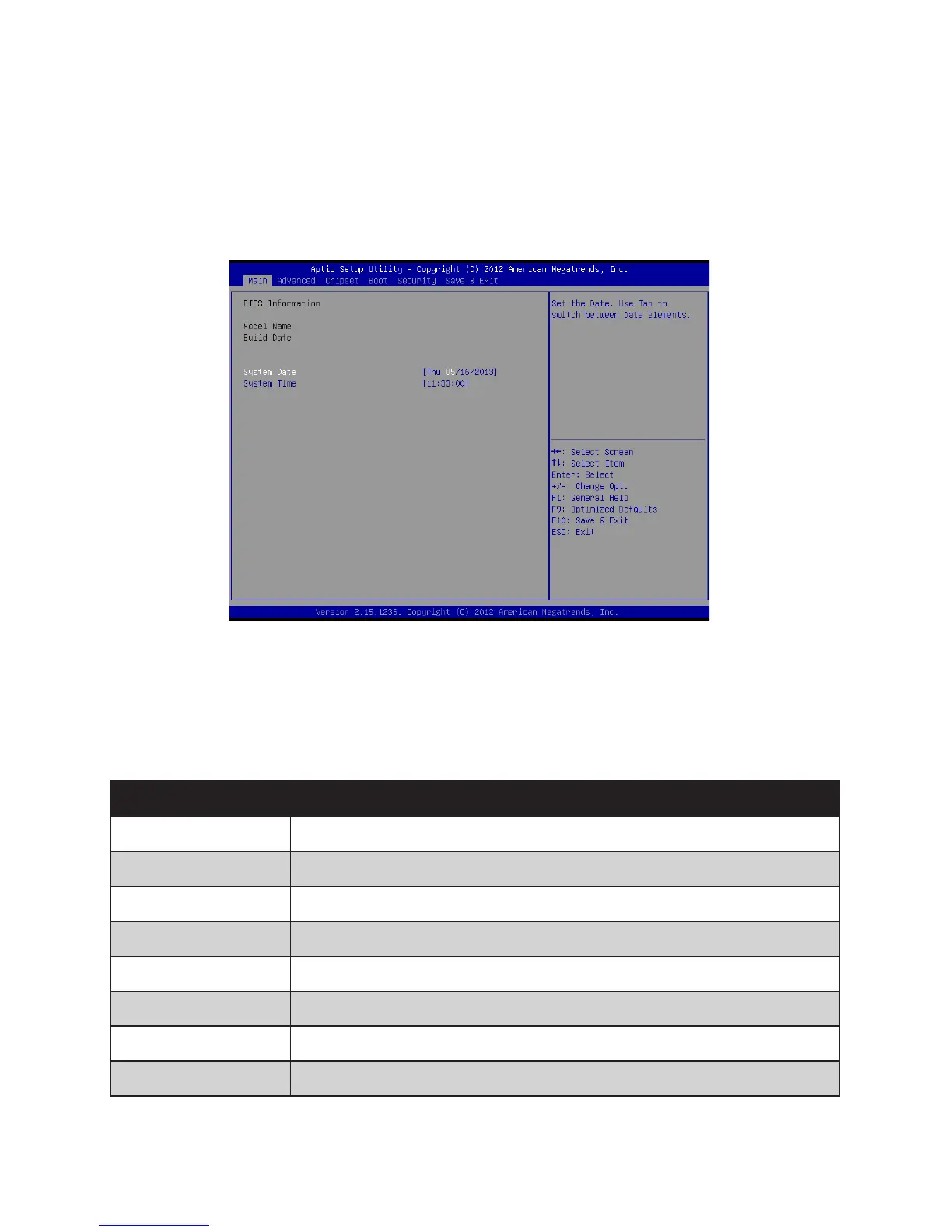
Press the delete key <Delete> to access the BIOS Setup Utility:
BIOS navigation keys
The BIOS navigation keys are listed below.
Key Function
←→ Moves between the available menus
↑↓ Moves the cursor between the displayed parameters
+ – Modiestheselectedeld’svalues
Enter Go to sub screen
F1 Displays a general help screen
F9 Loadsthedefaultcongurations
F10 SavesthecurrentcongurationandexitsSetup
Esc Exits the current screen
Figure 2.1 Main BIOS screen



 To Next Page