16 CHAPTER 2 BIOS SETUP
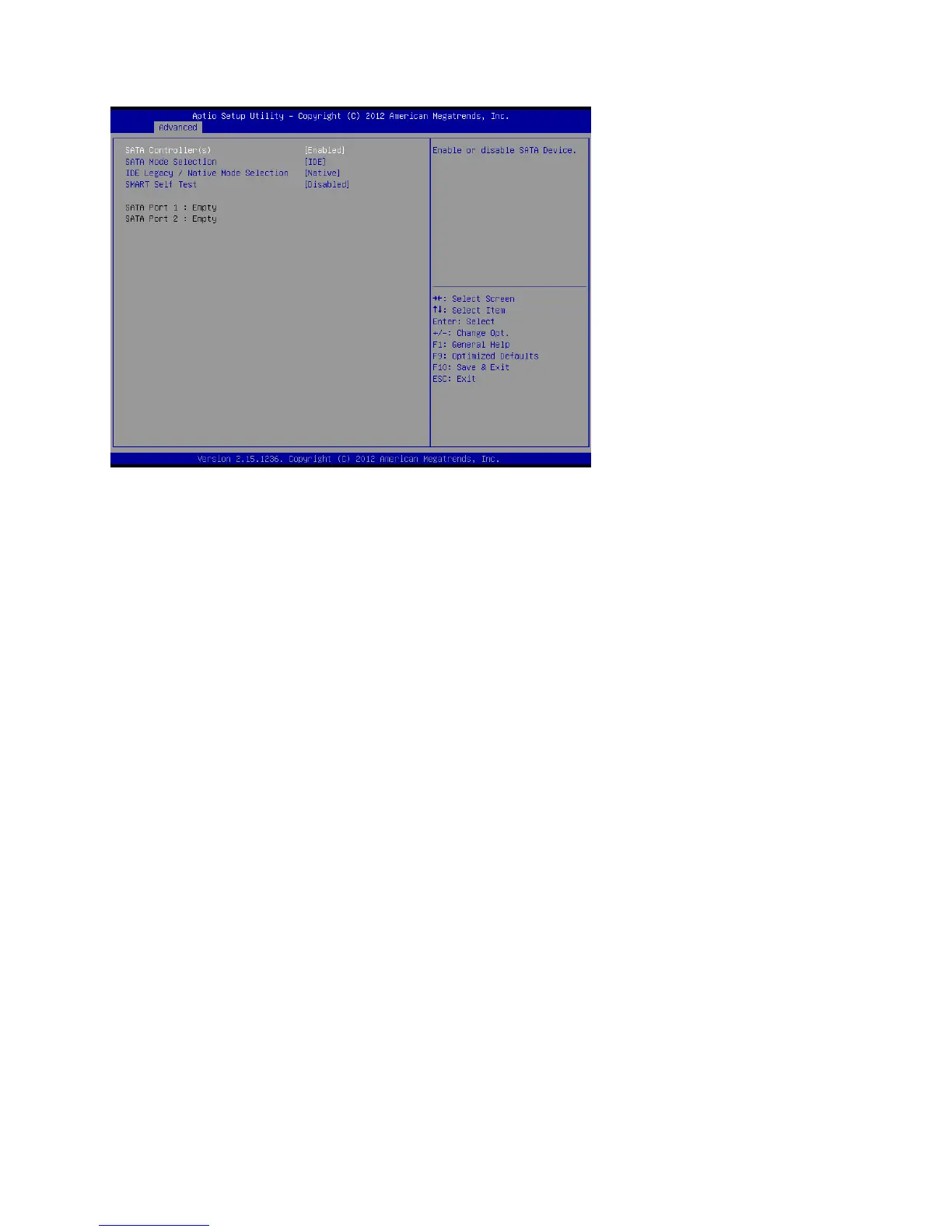
SATA Conguration
SATA Controller(s)
Use this item to enable or disable the on-chip SATA controller. The default setting is Enabled.
SATA Mode Selection
ThisitemisusedtocongureSATAmode.ThedefaultsettingisIDE.
IDE Legacy / Native Mode Selection
This item allows you to select IDE mode. Select Legacy mode for old OS such as Windows 98/2000. Select
Native mode for Windows XP and later version.
SMART Self Test
This item is used to enable monitoring of hard disks that support the S.M.A.R.T. (Self-Monitoring And
Reporting Technology) feature, which can allow the hard disk to report, under some circumstances,
impending failures of the hard disk.
Figure 2.6 SATA
Conguration sub-menu



 To Next Page