© Hirschmann Rev. G 10/05/15 190166_G.DOCXG
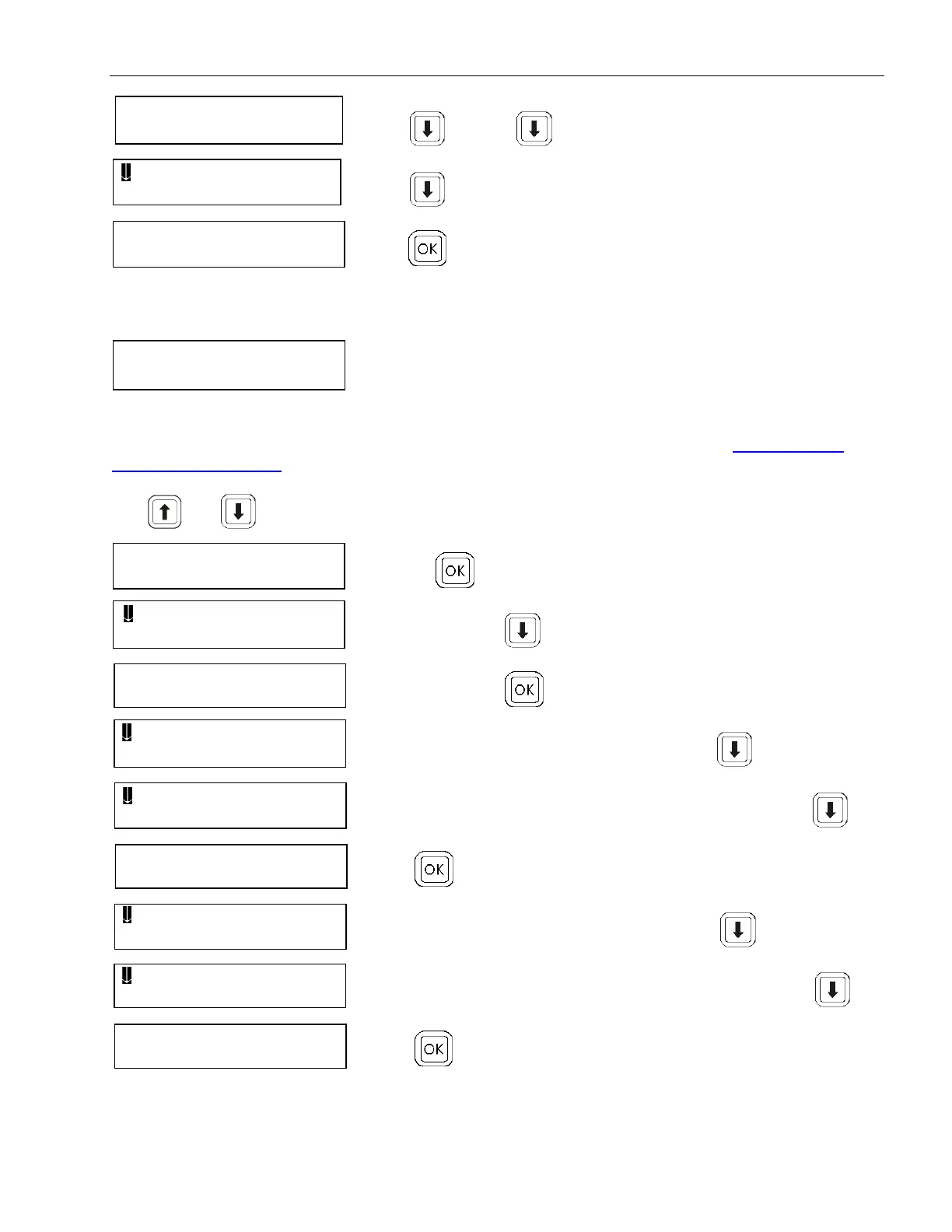
When the boom is in the rest position bleed to continue,
press . Press to continue.
Press to continue.
Press to calibrate.
Check the sensor outputs screen to check the zero point. At the zero point, the millivolt should be
0500 ±20mV.
17.3 CALIBRATE LENGTH INPUT
For extended boom, the adjustment is done by software as described in 6 section Length Sensor
Adjustment Procedure.
Use and keys to mark the main boom length calibration.
Pressing to activate length calibration.
to continue, press .
to calibrate, press .
fully retract the main boom, to continue, press .
acknowledge main boom fully retracted, to continue, press .
Press to calibrate.
fully extend the main boom, to continue, press .
acknowledge main boom fully extended, to continue, press .
Press to calibrate.
BOOM DOWN COMPL
DISCONNECT HYDR
0500mV 0494mV
0.0 PS 0.0 PS
FULLY RETRACT
MAINBOO 30.6 f t
FULLY EXTEND
MAINBOO 100 f t


 To Next Page