13
SmartNode 4131 User Manual
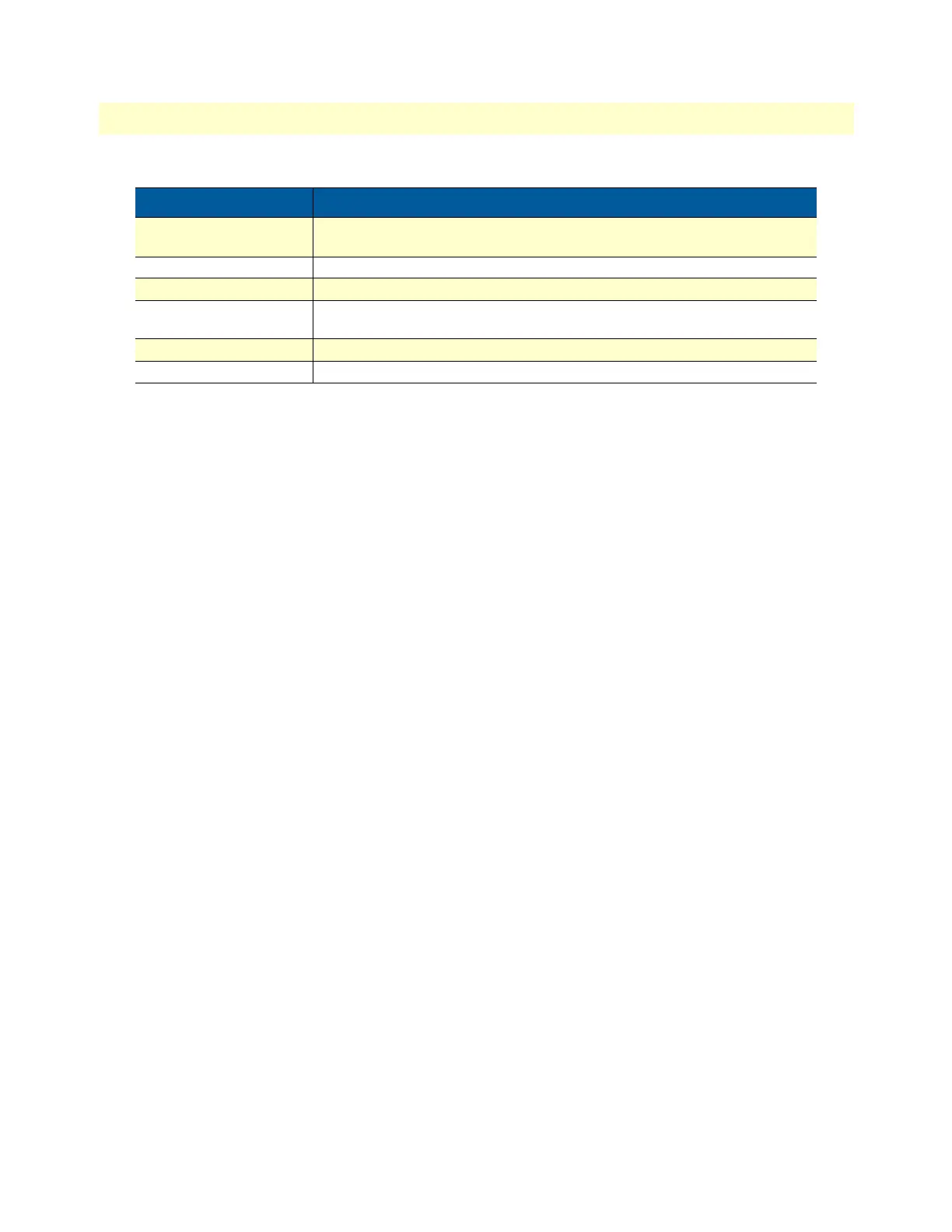
{a | b | c} Alternative but required keywords are grouped in braces ({ }) and are separated
by vertical bars ( | )
blue screen Information you enter is in blue screen font.
screen Terminal sessions and information the system displays are in screen font.
node The leading IP address or nodename of a SmartNode is substituted with node in
boldface italic font.
SN The leading SN on a command line represents the nodename of the SmartNode
# An hash sign at the beginning of a line indicates a comment line.
Table 1. General conventions
Convention Meaning


 To Next Page