Page 8
Ph: 804.227.3023
10511 Old Ridge Rd. Ashland, VA 23005
v 2.1
Powertrain Control Solutions
3 Save Calibration File
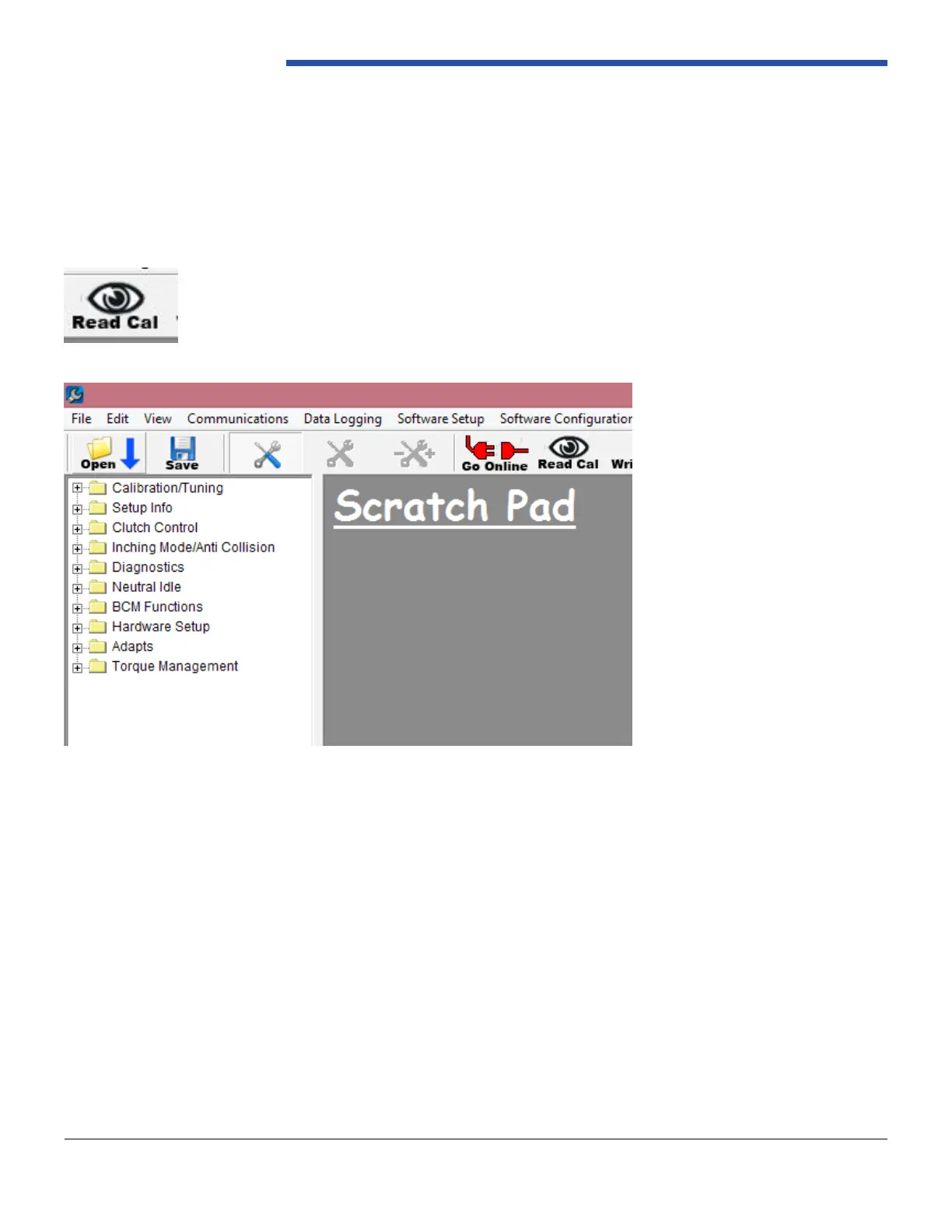
When the software is connected with the controller, click the “Read Cal” tool bar button. Reference Figure 11. You will
be prompted, with a window, to select where to save the calibration le and what to name it. It is recommended that you
save a copy of the calibration le, that your controller came with, before you start making changes. After clicking “save,”
the calibration will be retrieved from the controller and saved in the selected location. After this process completes, the
software will automatically open the retrieved calibration. When a calibration le is open in the software, you will have the
calibration tree view on the left hand side of the software. Reference Figure 12.
Figure 12: Tree View
Figure 11: Read Calibration Button


 To Next Page