15
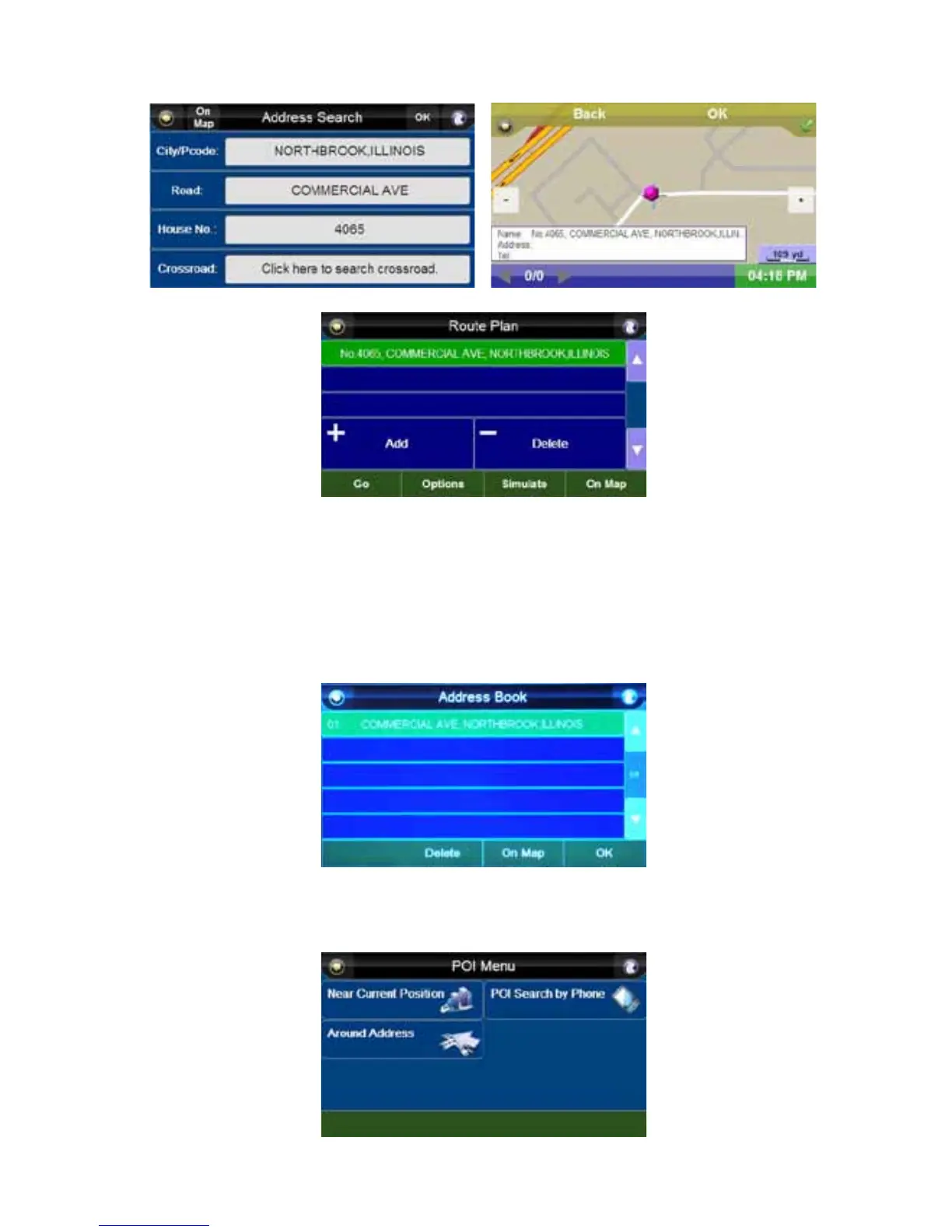
8. You can press the “On Map” button to verify the location entered, or press the “OK” button to
enter the “Route Plan” screen.
9. Press the “Go” button to start navigating or press the “Simulate” button to simulate the route you
will take.
See “Route Plan” on page 18 for complete route options.
Address Book
Press the “Address Book” button to display a list of saved addresses. Selecting the desired address
takes you to the “Route Plan” screen, with the selected address as your destination.
Point of Interest
You can search destinations by categories of interest through the “POI Menu” using the “Near Current
Position”, “Around Address” and “POI Search by Phone” functions.



 To Next Page