16
Near Current Position
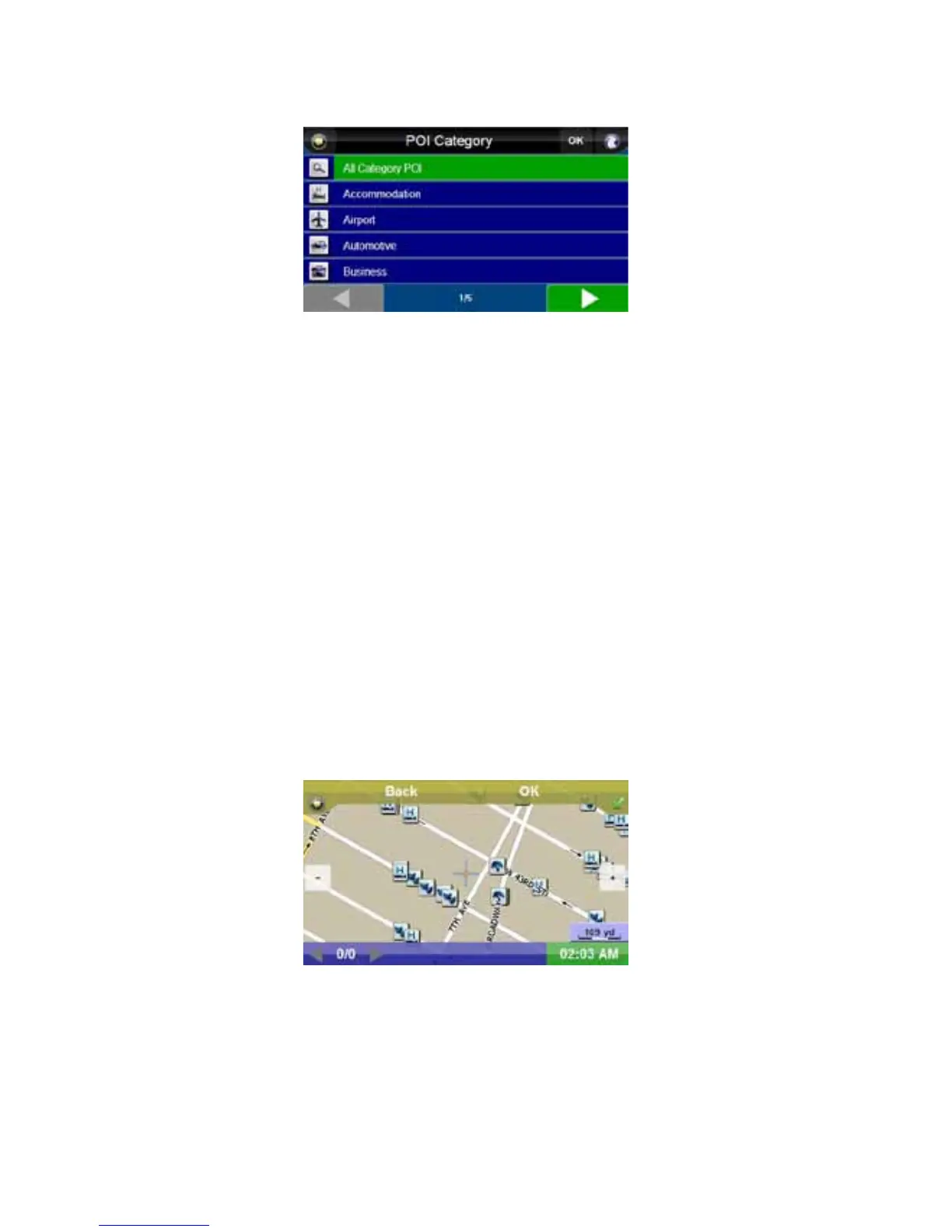
Pressing the “Near Current Position” button brings up a point of interest category list consisting of 22
categories.
Select your desired category. A list of results matching your category, including their address and
distance from your current location, will appear, arranged from closest to farthest.
From the points of interest list, you can scroll and select your desired item, click in the white “Name”
bar to enter the name of the point of interest or press the “On Map” button to show the points of
interest on the map.
Around Address
Pressing the “Around Address” button allows you to enter a city and state in which to search points of
interest. Enter the city and state as described in “Address” on page 12.
Select your desired category. A list of results matching your category, including their address, will
appear, arranged in alphabetical order. Proceed as described in “Near Current Position” on page 16.
POI Search by Phone
Pressing the “POI Search by Phone” button allows you to enter a city and state in which to search
points of interest by complete or partial phone number. Enter the city and state as described in
“Address” on page 12. Then, enter a phone number or several numbers to search by. A list of results
matching the numbers entered, including their phone number, will appear. Proceed as described in
“Near Current Position” on page 16.
Point on Map
Press the “Point on Map” button to display the “Point on Map” screen. In this screen, you can press
on streets or on point of interest buttons to highlight and display information about the item. Press the
“OK” button to select the item and enter the “Route Plan” screen, with the selected location as your
destination.
If there is more than one point of interest in the location highlighted, you can press the right and left
arrow buttons at the bottom of the screen to display the other points of interest.



 To Next Page