18
Navigating
Route Plan
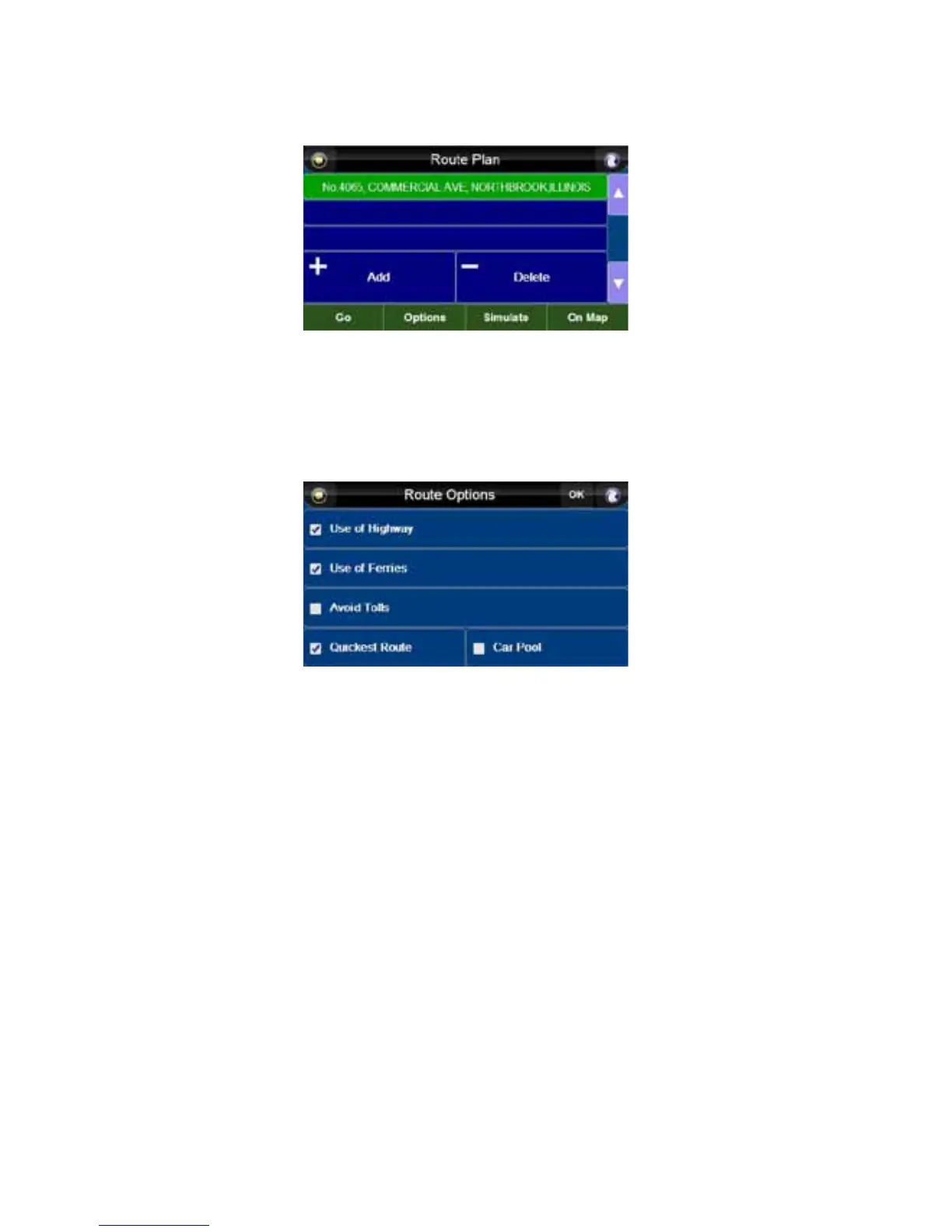
From the “Route Plan” screen, you have several options.
• Press the “Add” or “Delete” button to add waypoints to or remove waypoints from your route. You
can add up to two waypoints to your route.
• Press the up and down arrow buttons to change the order of your route.
• Press the “On Map” button to view the highlighted location on a map.
• Press the “Simulate” button to simulate the route you will take.
• Press the “Options” button to enter the “Route Options” screen.
From the “Route Options” screen, press the bars to choose:
− Maximize vs. minimize Use of Highway
− Maximize vs. minimize Use of Ferries
− Avoid vs. Allow Toll Roads
− Shortest Route vs. Quickest Route
− Allow vs. avoid Carpool
Press “OK” to save settings and take you to the “Route Plan” screen.
Press “Go” to begin navigation.



 To Next Page