20
Terminate
Pressing “Terminate” will end the current navigation and take you back to the “Navi Menu”.
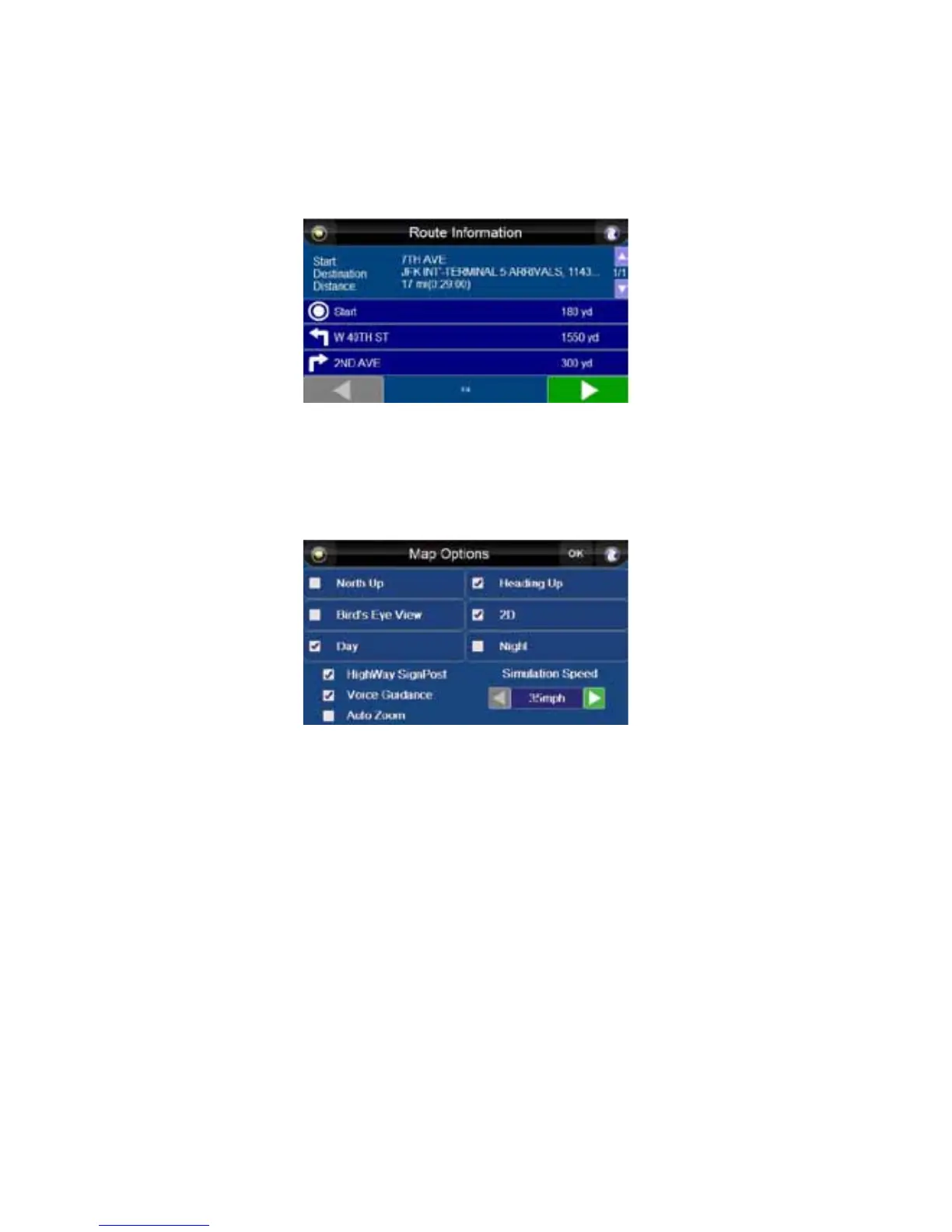
Route Information
The “Route Information” screen provides you with details about your route including starting point,
destination point, distance, and all turns and roads you will take (including distance between turns).
Use the small arrow buttons to scroll through waypoints, if applicable, and use the large arrow buttons
to scroll through the route to your destination.
Map Options
The “Map Options” button will take you to the “Map Options” screen. See “Map Options” on page 20.
Map Options
Press the “Map Options” button to access the “Map Options” menu.
From this menu, you can choose:
• North Up vs. Heading Up screen rotation
NOTE: North Up is only available when 2D is selected.
• Bird’s Eye View vs. 2D style maps
• Day vs. Night mode
• Highway SignPost on/off
• Voice Guidance at each turn on/off
• Auto Zoom on/off – When on, the unit automatically adjusts map view to speed.
• Simulation Speed – Choose between 35 – 210 mph or km/h, in increments of 35, using the
right and left arrow buttons.



 To Next Page