21
Settings
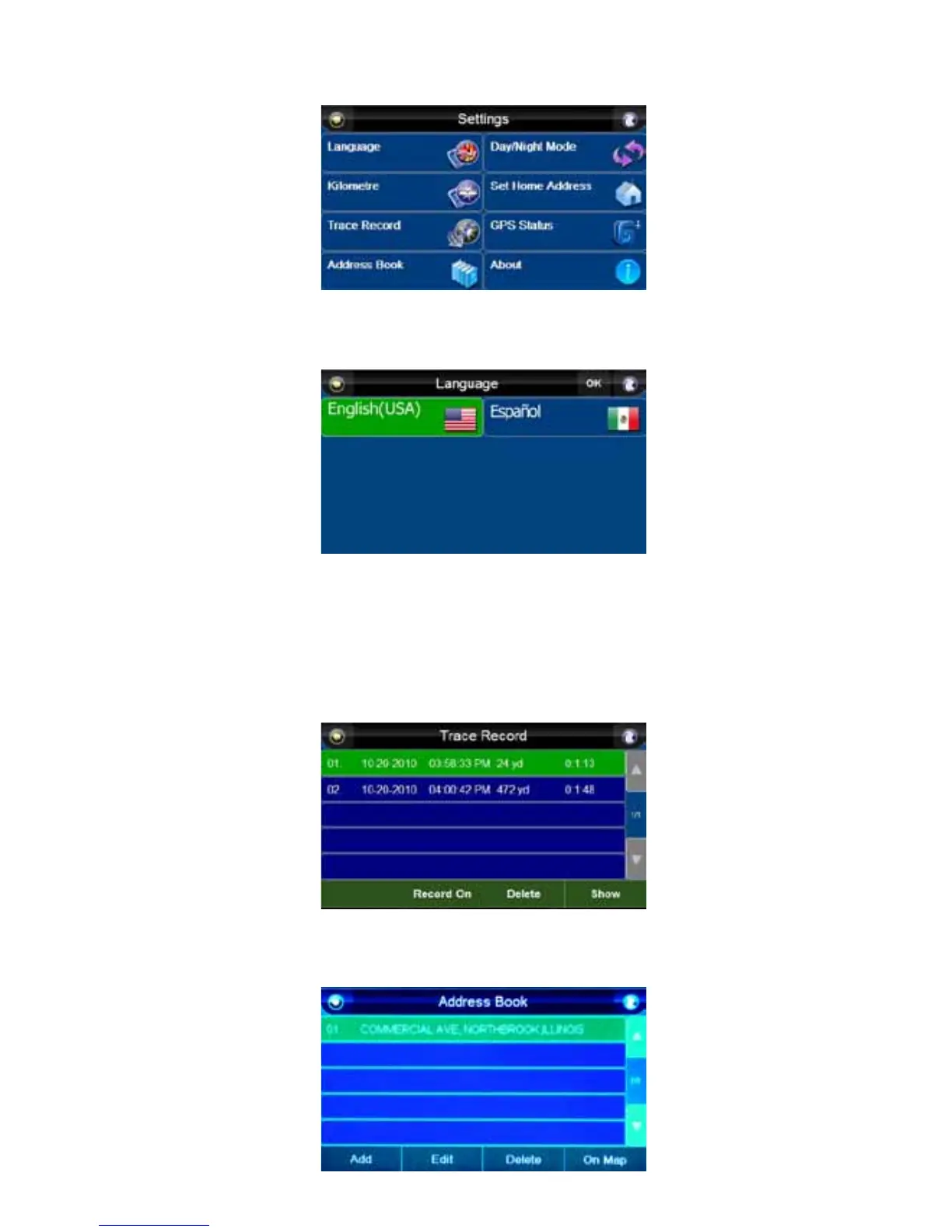
Press the “Settings” button to access the “Settings” menu.
Language
Pressing the “Language” button allows you to choose the language of the text in the Navigation
screens and the language spoken during navigation. Press the “OK” button to confirm.
Miles/Kilometres
Press the “Mile” button to change the speed display to kilometres per hour (km/h). Press the
“Kilometre” button to switch back to miles per hour (mph).
Trace Record
The “Trace Record” function allows you to record and trace your routes on a map. The “Trace Record”
screen shows a list of all traced routes. To enable tracing, “Record On” must selected. Pressing “Show”
with a route highlighted will allow you to view that route. You can also delete routes from this screen.
Address Book
Press the “Address Book” button. You can add, edit and delete. If you highlight an address and press
“On Map,” it will display that location on a map.



 To Next Page