22
Day/Night Mode
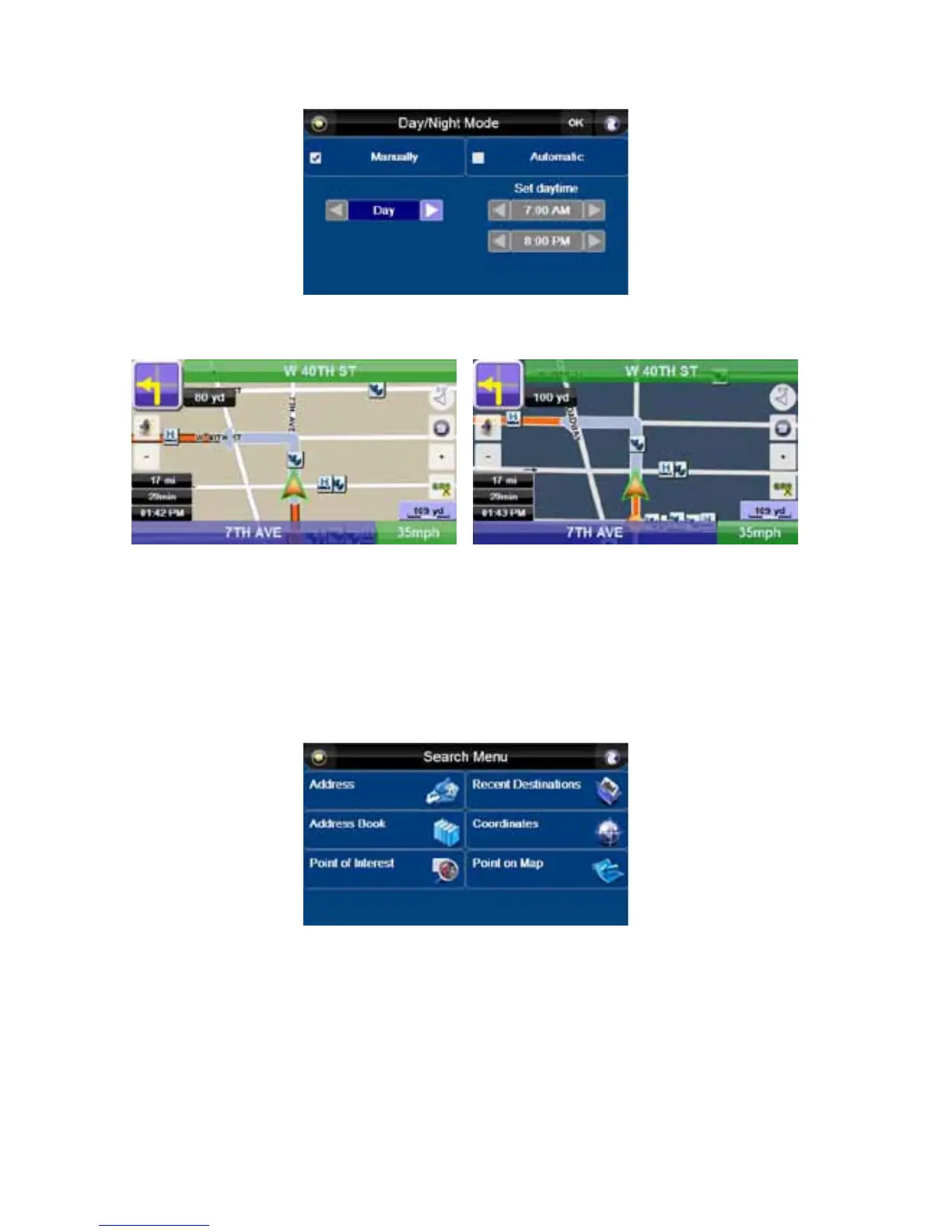
This screen allows you to choose between automatic and manual setting of “Day/Night” mode.
The map will have different color schemes in these two modes.
Day Night
With “Manually” highlighted, you can switch between “Night” and “Day” modes by pressing the arrow
buttons. With “Automatic” highlighted, you can set the time period during which “Day” mode will
operate. Set the start and end times using the arrows, and press “OK.”
Set Home Address
Press this button to enter the “Search Menu”. From there, choose one of the buttons to enter or find
the location you want to set as your home address. See “Go to” on page 12.



 To Next Page