23
GPS Status
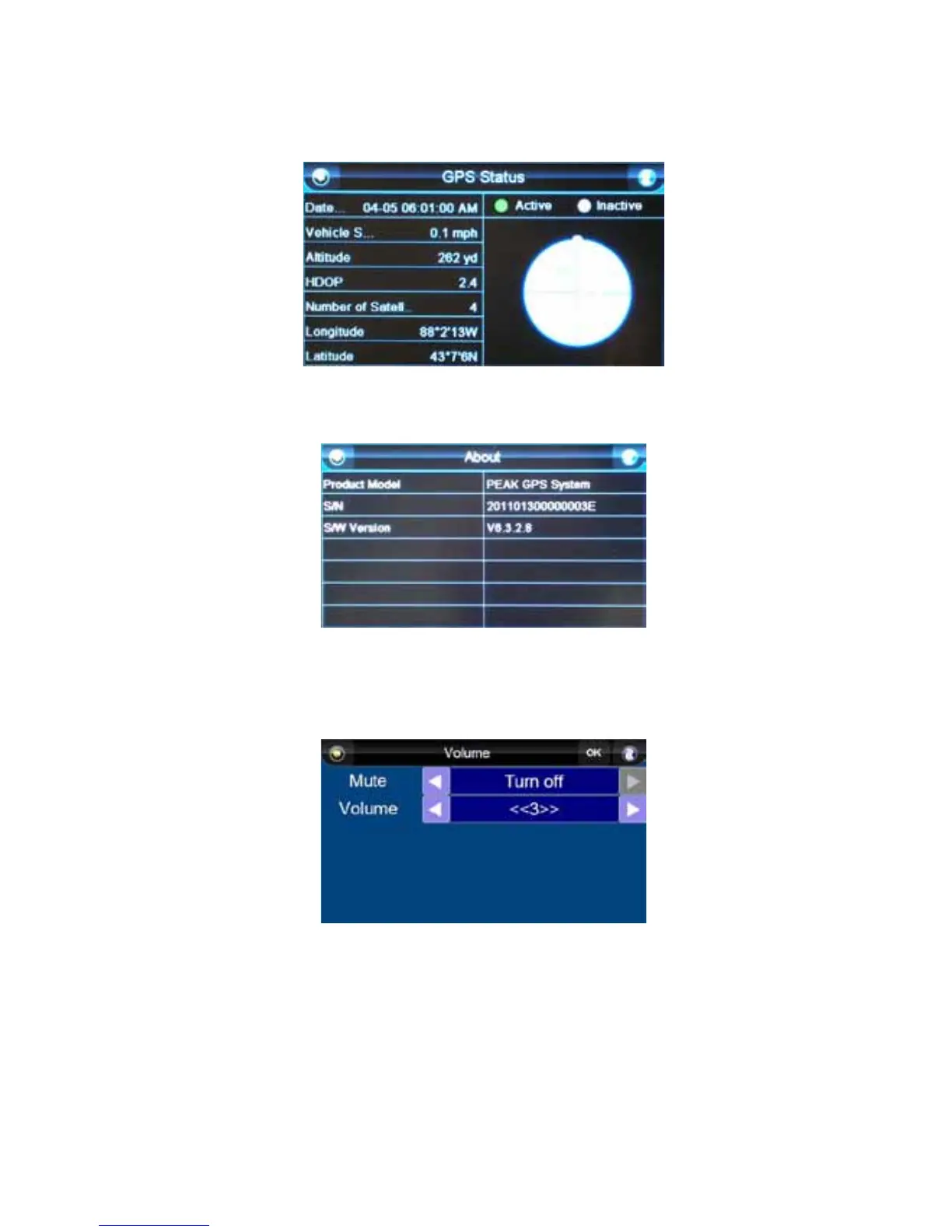
This button allows you to view information about the unit, including whether the unit is active (fixed
position) or inactive (no fixed position), the date/time, vehicle speed, altitude, HDOP, the number and
position of satellites the unit detects, and the current latitude and longitude. You can also access this
screen by pressing the “GPS” button when in the “Navi Map” screen.
About
Press the “About” button to access information about the unit.
Volume
The speaker volume cannot be accessed in the “Settings” menu; you must press the speaker button
from the “Navi Map” screen. From the “Volume” screen, use the right and left arrow buttons to adjust
the speaker volume or mute the sound.



 To Next Page