7
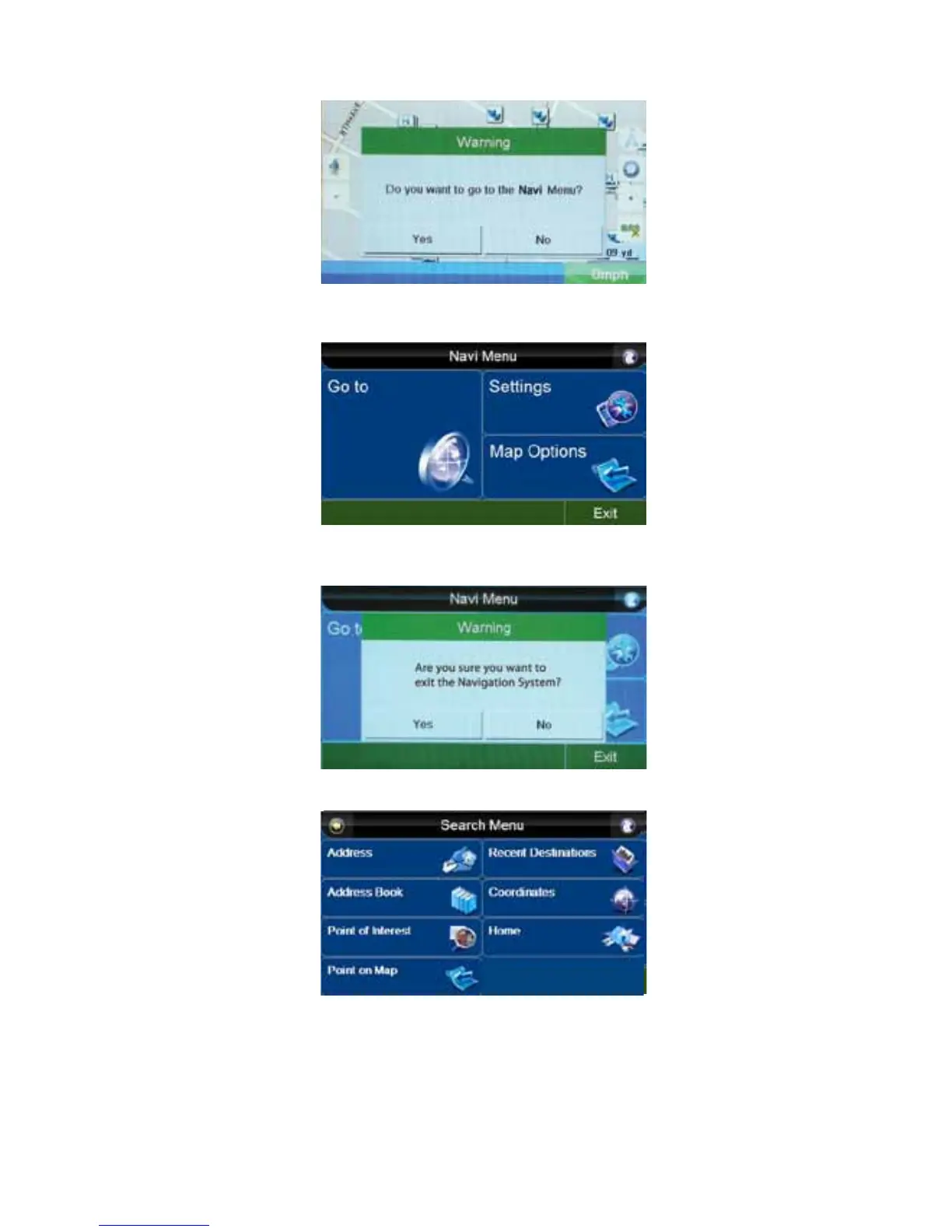
6. This message will pop up. Press “Yes” to go to the “Navi Menu” or “No” to stay at the same
screen.
7. This will take you to the “Navi Menu”. Press “Go to”.
NOTE: If you press the “Exit” button, this message will pop up. Press “Yes” to exit the Navigation
System, or “No” to continue.
8. You will now be at the “Search Menu” screen.
9. Press the “Address” button on the screen.



 To Next Page